What is the form widget?
The form widget is a lead-capture block — configurable fields (name, email, phone, message) with a submit button and a success message. Submissions are stored and emailed to you, so a story can do more than inform: it can convert.
When to use a form
- Lead generation — capture interest at the end of a pitch.
- Event sign-ups — collect RSVPs in context.
- Contact & demo requests — let readers reach you without leaving.
How it works
You choose the fields and the button label; on submit, the entry is saved and a notification email is sent to your address. Because it needs a secure backend to receive and store submissions, the form is published through Scrollytelling rather than exported as a static snippet.
Best practices
- Ask for as little as possible — every field costs conversions.
- Put the form after you've made your case.
- Set a clear success message so people know it worked.
How to add a form — free to start
Open the editor
Add a Form section to your story.Pick your fields
Choose fields, the button label and your notification email.Publish & collect
Submissions arrive in your inbox and dashboard.
Templates that use a lead form
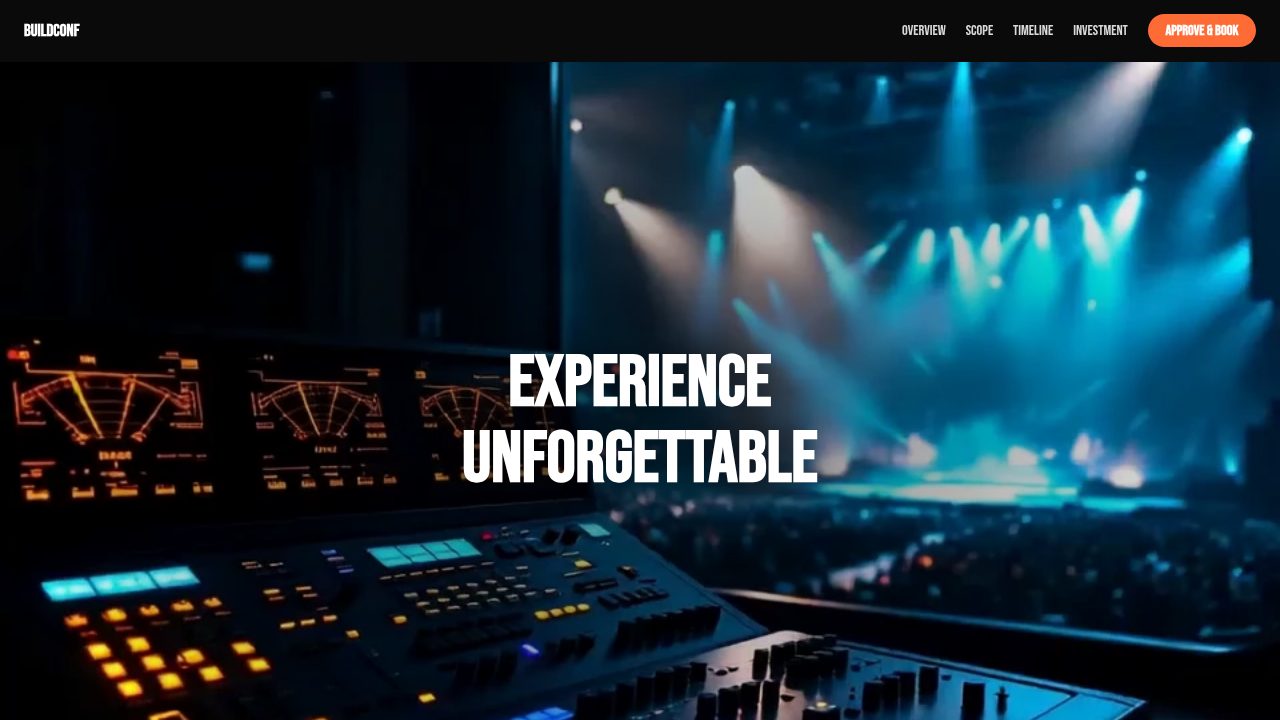
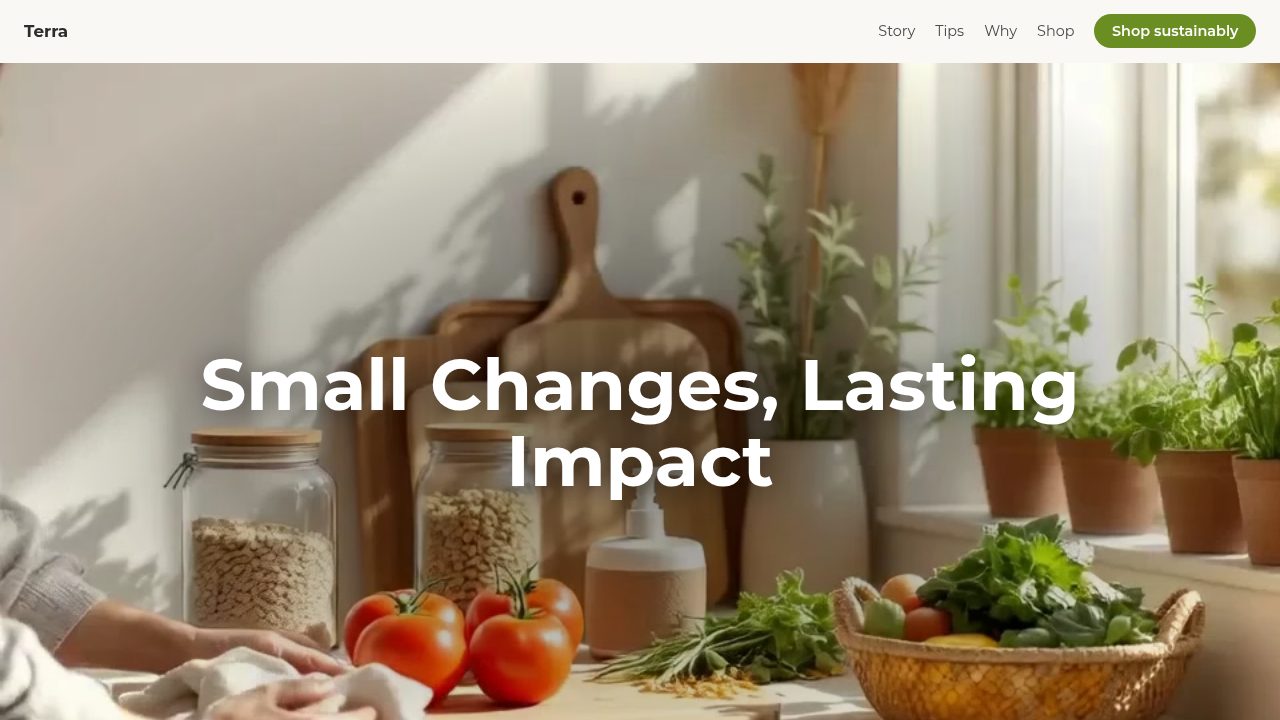
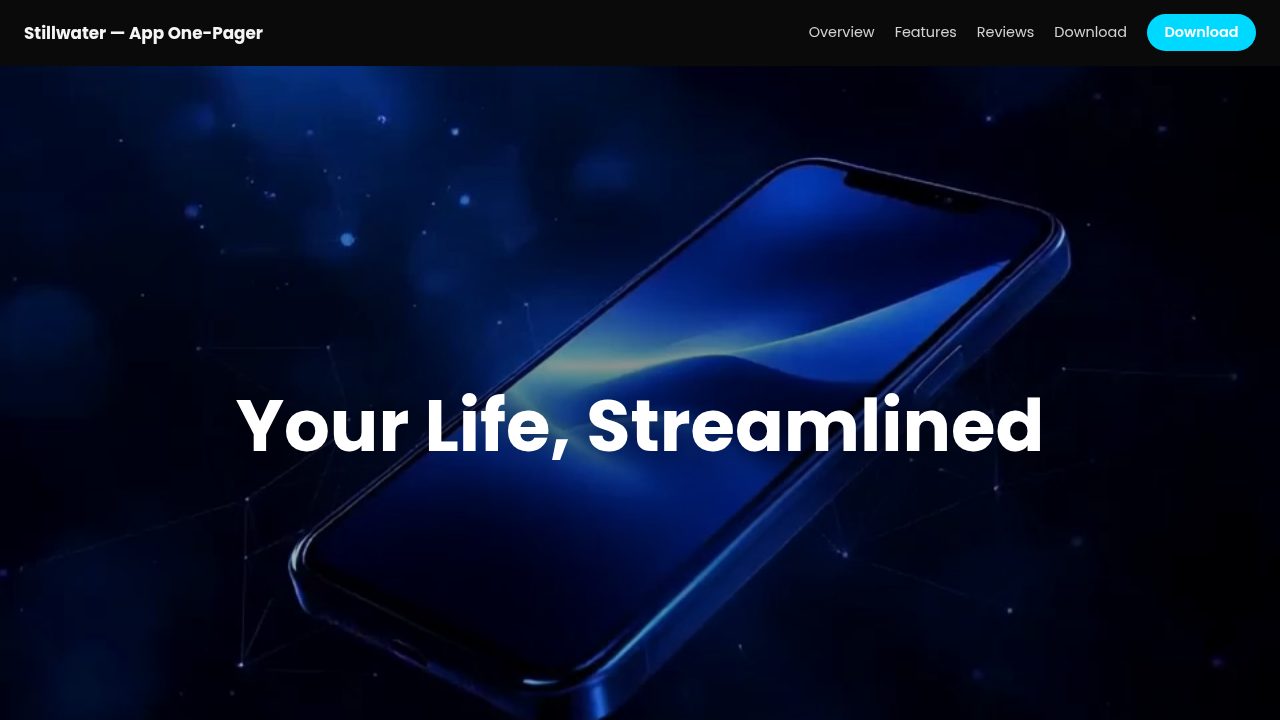
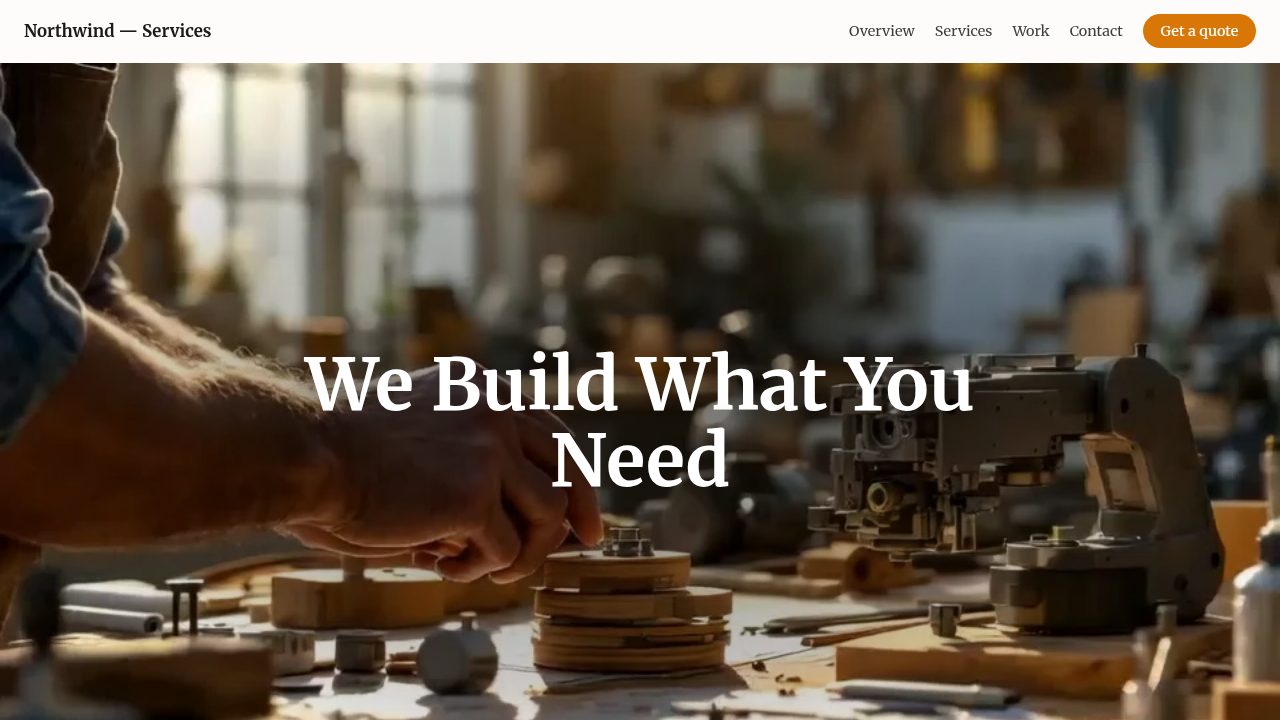
Want a head start? These ready-made, fully-editable templates put the lead form to work — customize one and publish in minutes.




Lead form — frequently asked questions
Is the form widget free?
You can design and preview it free here. Collecting real submissions needs an account, and forms are a Pro feature in the editor.
Where do submissions go?
When published in Scrollytelling, entries are stored and emailed to your notification address.
Why isn't there a copy-paste embed?
A form needs a secure backend to receive data, so it's published through Scrollytelling rather than a static snippet — design it here, then build it in the editor to go live.
Can I choose the fields?
Yes — add or remove fields and pick each type (text, email, phone, number, message), and set the button label and success message.