All widgets
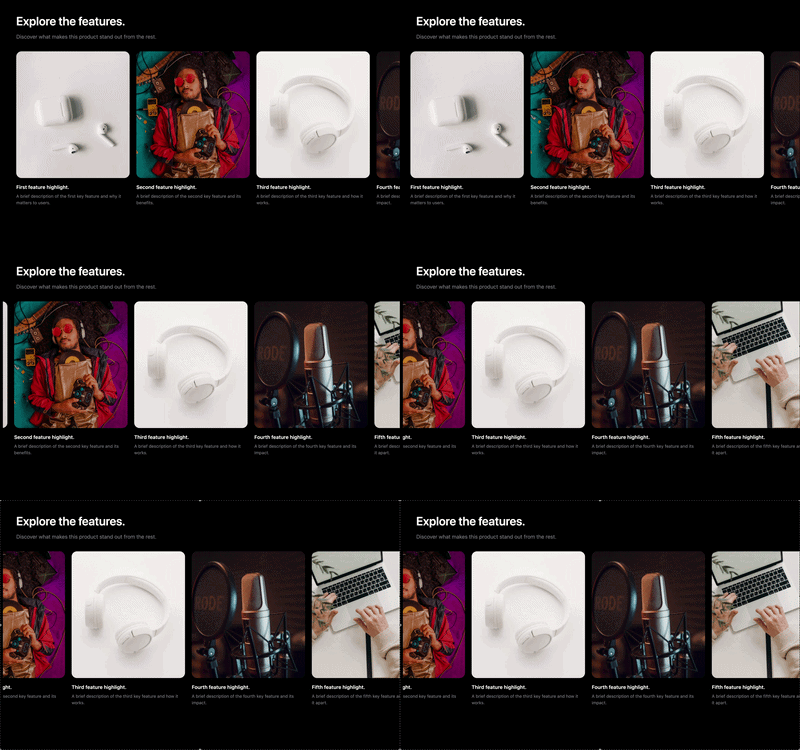
Carousel
A carousel lets readers swipe or click through a row of image cards — perfect for showing off fe…
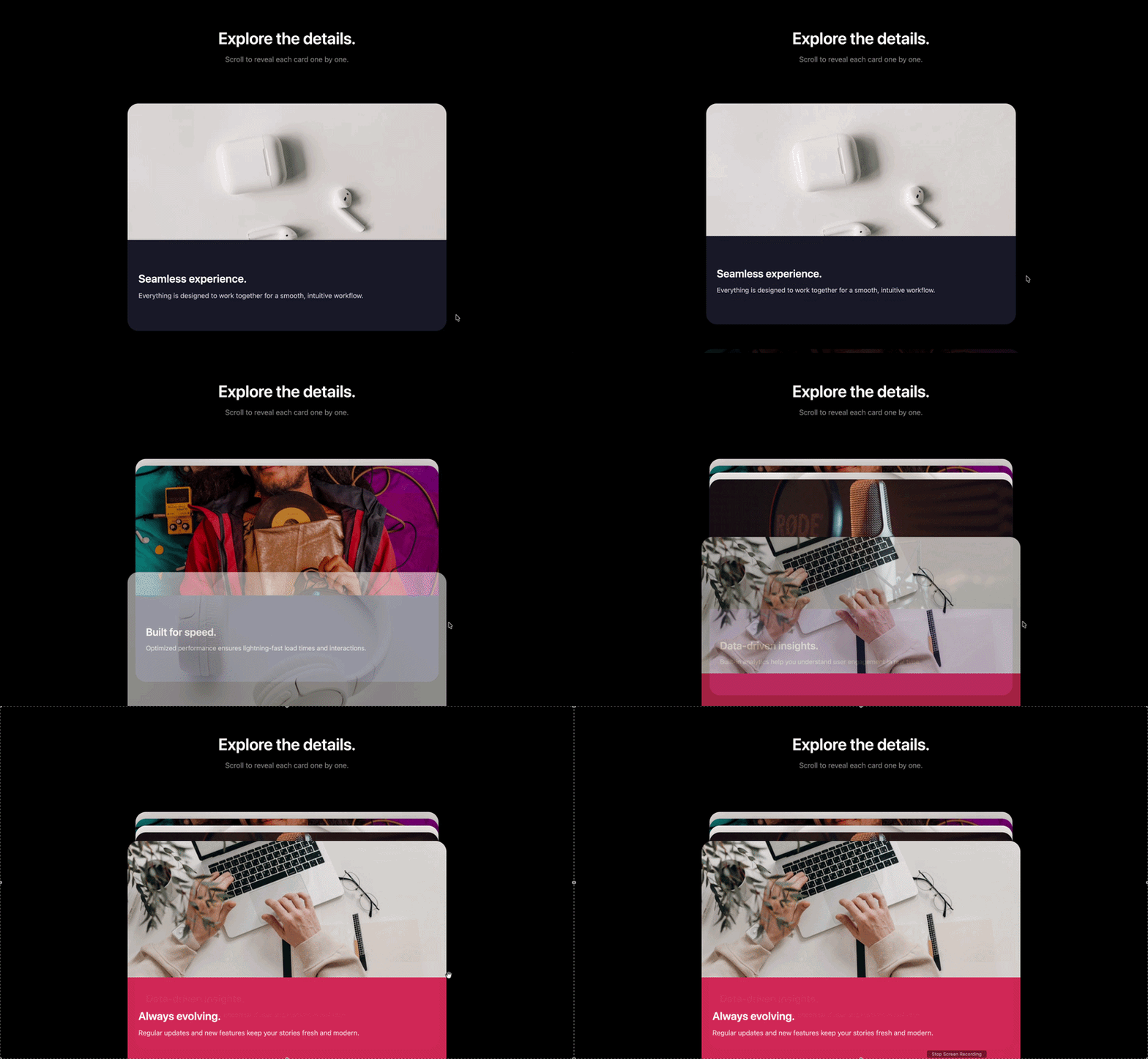
Stacking cards
Stacking cards pin to the top of the screen and pile up one behind another as the reader scrolls…
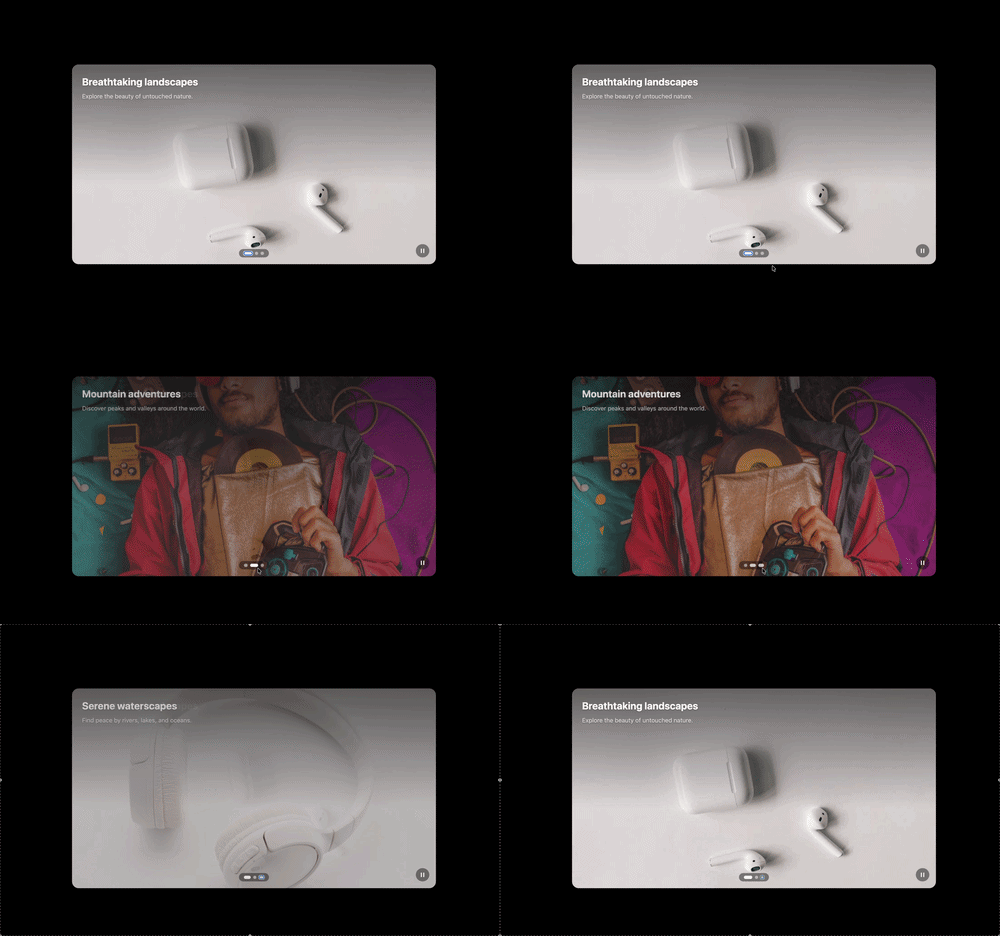
Slideshow
A slideshow shows one full-width slide at a time, with arrows and clickable dots to move through…
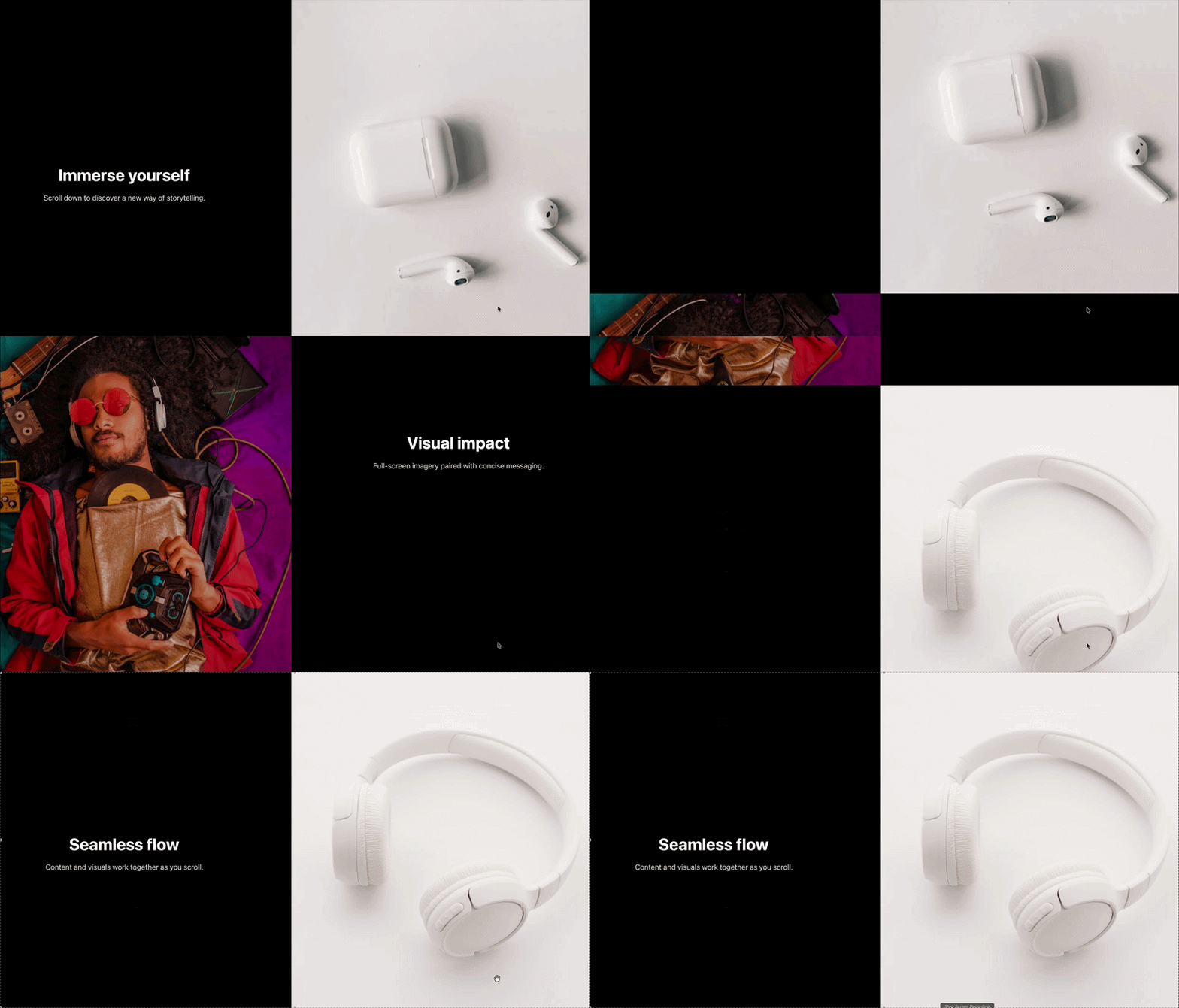
Split scroll
Split scroll pairs scrolling text with a pinned image column that updates scene by scene — the c…
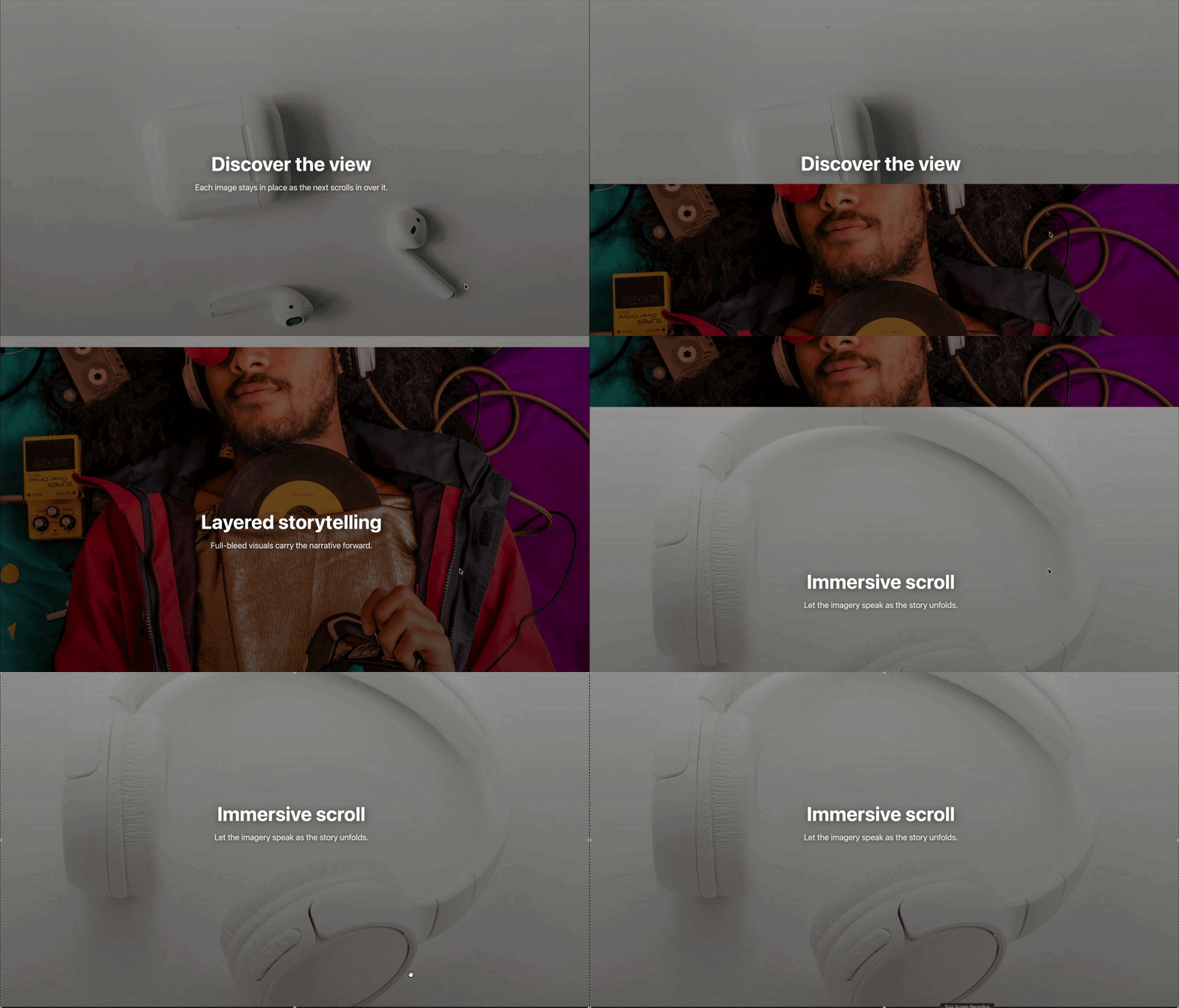
Stacking images
Stacking images are large, full-bleed photos that pin and pile up as the reader scrolls, each wi…
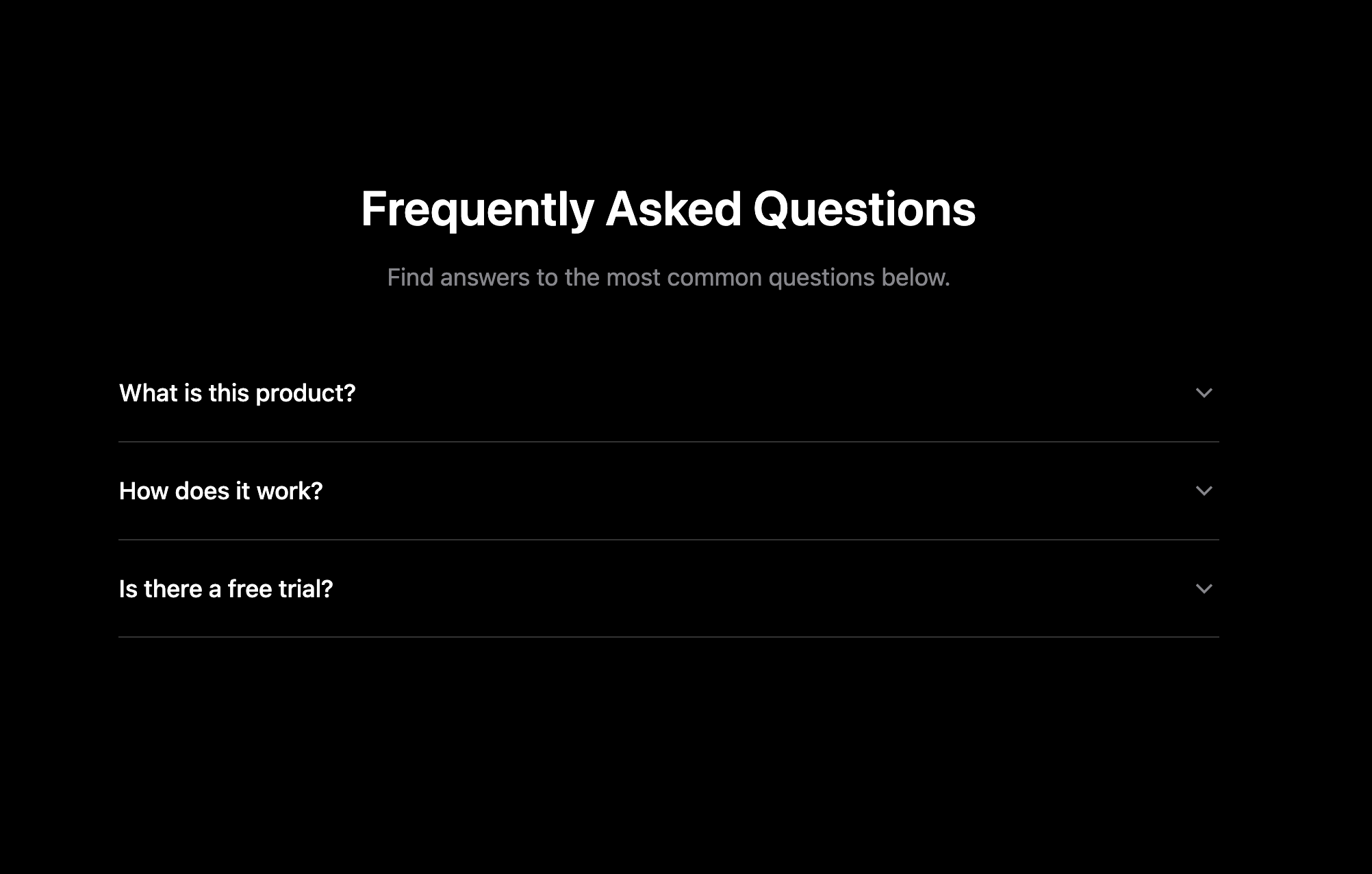
FAQ accordion
An FAQ accordion turns common questions into tidy, expandable rows — readers tap a question to r…
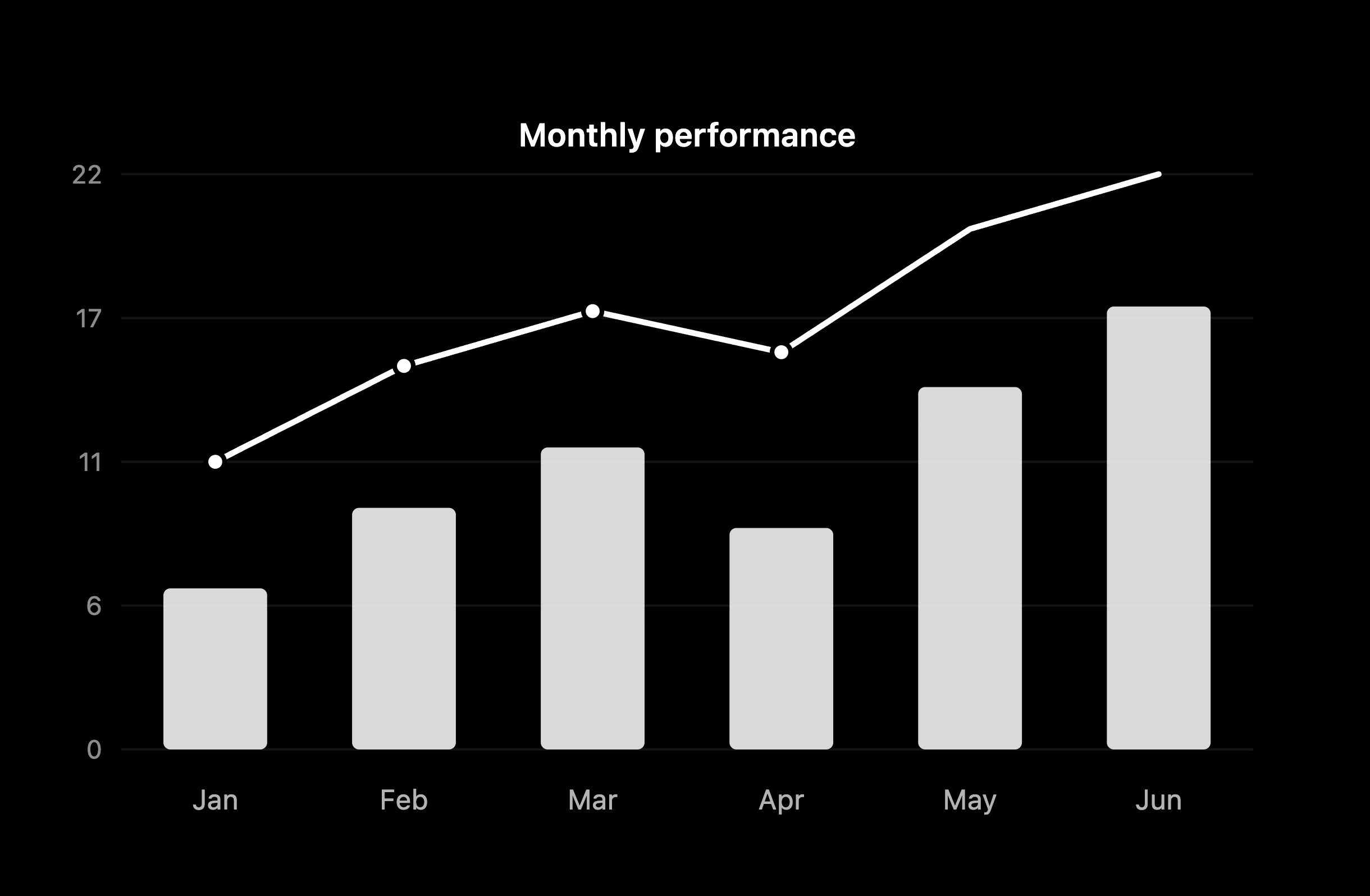
Chart
A chart turns numbers into a point. Bars grow, lines draw, and pies sweep into view as the reade…

Scroll video
Scroll video ties a full-screen video to the scrollbar, so the footage advances frame-by-frame a…

Video background
A video background plays full-screen behind your headline and content — an instant way to make a…
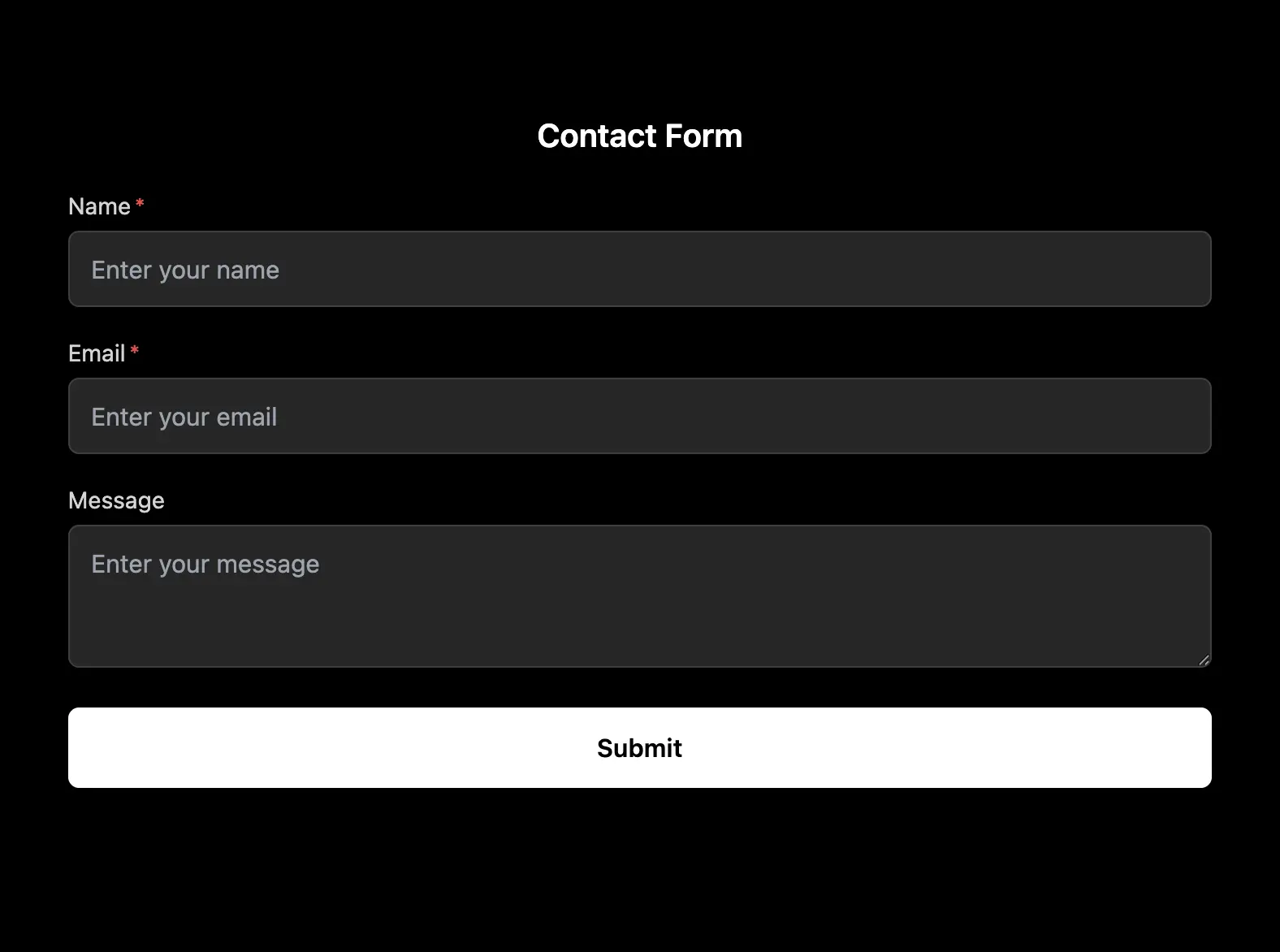
Lead form
A form turns readers into leads — collect emails, names and messages right inside your scroll st…
Prefer a head start?
Every widget also lives inside our ready-made templates and free story makers — pick a starting point and make it yours. Or jump straight to the free motion background maker and motion background gallery.