What is an expanding strip?
An expanding strip is a full-height row of photo panels that share the width equally until the reader points at one. That panel grows to several times its share, its picture settles from a gentle zoom to its true crop and its title and label slide up from the bottom; the other panels shrink, dim and soften behind a blur, so the eye lands on the open one.
It is the hover gallery of fashion and travel sites: a cinematic way to show a handful of strong images without a carousel.
When to use it
- Collections — one panel per line, range or season.
- Disciplines or services — one word each, one strong photo each.
- Places — cities, venues, rooms.
- A team — portraits that open to a name and a role.
- A cinematic break — a full-screen pause between two text-heavy sections.
How it works
Every panel is a flex item. Pointing at one sets its grow factor to the Expand value (4 by default) and the others to a floor; the change is eased with a gaussian falloff from the open panel, so its immediate neighbours give way smoothly instead of snapping. The open photo scales from 1.25 down to 1 and the closed ones pan slightly aside; the closed panels get a dim layer and a backdrop blur, while the open one gets a soft scrim at the bottom and its title and label slide up with a short stagger. A vertical side label marks each closed panel and slides out of the way when the panel opens.
Leaving the strip returns everything to rest. The arrow keys move the open panel, Enter and Space toggle it, and on touch screens a tap opens and a second tap closes. Below 768px the strip stacks vertically and still responds to taps. Readers who prefer reduced motion get the states without the eases.
Best practices
- Three to six panels — fewer and the strip looks empty, more and the closed slivers get too thin.
- Use photos that survive a tall, narrow crop: a clear subject near the centre.
- One-word titles and short labels read best; the panel is tall, not wide.
- Keep the strip full height for the cinematic feel, or shorten it to 75% or 50% when it sits between text sections.
How to make one — free
Edit the panels above
Set each panel's title, label and photo — upload your own.Pick the feel
How far the open panel expands, the strip's height, side labels on or off, colours.Embed or download
Copy the embed code or save the self-contained HTML file — or build a whole story in Scrollytelling.
Templates that use a expanding strip
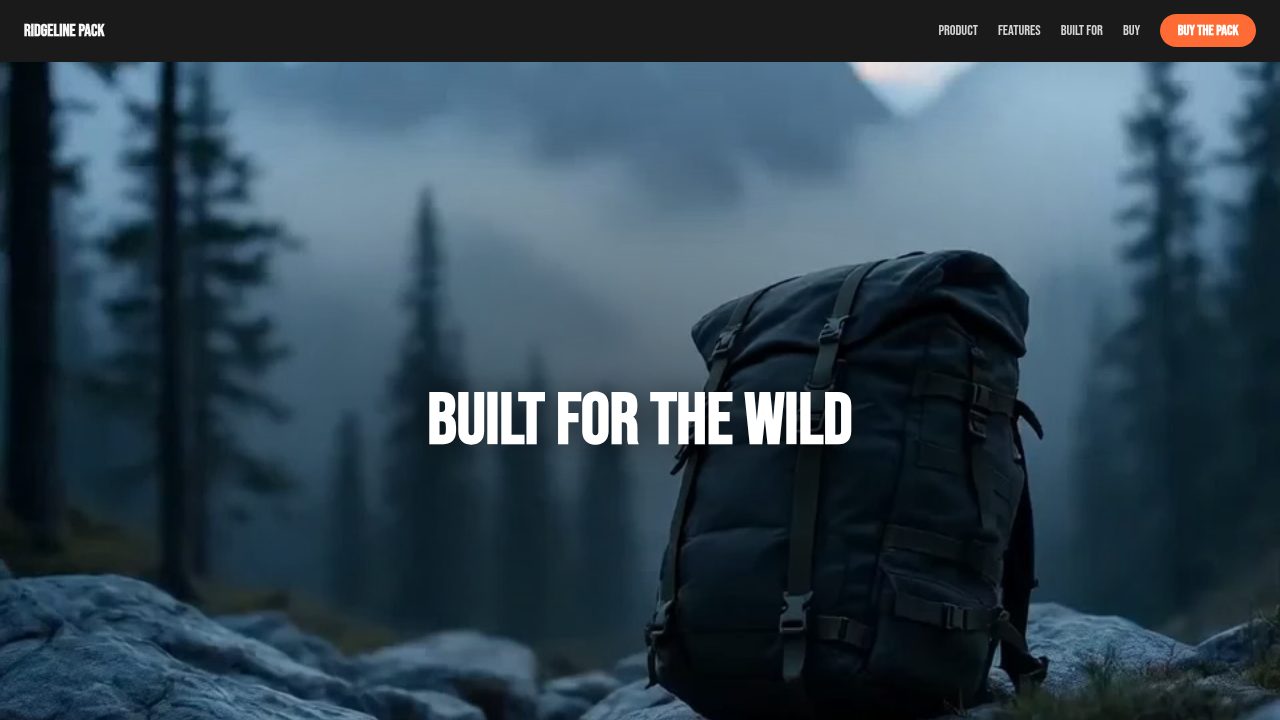
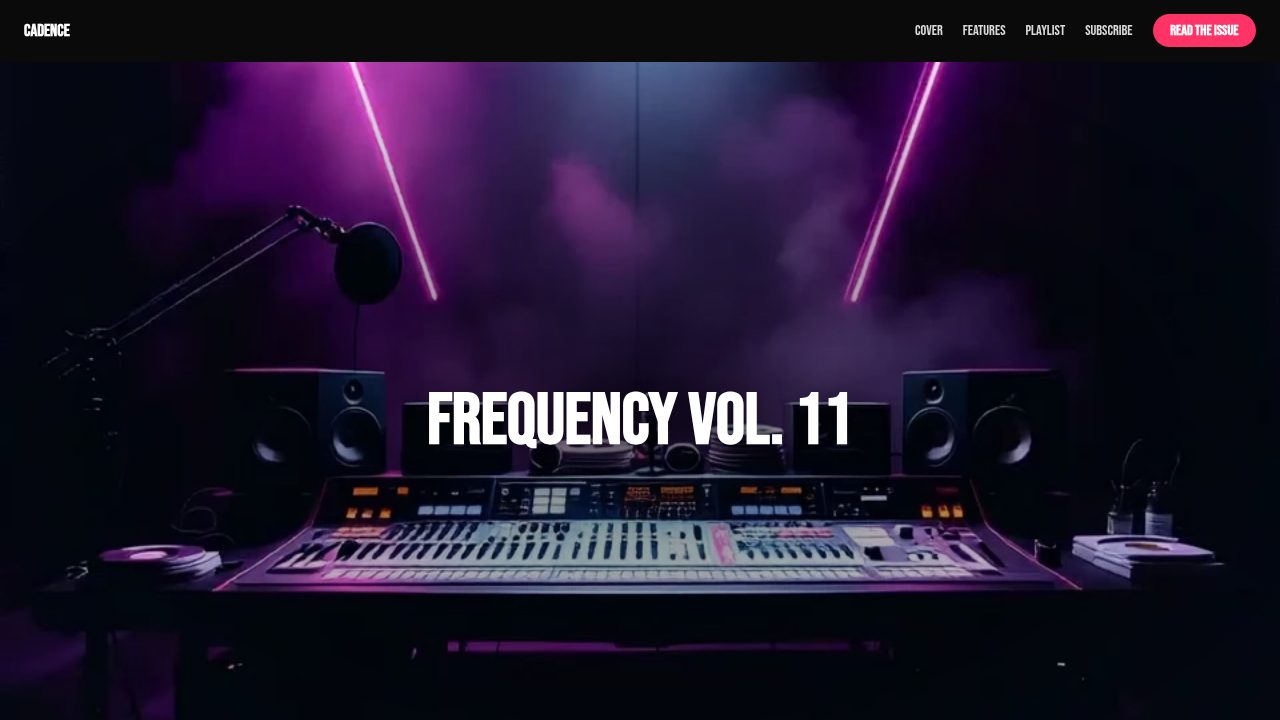
Want a head start? These ready-made, fully-editable templates put the expanding strip to work — customize one and publish in minutes.






Expanding strip — frequently asked questions
Is the expanding strip free?
Yes — customize and export it here with no account.
Does it work on phones?
Yes. Below 768px the panels stack vertically and open on tap; a second tap closes them.
How many panels can I add?
As many as you like; three to six keeps the closed panels readable.
Can readers use the keyboard?
Yes — the arrow keys move the open panel, Enter or Space toggles it, and the strip returns to rest when focus leaves it.