What is the stacking-images widget?
Stacking images shows each photo near full height; as you scroll, the current image pins and the next rises to cover it. Titles and captions sit on a gradient scrim at the bottom, so text stays readable over any photo. It's made for image-first stories.
When to use stacking images
- Photo essays & lookbooks — let the imagery dominate.
- Brand moments — big, cinematic visuals with a short line each.
- Event or travel recaps — a sequence of standout shots.
How it works
Each image card is a tall sticky panel with a staggered offset, so panels stack with depth. The caption overlay uses a bottom gradient for legibility, and the layout is responsive.
Best practices
- Use high-resolution, landscape-friendly images.
- Keep captions to a few words.
- 3–5 images keeps the reveal punchy.
How to make stacking images — free
Add your images above
Upload or paste image URLs and set short captions.Embed or download
Copy the code or save the HTML file.Build a full story
Use it in a Scrollytelling page — free to start.
Templates that use a stacking images
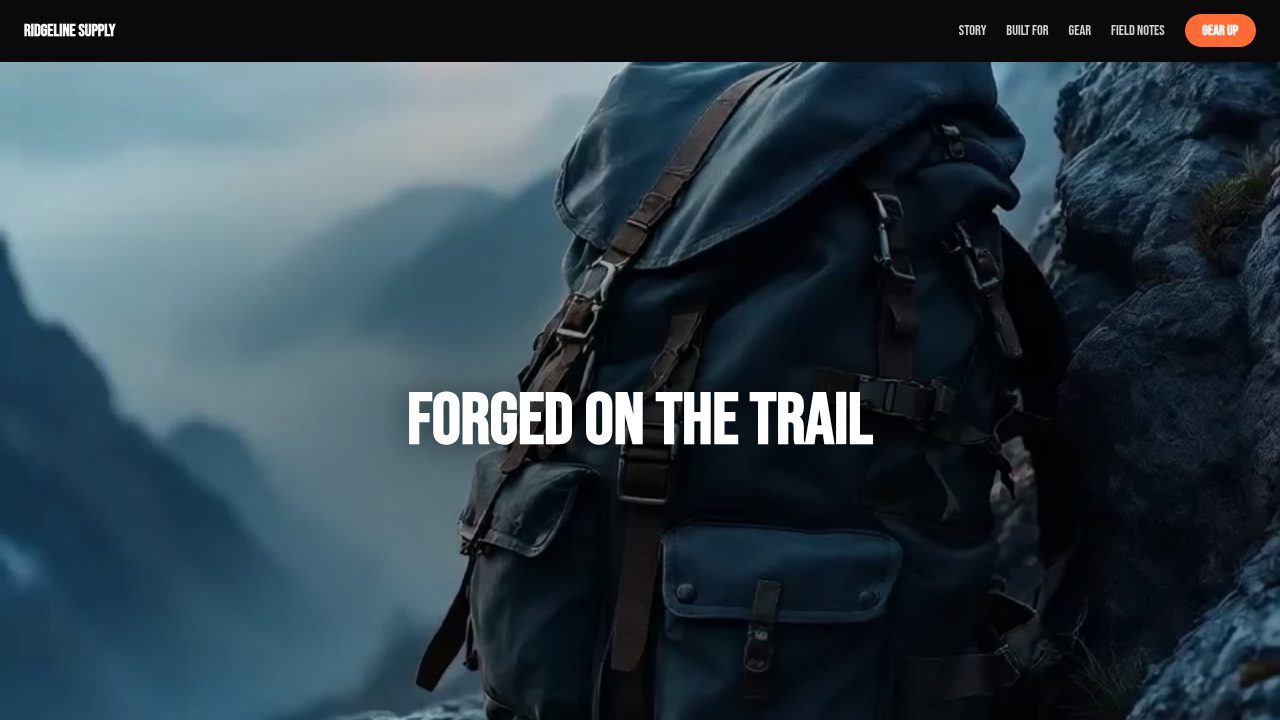
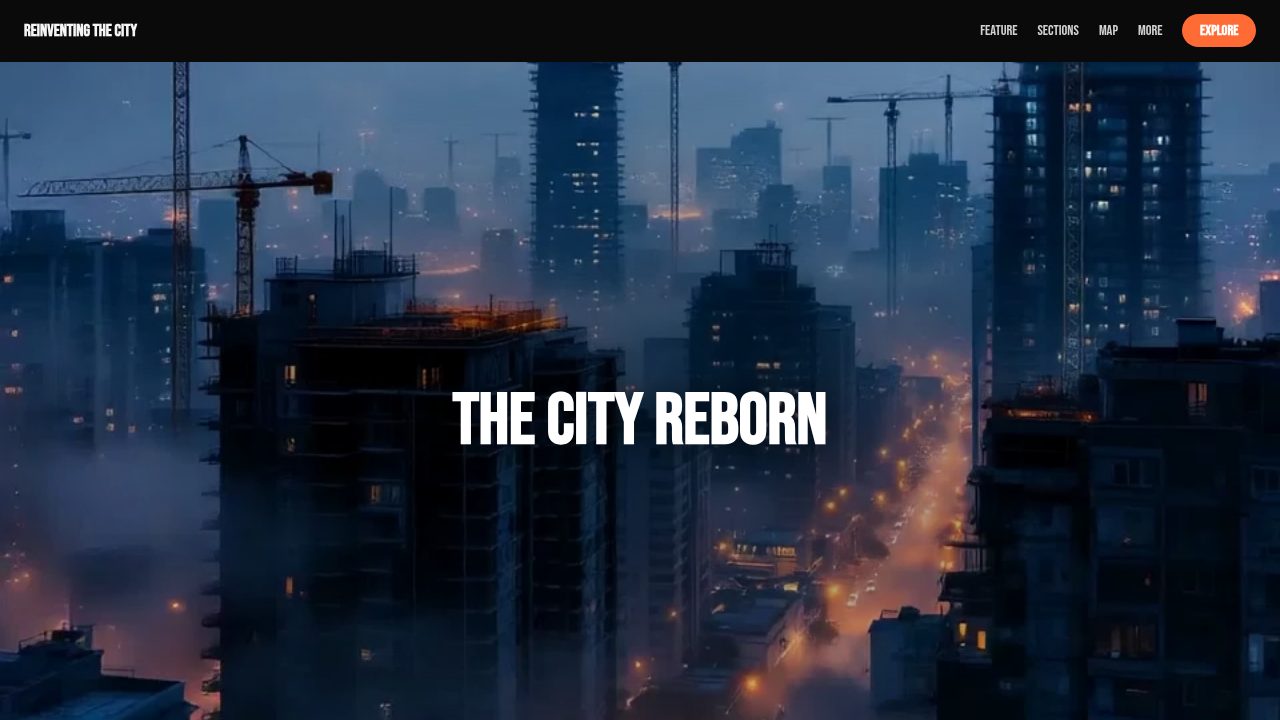
Want a head start? These ready-made, fully-editable templates put the stacking images to work — customize one and publish in minutes.






Stacking images — frequently asked questions
Is it free?
Yes — customize and export stacking images at no cost, no account needed.
How do I embed it?
Copy the embed snippet into your site/CMS, or download a standalone HTML file.
What image sizes work best?
Large, high-resolution landscape images look best since they fill the viewport.
Is text readable over photos?
Yes — captions sit on a gradient scrim so they stay legible over any image.