What are FAQ cards?
FAQ cards show every question at once, each on its own card in a horizontal row, instead of stacking them in a list. One card is open: it takes the page's accent colour, its question lifts to the top and the answer appears under it. The others rest in a quiet tint of the page with their question sitting at the bottom. Tapping a card, pressing an arrow or using the keyboard slides the row so the open card sits second and opens it.
Every card is exactly as tall as the longest question and answer in the set, measured once when the page loads, so opening a card never changes the height of the section and the page never jumps.
When to use FAQ cards
- Four to six strong questions — enough to fill a row, few enough to tap through.
- Short answers — one to three sentences that fit on a card.
- A section with presence — the title, intro and coloured card make a real act of the FAQ, not a footnote; for a long list of questions the accordion stays more compact.
How it works
The widget measures each card's question and answer, takes the tallest pair and sets that as the height of every card; each resting question is then placed at the bottom of its card and each answer just under its question. The row is a single track that slides sideways so the open card sits in the second slot on desktop and leads on phones; the slide, the colour change, the question lifting and the answer fading in are plain CSS transitions, so they run smoothly on any device.
The title's last word is set in the accent colour, and the open card can wear the accent or a softer tint of the page. Arrow keys move between cards, Enter or Space opens one, and readers who prefer reduced motion get the states without the slides.
FAQ cards and SEO
Question/answer content is exactly what search engines surface in rich results. Inside a Scrollytelling page the Q&As render as real, crawlable text, and the widget pages here add FAQPage structured data, which can qualify answers for rich results.
Best practices
- Write questions the way people actually ask them.
- Keep answers to one to three sentences — the cards are as tall as the longest one.
- Order by what matters most; the second card is the one readers see open first on desktop when you start there.
- Four to six questions keeps the row short enough to tap through.
How to make FAQ cards — free
Edit the questions above
Add your real Q&As, the title and the intro, and pick your colours.Embed or download
Copy the embed code or save a standalone HTML file.Add it to a page
Drop FAQ cards into a full Scrollytelling story — free to start.
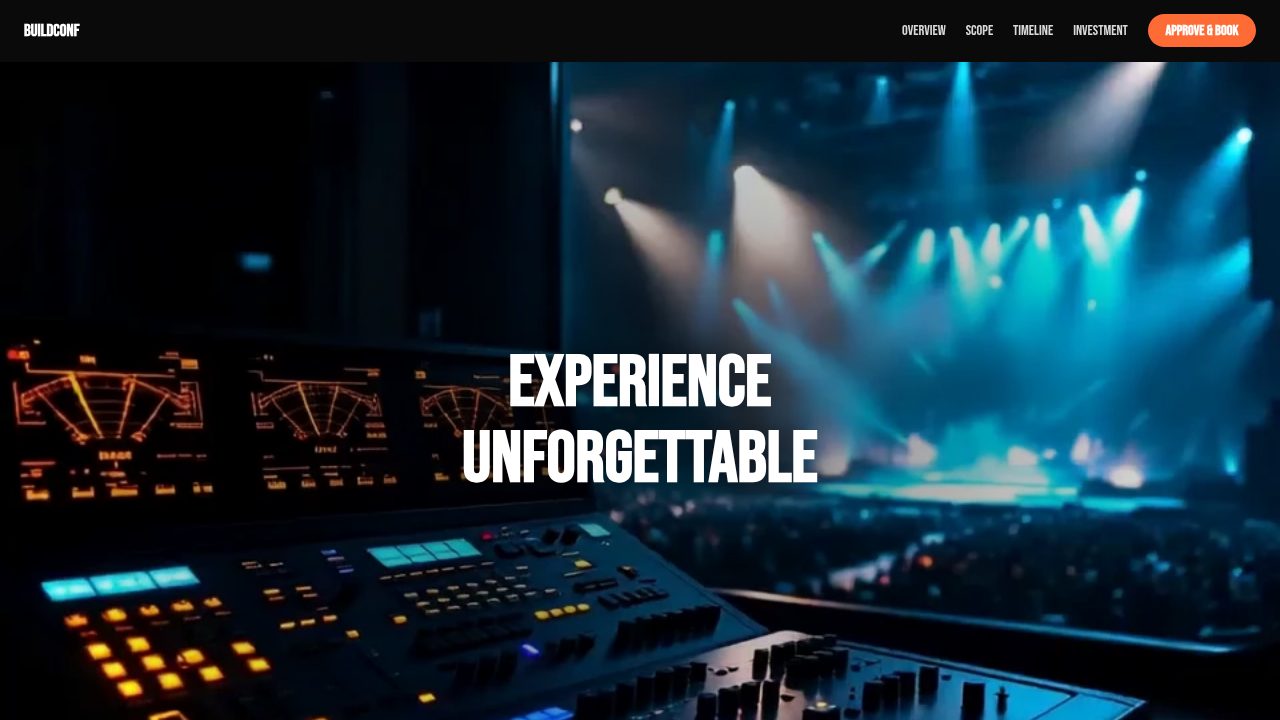
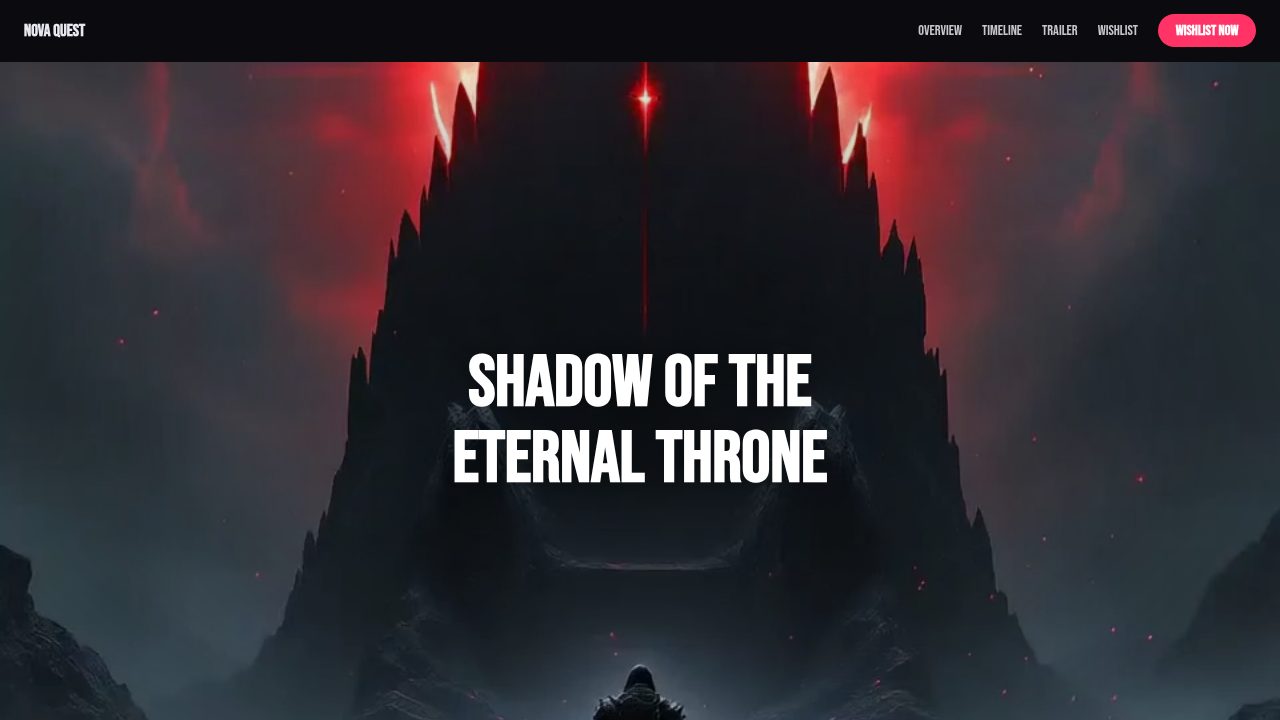
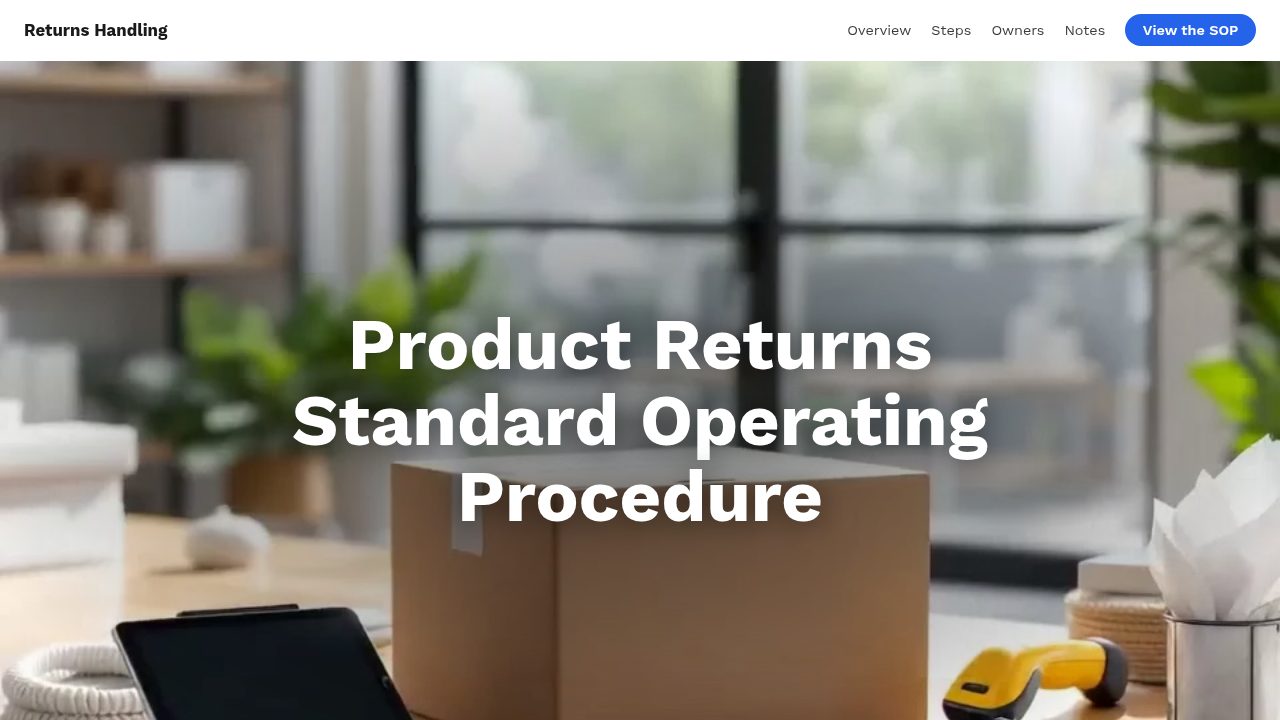
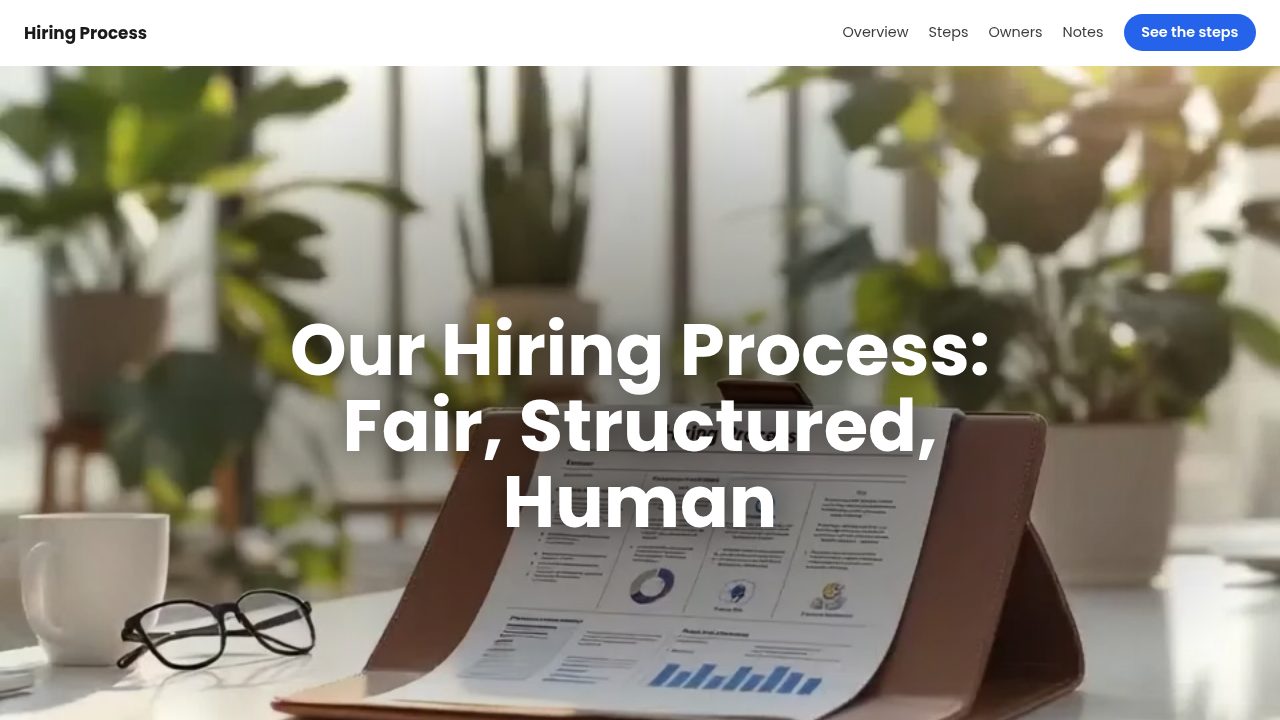
Templates that use a FAQ cards
Want a head start? These ready-made, fully-editable templates put the FAQ cards to work — customize one and publish in minutes.




FAQ cards — frequently asked questions
Is the FAQ cards widget free?
Yes — build and embed it with no account or payment.
Does the height change when a card opens?
No. Every card is as tall as the longest question and answer, measured once, so the section keeps one height and the page never jumps.
Does it work on mobile?
Yes — on phones one card fills most of the width and the open one leads; swiping the row is replaced by tapping a card or the arrows.
How many questions can I add?
Up to eight; four to six reads best, because every card shares the same height and the row stays short enough to tap through.