What are stacking cards?
Stacking cards are a vertical deck where each card sticks to the top of the viewport as you scroll, and the next card slides up to rest on top of it. The effect is a tidy, deliberate reveal — one idea at a time — without animation libraries or heavy scripting.
When to use stacking cards
- Sequential points — a three-to-five step argument, process, or value prop.
- Feature reveals — give each feature a full beat of attention.
- Storytelling moments — chapters that should land one after another.
How it works
Each card uses CSS position: sticky with a staggered top offset, so it pins a little lower than the one before and the deck visibly stacks. It's pure CSS — no scroll listeners — so it stays smooth even on long pages.
Best practices
- Give each card a single, clear idea.
- Use an opaque card background so stacked cards hide what's beneath.
- Keep it to 3–5 cards; the effect loses impact beyond that.
How to make stacking cards — free
Edit the cards above
Change each card's title, caption and image, and pick your colors.Copy or download
Grab the embed code or a self-contained HTML file.Build a full story
Combine stacking cards with other widgets in Scrollytelling — free to start.
Templates that use a stacking cards
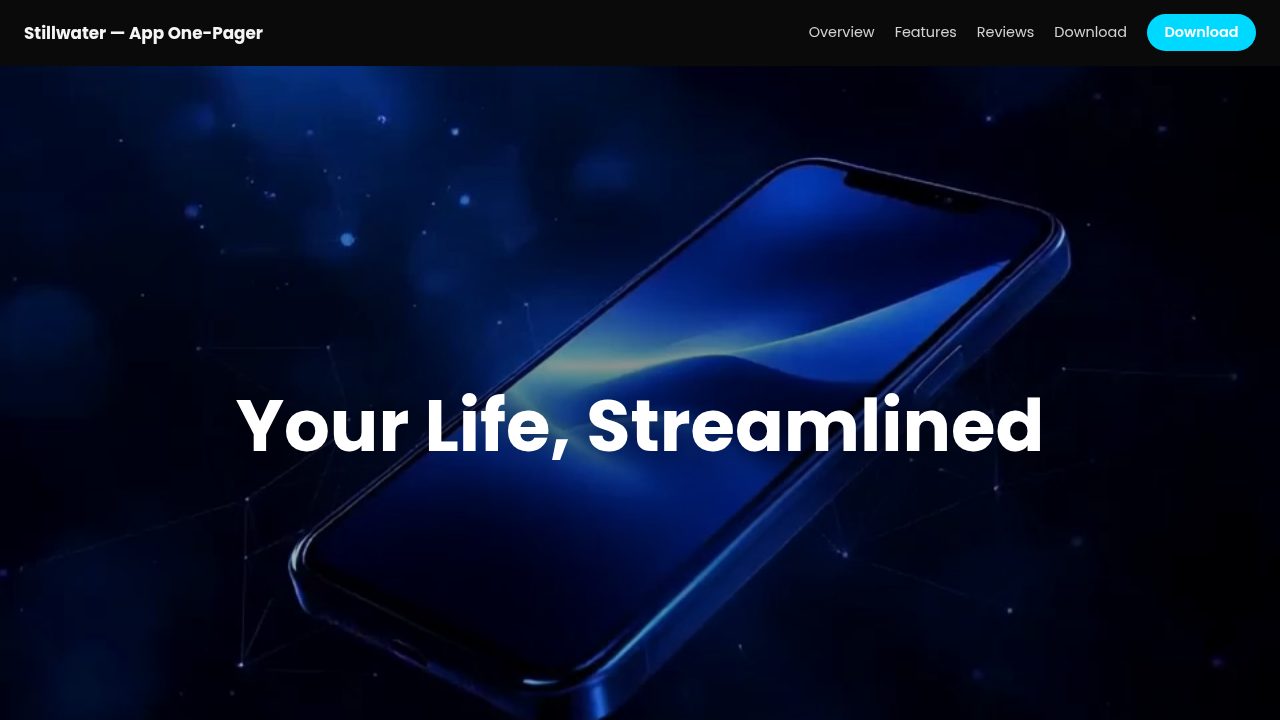
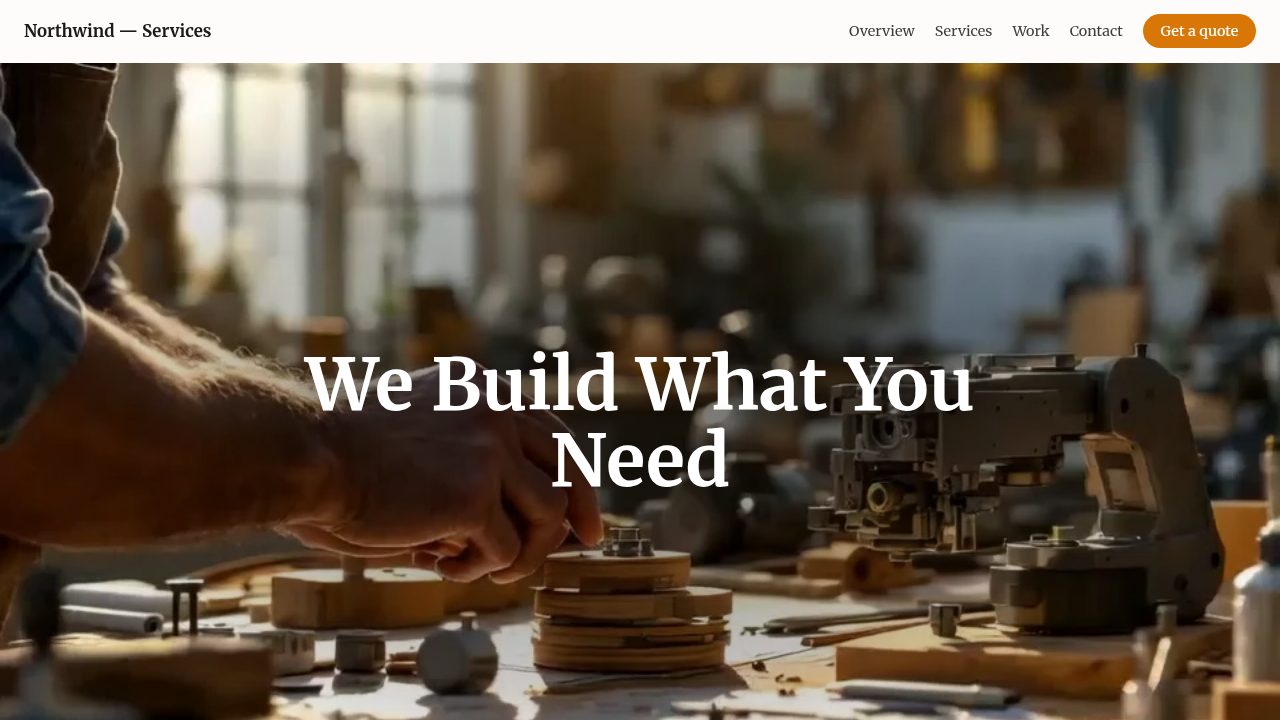
Want a head start? These ready-made, fully-editable templates put the stacking cards to work — customize one and publish in minutes.






Stacking cards — frequently asked questions
Are stacking cards free to use?
Yes — customize and export them with no account or payment.
Do stacking cards need JavaScript?
No. The stacking effect is pure CSS (position: sticky), so it's fast and works even with scripts disabled.
How do I embed stacking cards?
Copy the embed code and paste it into your site or CMS, or download the standalone HTML file.
Will the effect work on mobile?
Yes — sticky stacking is responsive and works on modern mobile browsers.