A timeline tells a story in the order it happened. Every scene fills the screen with its own photo and carries a card — the year, a line of what happened, a picture and a few sentences — and as the reader scrolls, the card moves past and the background fades into the next scene’s. Customize one below and embed it free.
What is a timeline widget?
A timeline is a chronological story told scene by scene. Each scene is a full screen: a background photo and a card on the left or the right. The card holds a big year or date, a one-line sub-headline of what happened, an optional picture and a short paragraph.
Unlike a row of dates on a line, it gives every moment a whole screen and its own picture, so a company history or a project’s milestones read like chapters rather than a table.
When to use it
- Company or brand history — the founding, the first hire, the move, the milestone.
- Anniversaries — fifty years of a club, a school or a family business.
- Project and product milestones — from the first prototype to the launch.
- Roadmaps — what ships this quarter, next quarter and next year.
- Biographies and family stories — a life in a handful of years.
- History explainers — how an event unfolded, step by step.
How it works
All the background photos share one sticky stage behind the scenes. Each scene is a full-screen block holding its card; as the next scene comes up the screen, its background fades in over the last one with a slight settle. A card taller than the screen keeps its background until the reader reaches the end of the card, so a long passage never loses its picture.
Cards alternate sides, starting on the right — or all sit on one side. Their width, colour and opacity are shared by the whole timeline: at full opacity the card is a solid panel; turn it down and the photo shows through. On phones the card spans the screen over the photo. Readers who prefer reduced motion get cuts instead of fades.
Best practices
- Three to six scenes — one per turning point, not one per year.
- Keep the year short (“1962”, “Spring 2024”) — it is set very large.
- One line of what happened, then two or three sentences of story.
- Use photos at least 1600 px wide with a calm area where the card sits; raise the card opacity when a photo is busy.
- Close on the present day — or on what comes next.
How to make one — free
Edit the scenes above
Set each scene’s year, what happened, the text and the background photo — upload your own, and add a picture inside the card if you like.Pick the look
Which side the cards sit on, how wide they are and how much of the photo shows through, plus your colours.Embed or download
Copy the embed code or save the self-contained HTML file — or build a whole story in Scrollytelling, where a scene’s background can also be a video, a gradient or a colour.
Templates that use a timeline
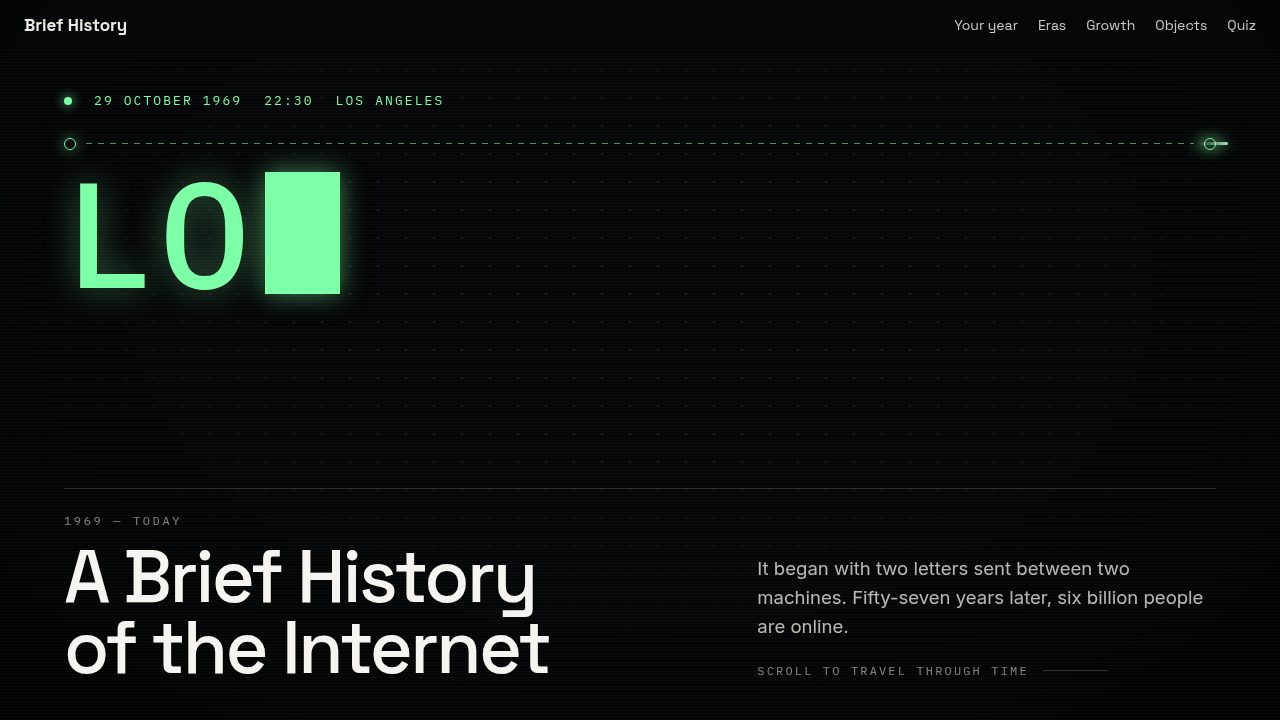
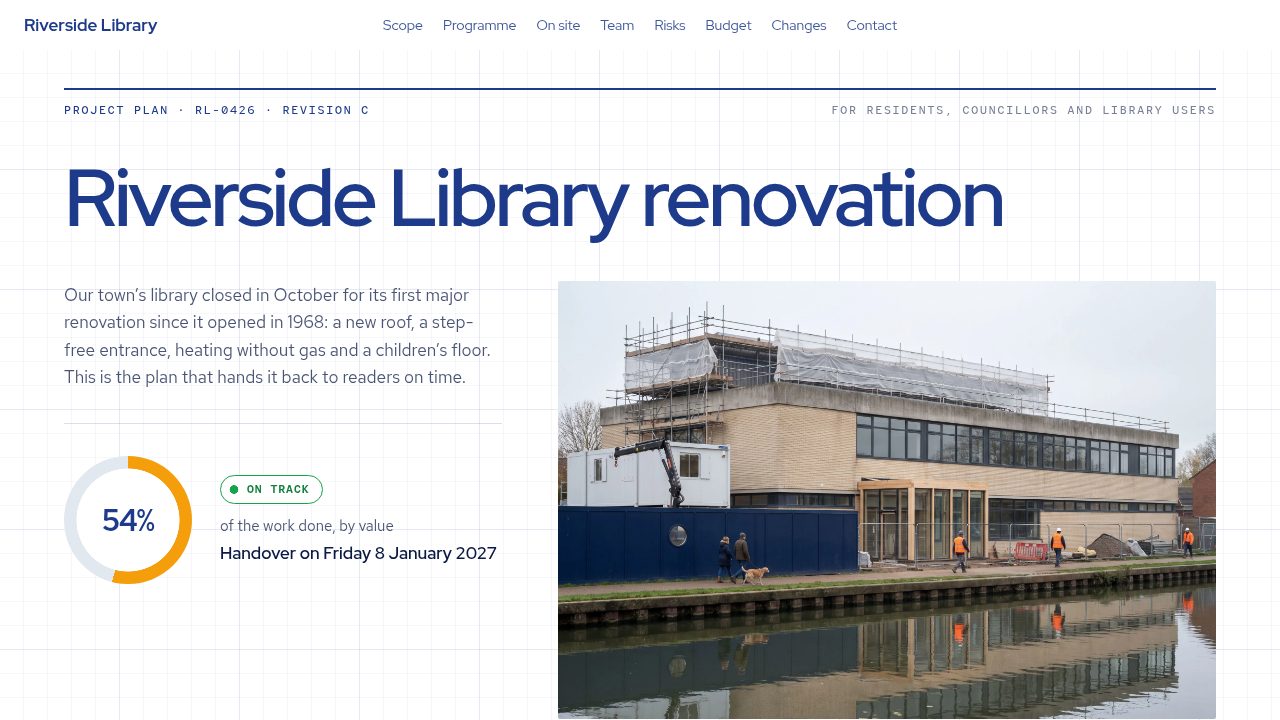
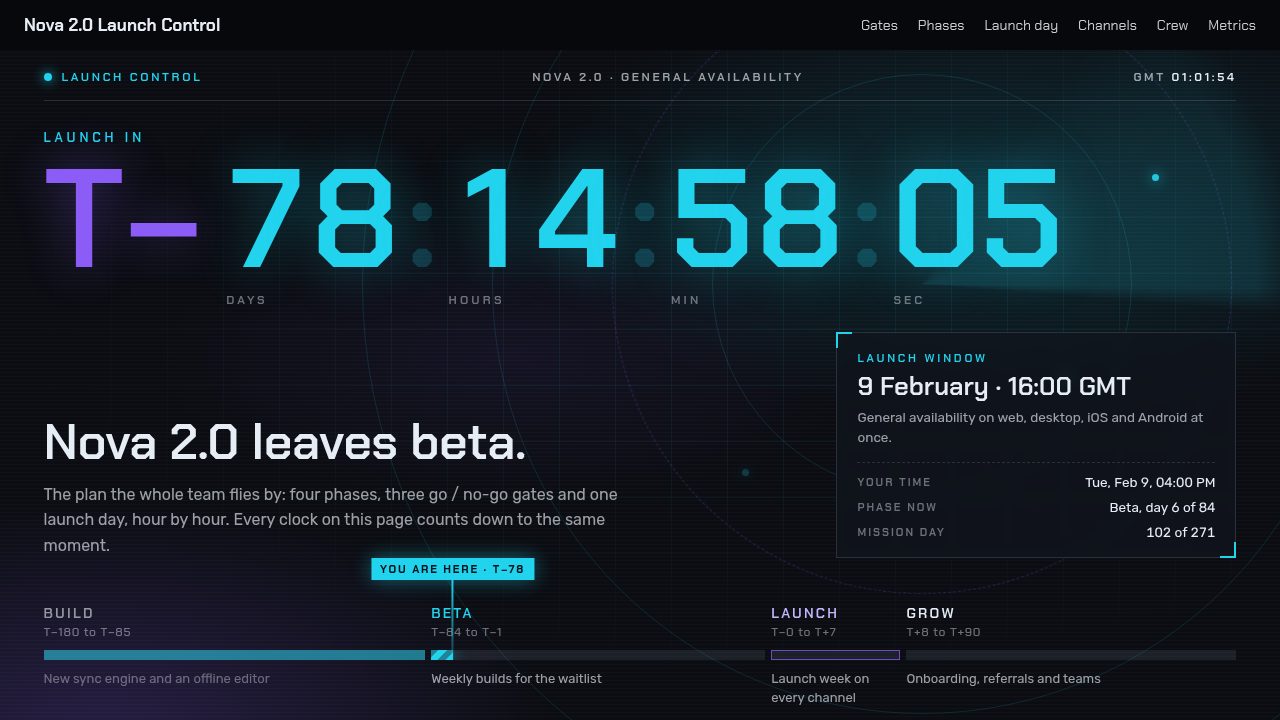
Want a head start? These ready-made, fully-editable templates put the timeline to work — customize one and publish in minutes.





Timeline — frequently asked questions
Is the timeline widget free?
Yes — customize and export it here with no account.
Can a scene have a video background?
Yes, in the Scrollytelling editor: a scene’s background can be a photo, a muted looping video, a gradient or a solid colour. The playground here uses photos.
What if a card has a lot of text?
Let it run. A card taller than the screen keeps its background until the reader reaches its end; only then does the next scene’s background fade in.
Does it work on phones?
Yes. The scenes and the fades work the same; the card spans the screen over the photo.
How many scenes can I add?
As many as the story needs; three to six reads best, since every scene is at least a screen of scroll.