What is a split-scroll section?
A split-scroll (or “text + sticky media”) layout puts narrative text in one column and a pinned image in the other. As the reader scrolls each scene's copy, its image holds in place — then the next scene takes over, alternating sides for rhythm. It's the layout behind many award-winning news and brand stories.
When to use split scroll
- Explaining a product — keep the visual fixed while you describe each part.
- Narrative case studies — pair each beat with a supporting image.
- About / origin stories — alternate imagery and prose down the page.
How it works
Each scene is a two-column grid; the image column uses position: sticky so it pins while its paired text scrolls. Scenes alternate image-left / image-right, and on mobile they stack into a single readable column.
Best practices
- Give each scene one clear idea and a strong supporting image.
- Use high-quality, similarly toned images for a cohesive feel.
- 2–5 scenes keeps the pace tight.
How to make a split-scroll — free
Edit the scenes above
Set each scene's heading, body text and image.Embed or download
Copy the code or save the HTML file.Go further
Build a whole scroll story in Scrollytelling — free to start.
Templates that use a split scroll
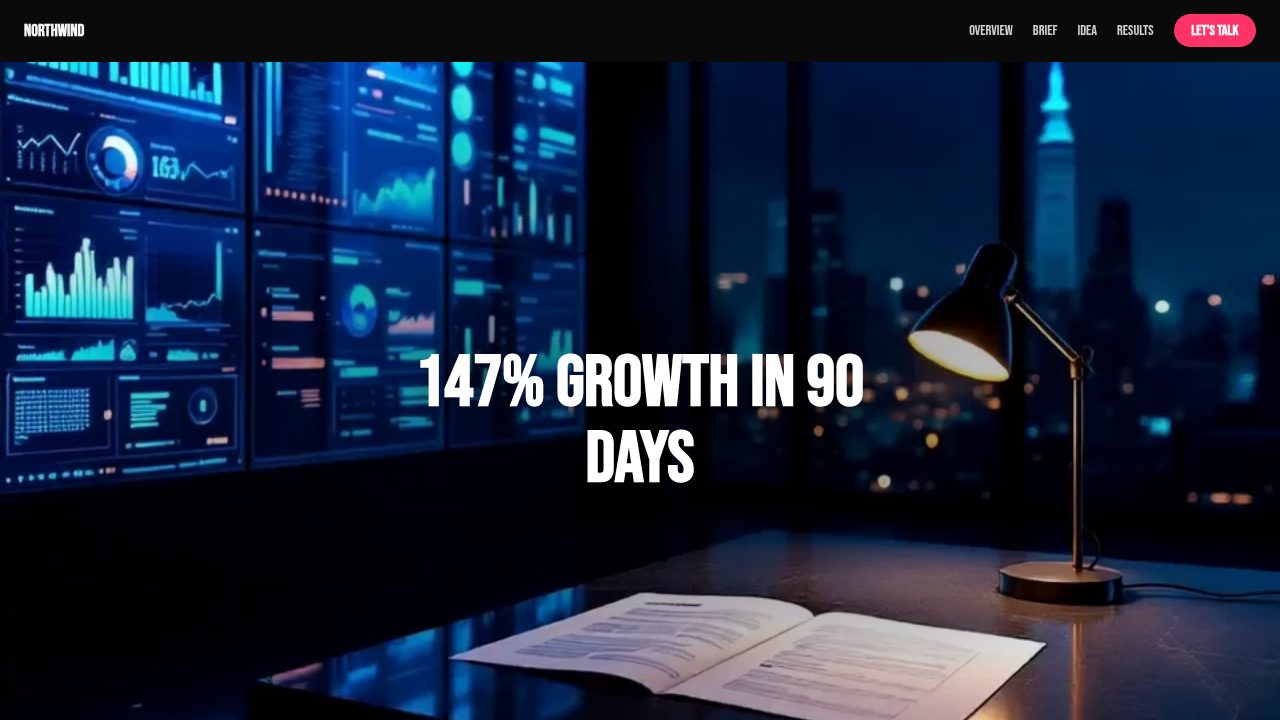
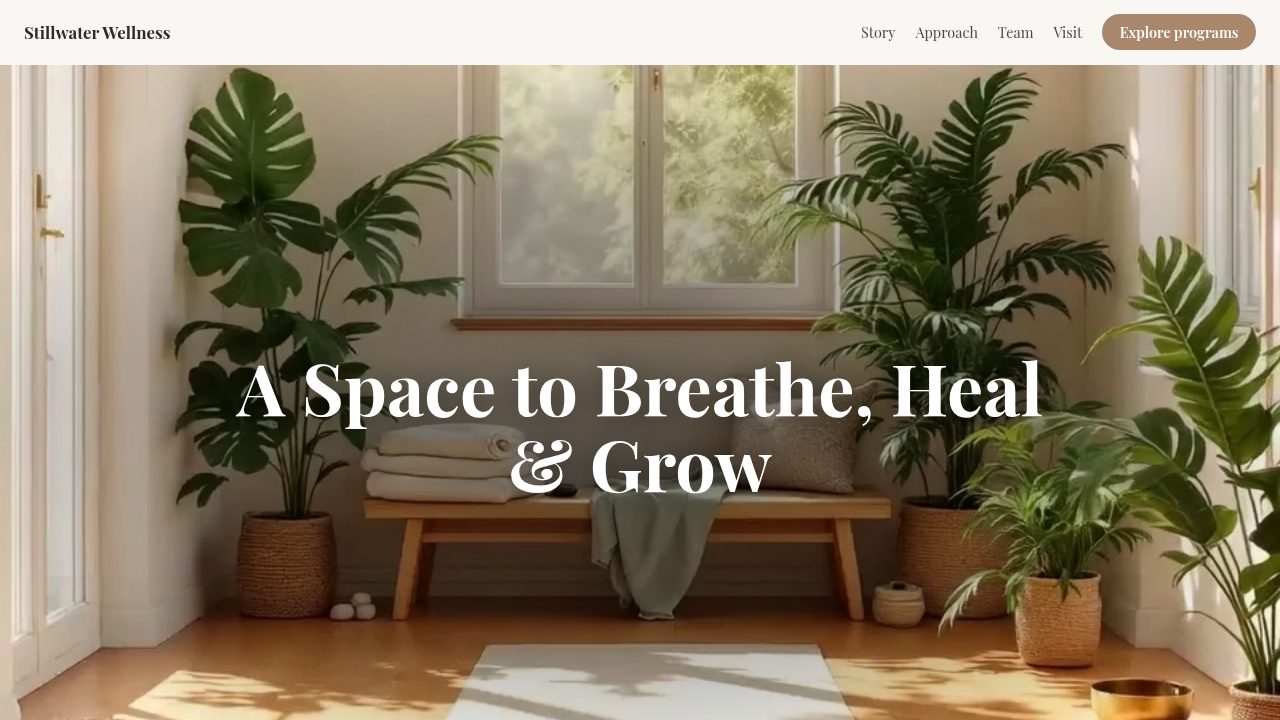
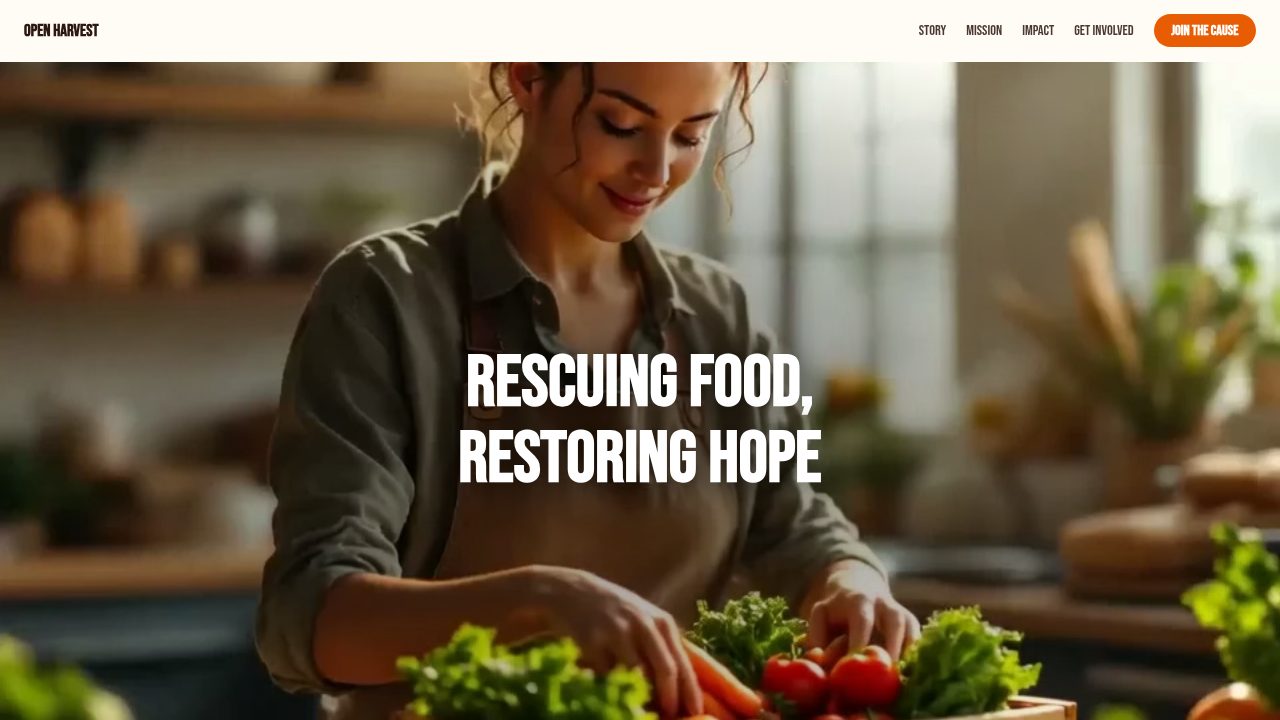
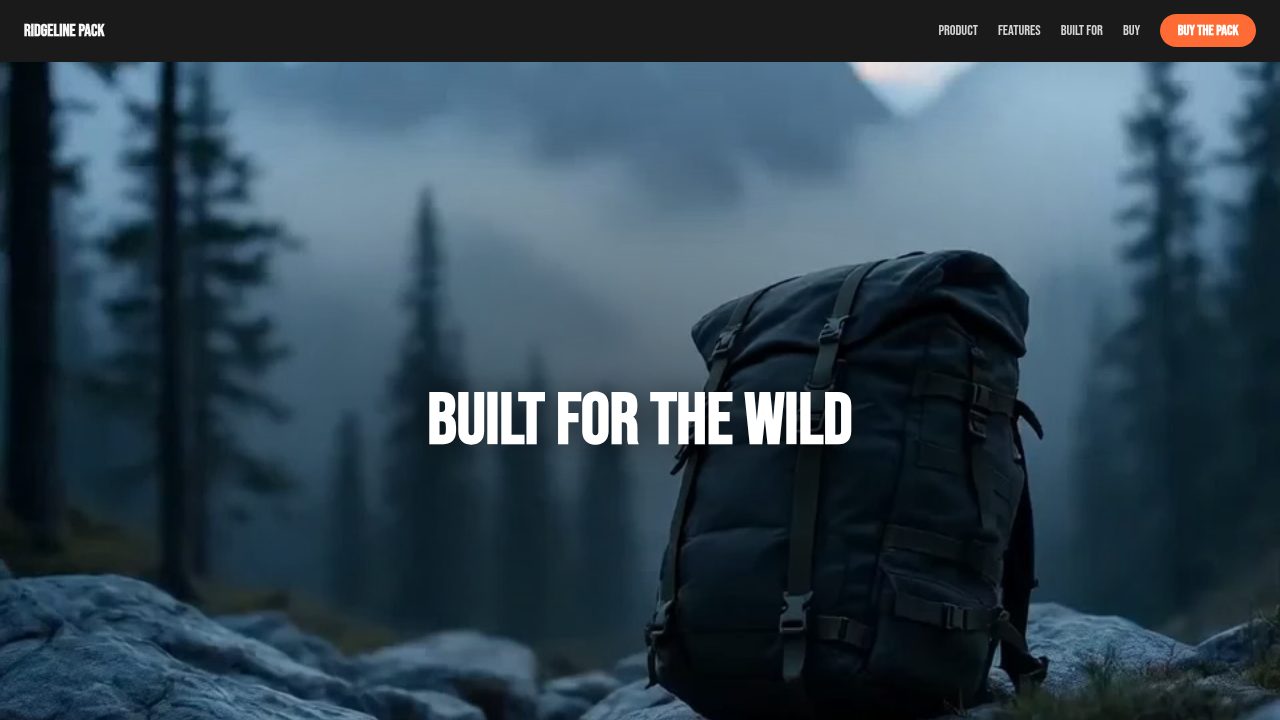
Want a head start? These ready-made, fully-editable templates put the split scroll to work — customize one and publish in minutes.




Split scroll — frequently asked questions
Is split scroll free?
Yes — customize and export it with no account.
How do I embed a split-scroll section?
Copy the embed code into your site/CMS, or download a self-contained HTML file.
Is it responsive?
Yes — on small screens the columns stack into a single readable flow.
Can I alternate image sides?
Scenes automatically alternate image-left and image-right for visual rhythm.