The Best Digital Storytelling Platforms and Scrollytelling Tools in 2026
Author note: This article was written by a human author. No generative AI was used to draft the text. AI tools, if any, were limited to spelling or formatting assistance.
Why the right tool matters
In an era where AI can generate a thousand articles in seconds, the battle for user attention isn't won by volume - it's won by immersion. Scrollytelling is the art of using the scroll bar as a narrative engine, allowing visuals, data, and text to unfold in a choreographed sequence. It transforms passive readers into active explorers.
Whether you are a journalist, a brand manager, or a designer, choosing the right tool is the difference between a high-bounce rate and a deep-dive experience.
Dedicated storytelling platforms
These tools are built specifically for high-end, visual narratives and long-form digital experiences. Each one approaches scrollytelling from a different angle - some prioritize visual polish, others focus on data, and some are built for total creative freedom.
1. Shorthand
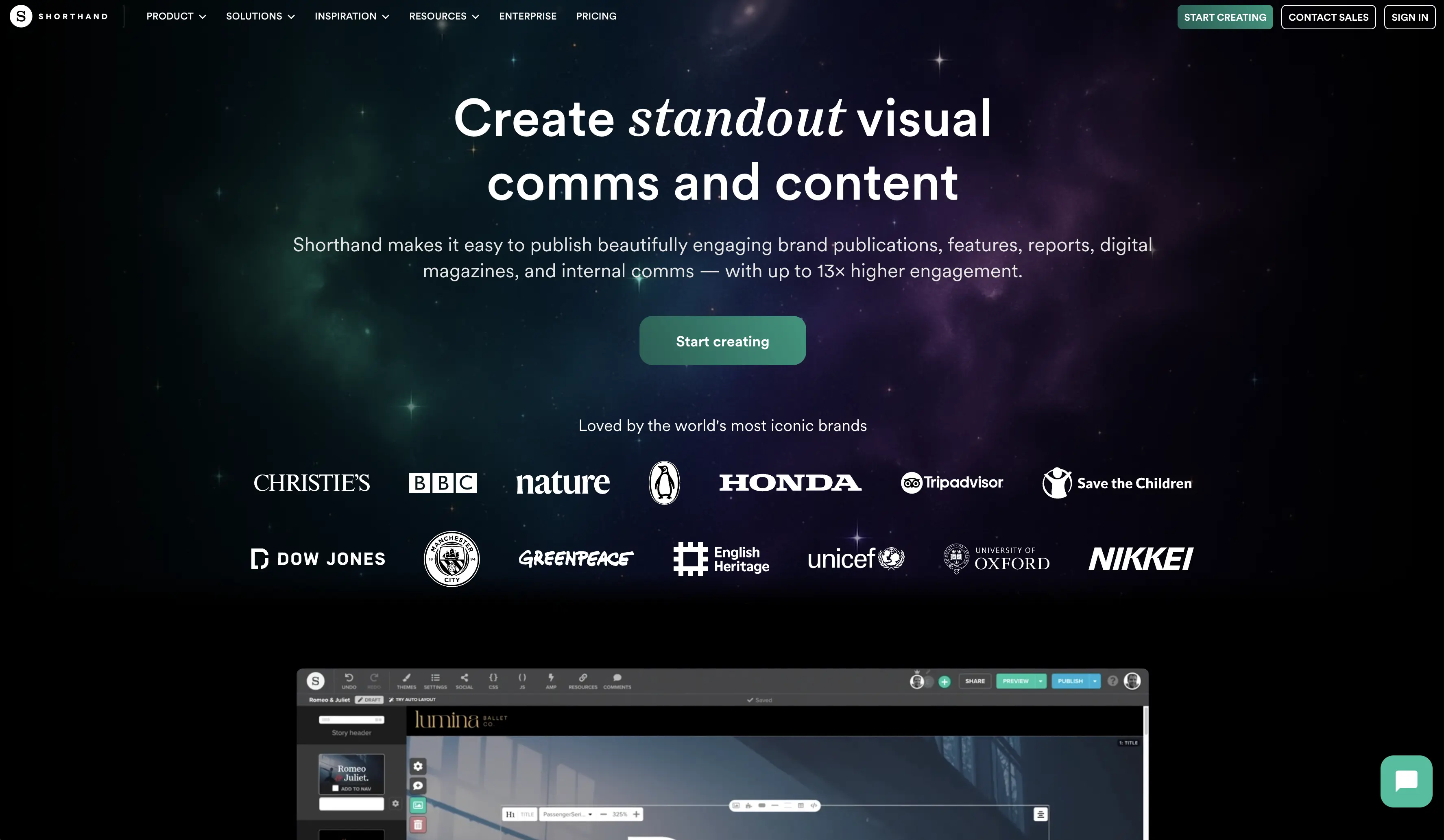
Shorthand is the gold standard for digital journalism and high-end corporate storytelling. It is designed for teams that need to create stunning, full-screen visual stories without writing a single line of code.
Scrollytelling.ai vs. Shorthand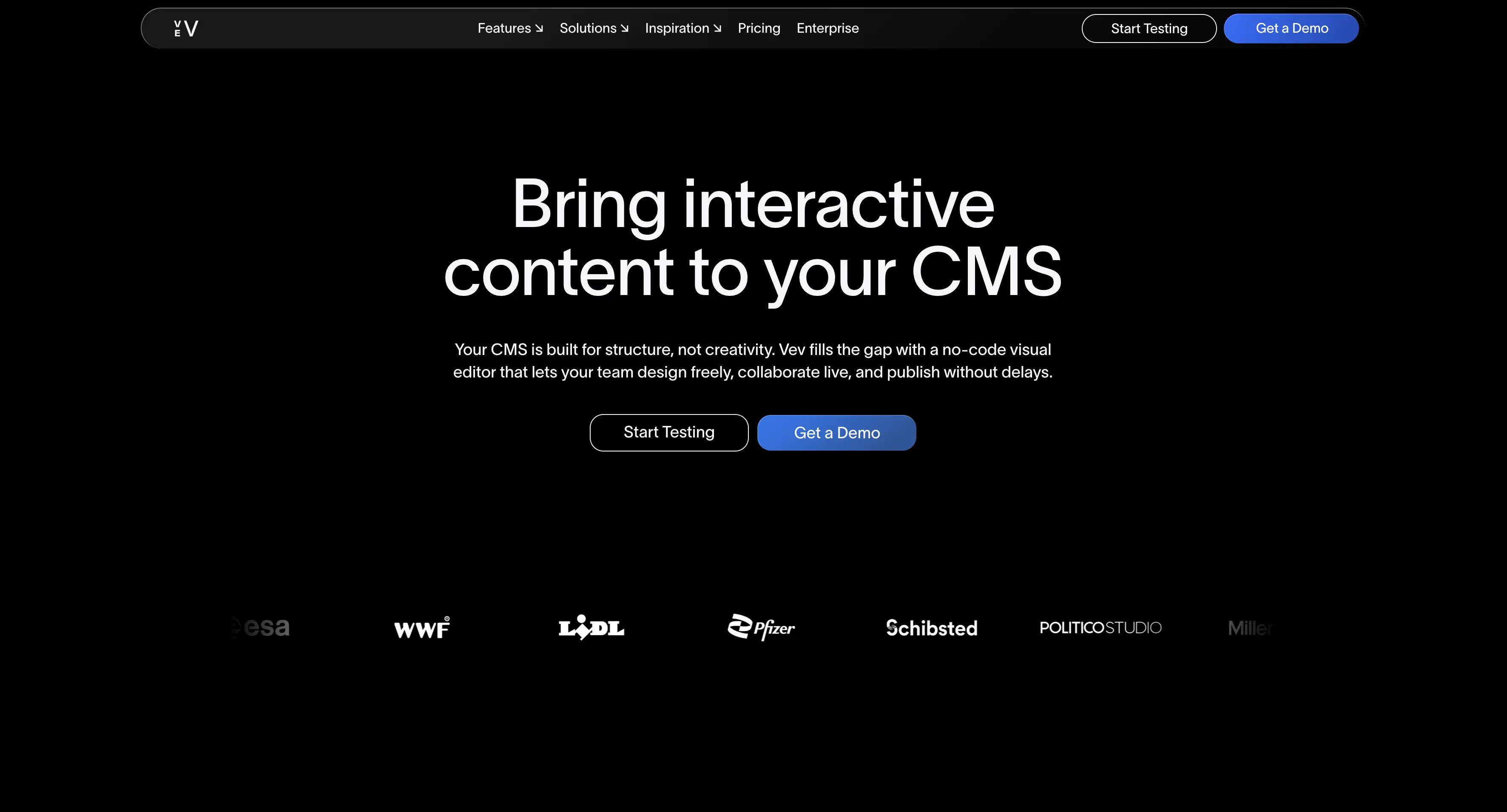
2. Vev
Vev is a design-first platform that bridges the gap between no-code ease and developer-level flexibility. It allows for complex animations and "scroller" components that follow the user down the page.
Scrollytelling.ai vs. Vev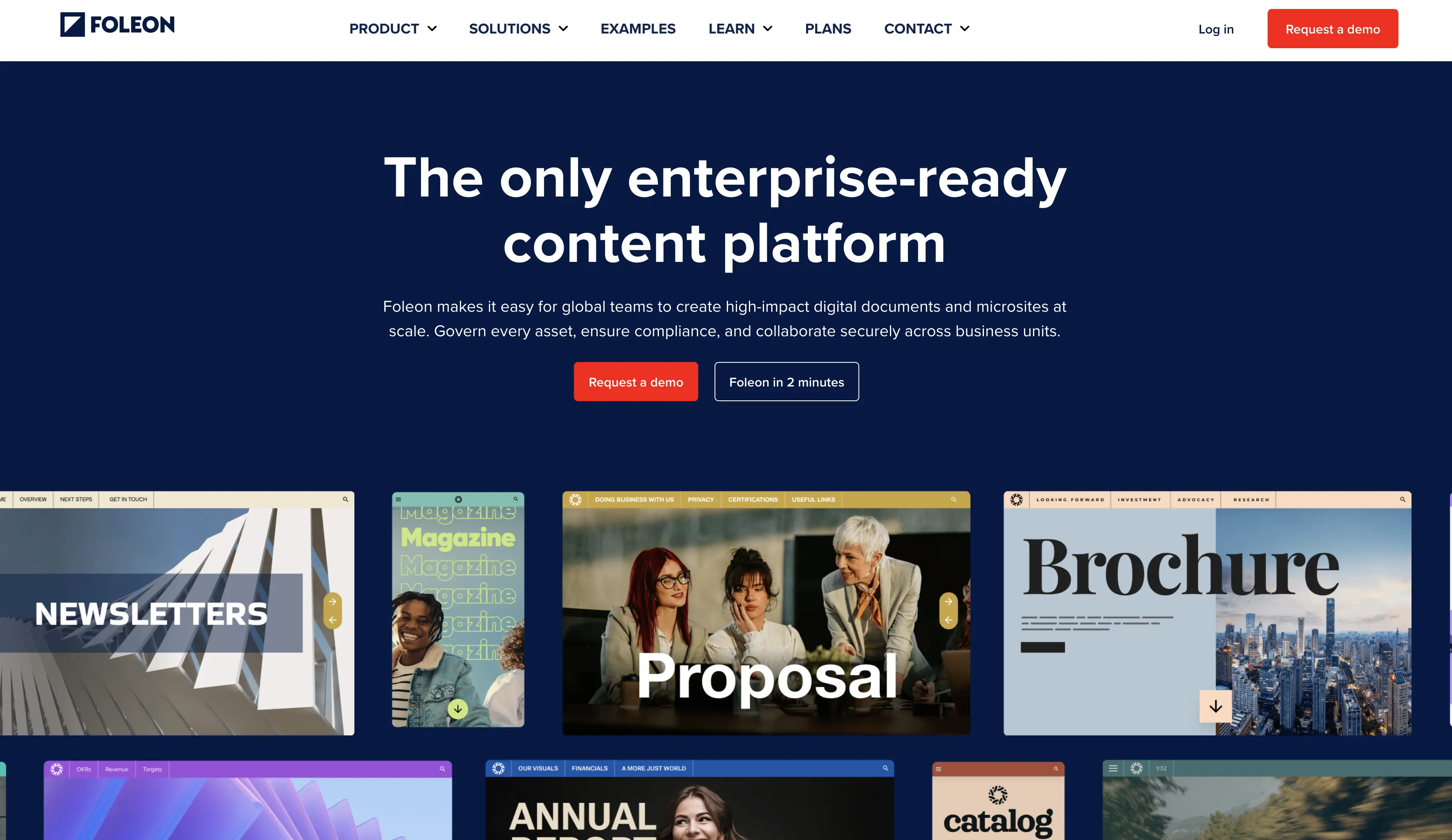
3. Foleon
Foleon focuses on intelligent digital publications. It is the go-to for B2B companies creating interactive white papers, annual reports, and digital magazines.
Scrollytelling.ai vs. Foleon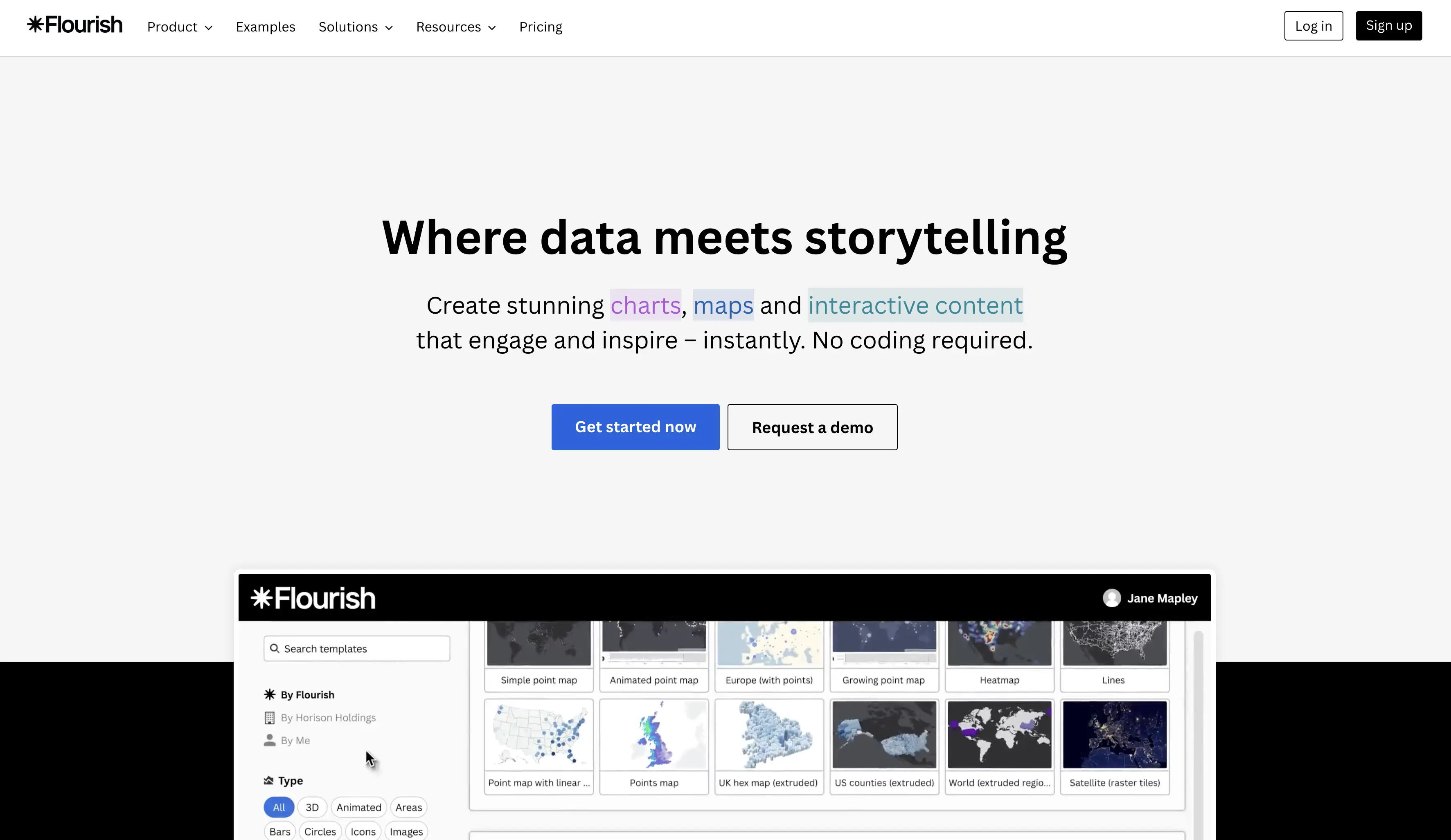
4. Flourish
Owned by Canva, Flourish is the world leader in data-driven scrollytelling. It turns massive spreadsheets into interactive stories with animated charts, maps, and diagrams.
Scrollytelling.ai vs. Flourish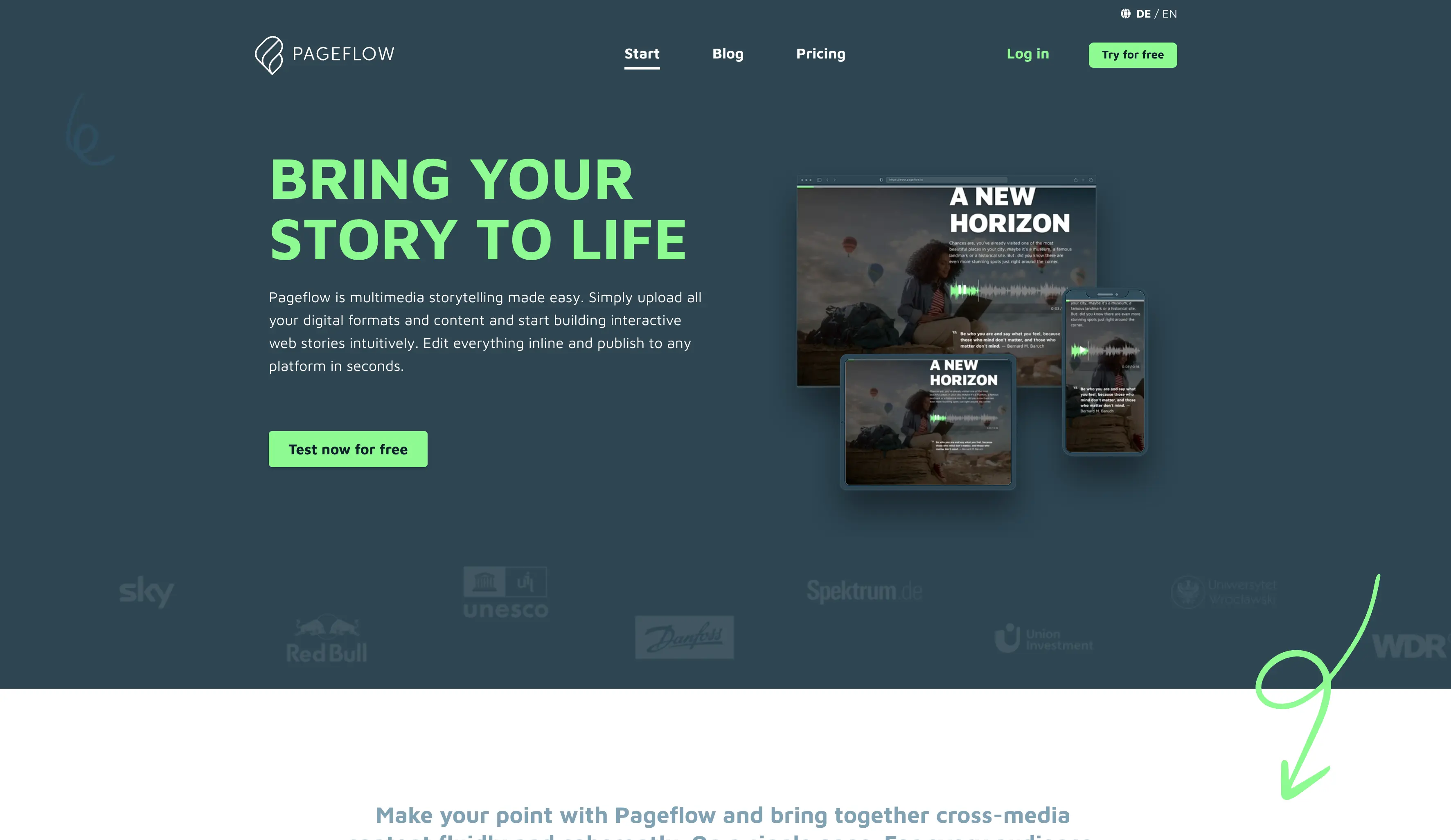
5. Pageflow
Born out of multimedia journalism, Pageflow is designed for web documentaries. It focuses heavily on full-screen video and audio transitions that create cinematic, immersive experiences.
Scrollytelling.ai vs. Pageflow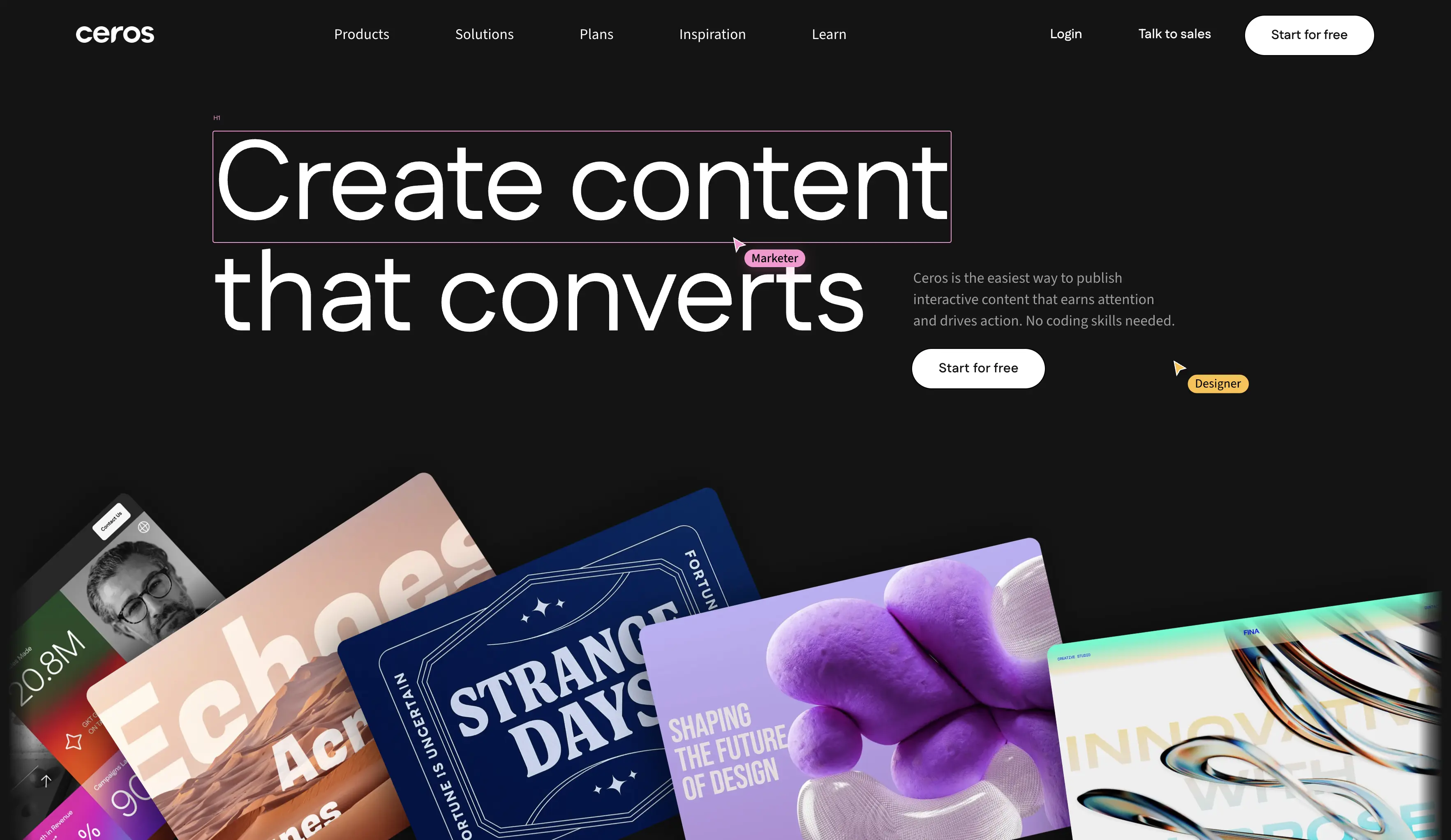
6. Ceros
Ceros is a high-powered creative studio for experiential marketing. It is built for designers who want zero limitations on how elements move and react to user interaction.
Scrollytelling.ai vs. CerosCreate your scrollytelling story today
No code required. Build interactive, scroll-driven experiences that captivate your audience and rank on Google.
Start for free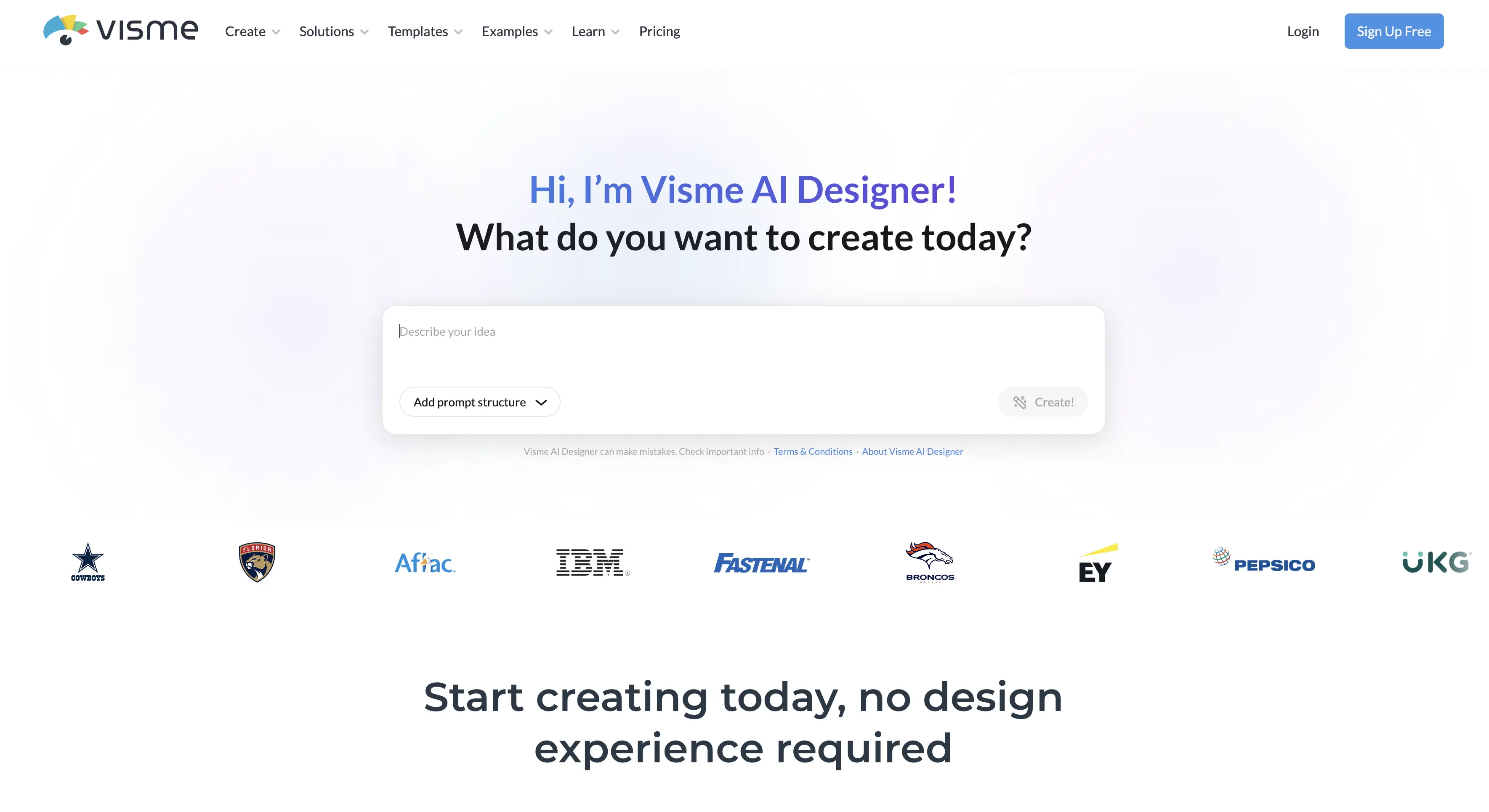
7. Visme
Visme is an all-in-one content creation tool that includes surprisingly powerful scrollytelling features for presentations and infographics. It is one of the most affordable entry points into visual storytelling.
Scrollytelling.ai vs. Visme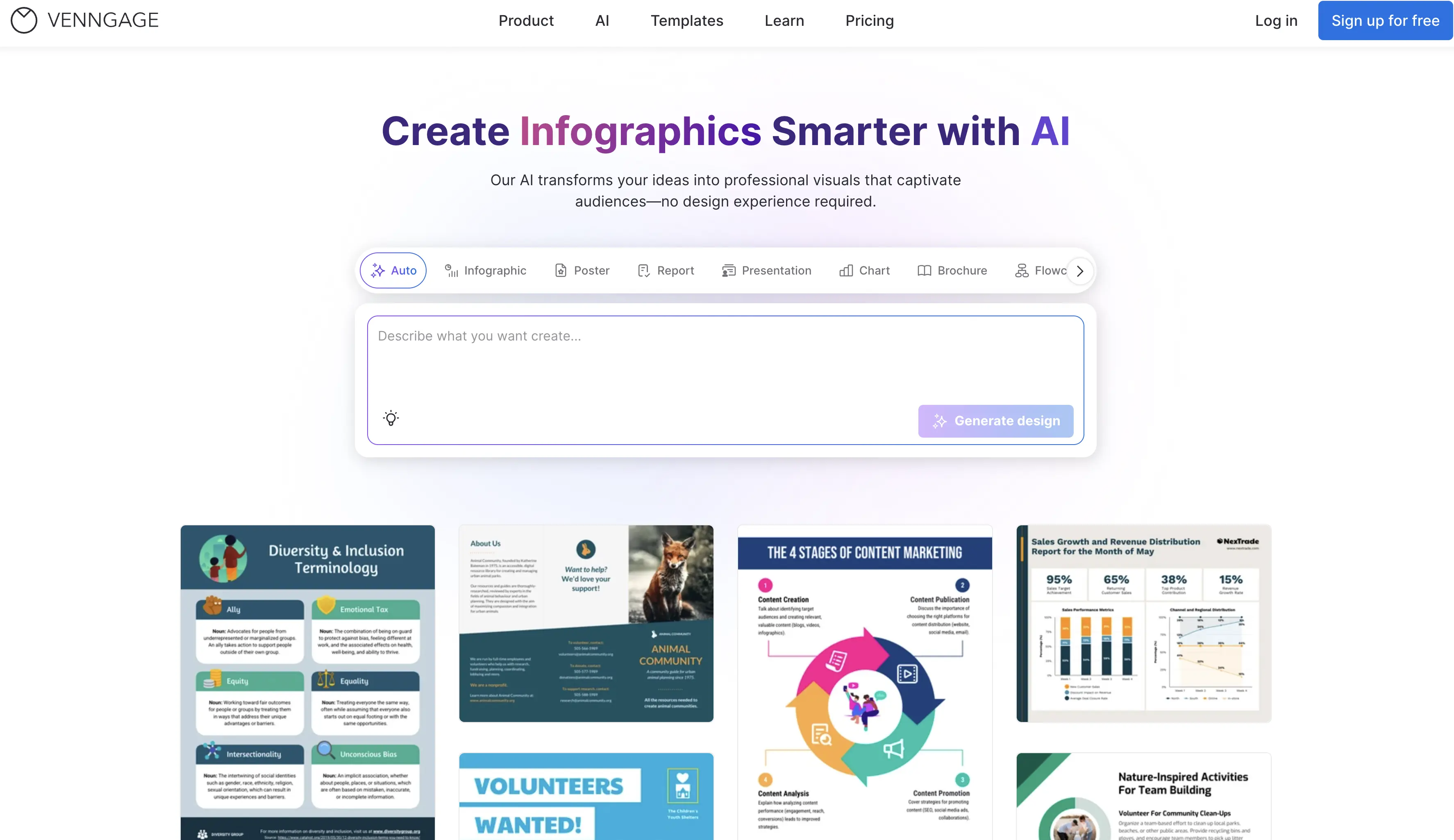
8. Venngage
Similar to Visme, Venngage focuses on making complex information simple through visual scrollytelling and infographics. It stands out for its accessibility-first approach.
Scrollytelling.ai vs. Venngage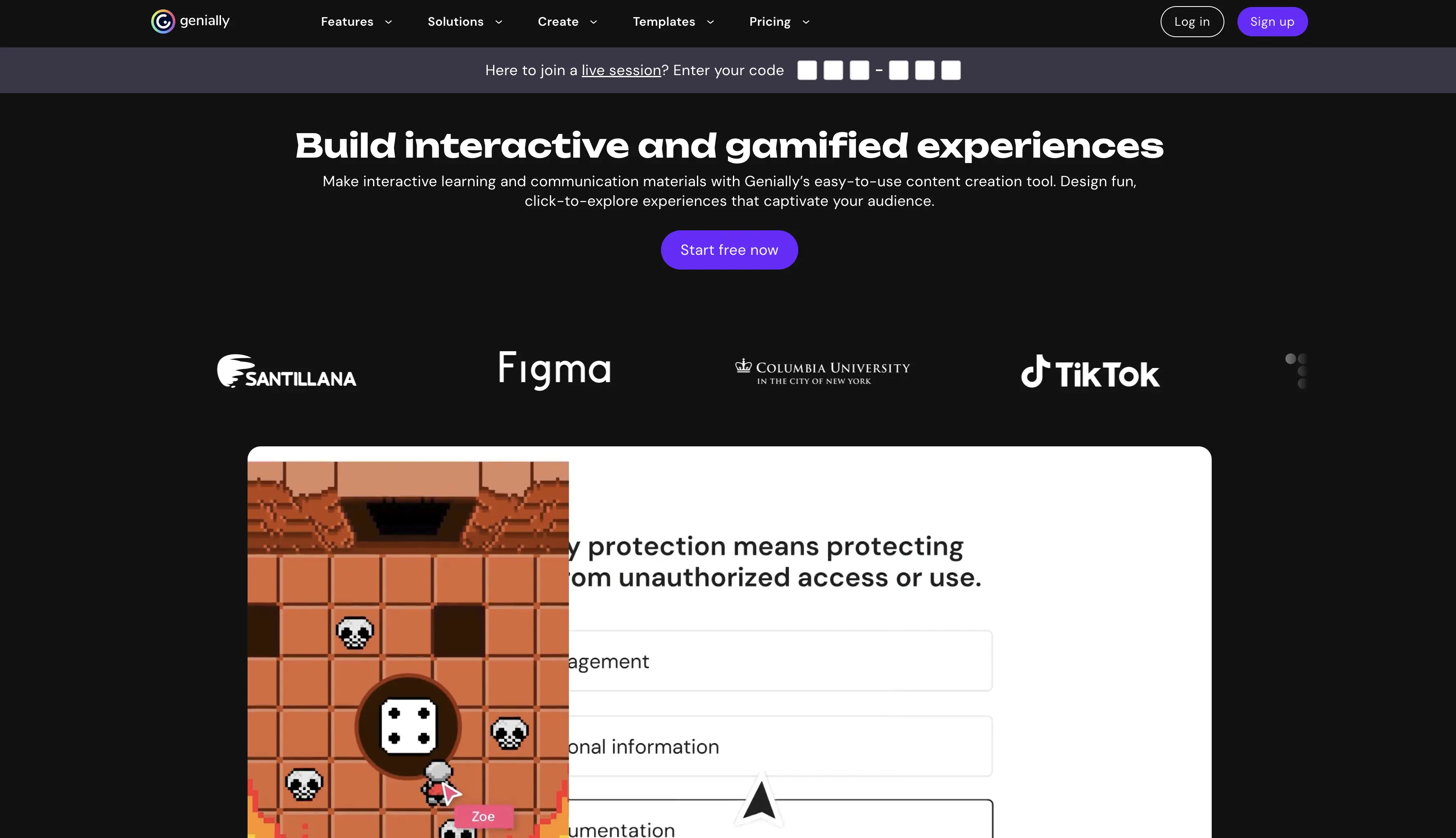
9. Genially
Genially is the gamification king of storytelling. It specializes in making interactive images and escape-room-style content that keeps users clicking and exploring.
Scrollytelling.ai vs. Genially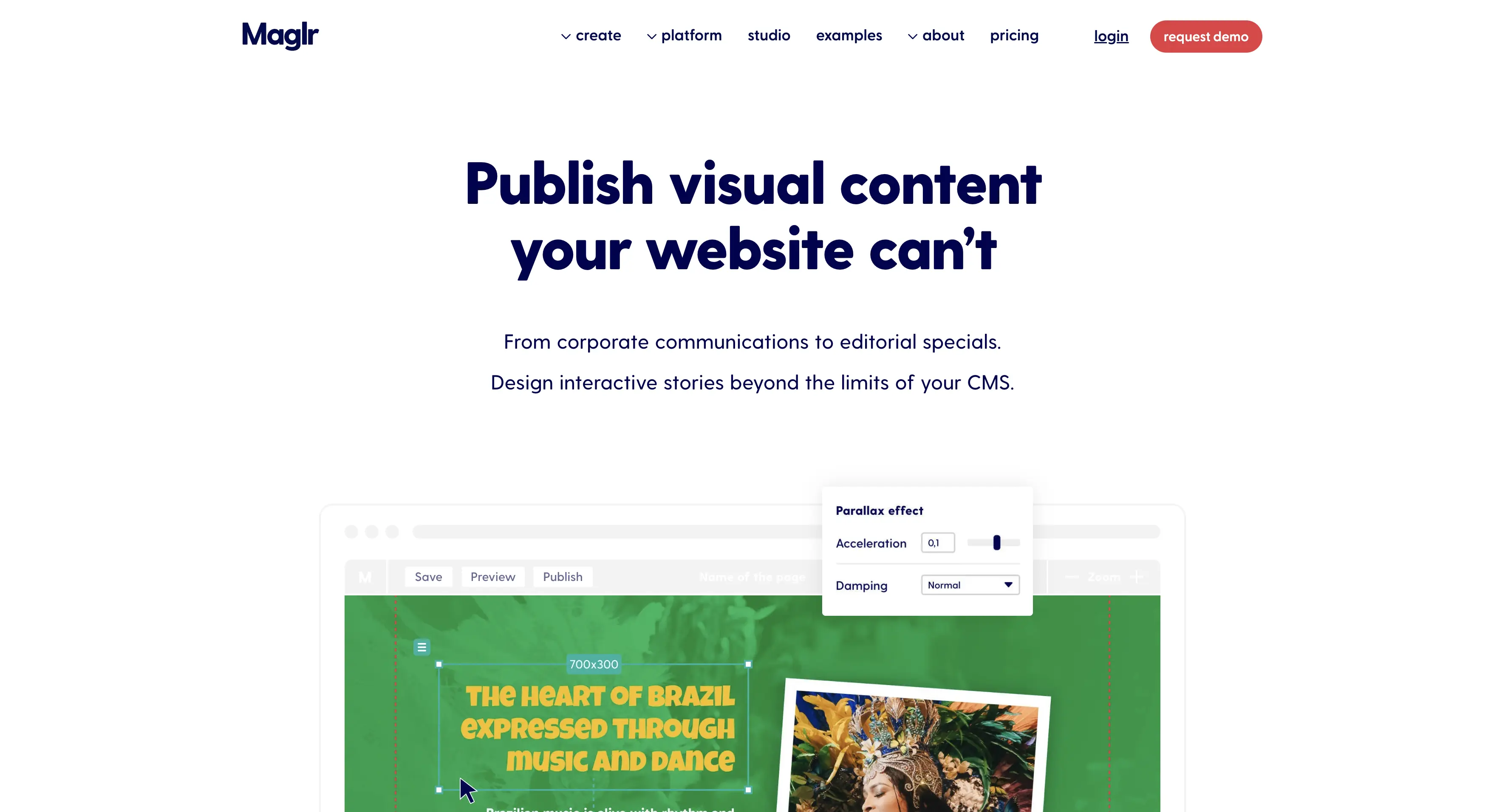
10. Maglr
Maglr is a specialized tool for creating digital magazines and interactive sales presentations that work across all devices. It bridges the traditional magazine format with modern scrollytelling.
Scrollytelling.ai vs. Maglr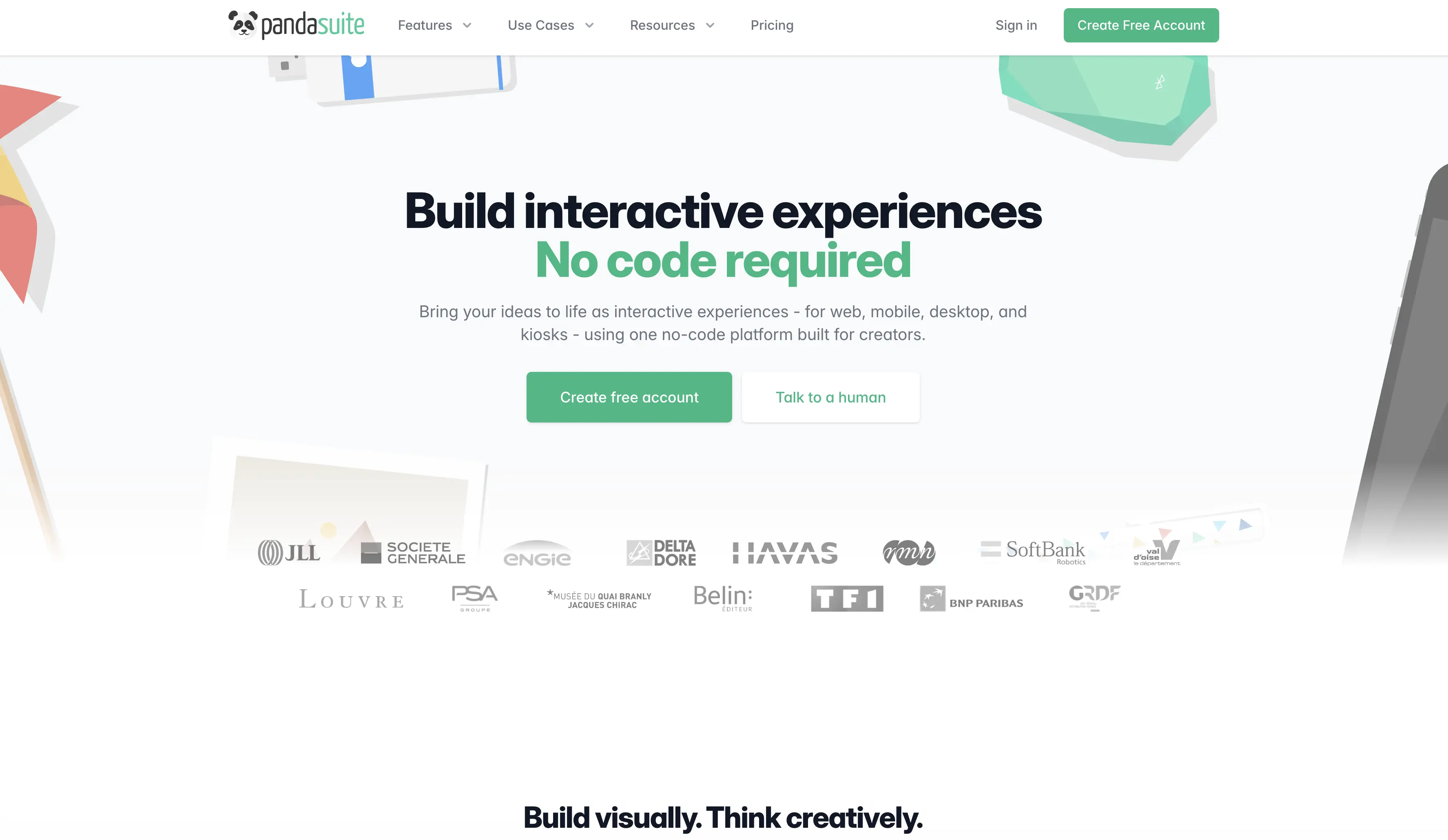
11. Pandasuite
Pandasuite is a no-code tool that sits between a website builder and an app builder. It's perfect for highly interactive, logic-based stories where user choices affect the narrative.
Scrollytelling.ai vs. PandasuiteGeneral-purpose tools with scrollytelling features
If you are already using a major CMS or website builder, you may be able to build scrollytelling experiences using their native tools or plugins. These won't match the depth of dedicated platforms, but they can add powerful scroll-driven sections to an existing site.
Wix Studio
Wix's professional platform, Wix Studio, has integrated advanced scroll-trigger animations that compete with dedicated tools. It allows designers to add parallax layers, reveal animations, and sticky sections without leaving the Wix ecosystem.
Best for: Agencies already in the Wix ecosystem who want to add interactive sections to standard sites.
Webflow
Webflow is the industry leader for code-free front-end development. Their Interactions panel allows for incredibly complex scroll-based parallax, triggers, and multi-step animations that rival custom JavaScript.
Best for: Professional web designers who want to build a custom scrollytelling site from scratch with full design control.
Scrollytelling.ai vs. WebflowWordPress (Scrollsequence)
For those on WordPress, Scrollsequence is a powerful plugin that lets you turn videos or image sequences into cinematic scroll-controlled animations. It brings an Apple-style product reveal to any WordPress site.
Best for: Bloggers and WordPress users who want to add a high-end product scroll to their existing site.
How does Scrollytelling.ai compare with the competition?
We believe that storytelling should be accessible to everyone, not just those with massive budgets or coding degrees. While the platforms above are incredible, we've built Scrollytelling.ai to be the fastest path from an idea to a live, immersive experience.
We want you to choose the best platform for your project, even if it's not us. Use our deep-dive comparison guides below to see which tool fits your workflow:
Frequently asked questions
What is the best scrollytelling tool for beginners?
For beginners, Scrollytelling.ai and Visme offer the lowest barrier to entry. Both provide drag-and-drop interfaces, pre-made templates, and require no coding knowledge. Scrollytelling.ai is particularly suited for first-time creators who want to publish a live, interactive story in minutes.
Do I need coding skills to create scrollytelling?
No. In 2026, most dedicated storytelling platforms are completely no-code. Tools like Scrollytelling.ai, Shorthand, and Foleon allow you to build immersive experiences using visual editors. Coding is only required if you use developer frameworks like GSAP ScrollTrigger or Three.js.
How much does a scrollytelling platform cost?
Prices vary widely. Scrollytelling.ai offers a free tier and paid plans starting at $19 per month. Enterprise platforms like Shorthand and Ceros typically start at several hundred dollars per month and require annual contracts. General-purpose tools like Webflow and Wix Studio start around $15 to $30 per month.
Can I use scrollytelling for SEO?
Yes, scrollytelling can significantly boost SEO. Interactive stories increase dwell time and reduce bounce rates, both of which are positive signals for search engines. The key is to make sure the content is server-rendered or statically generated so search crawlers can index it properly.
What is the difference between scrollytelling and parallax scrolling?
Parallax scrolling is a visual effect where background layers move at different speeds to create an illusion of depth. Scrollytelling is a narrative technique where the entire story unfolds through scroll-triggered content changes. Parallax is one possible effect within a scrollytelling experience, but scrollytelling is much broader - it encompasses layout transitions, data reveals, video scrubbing, and more.
Ready to create your scrollytelling story?
No code required. Build interactive, scroll-driven experiences that captivate your audience and rank on Google.
Get started for free