What is a focus text widget?
A focus text widget shows one sentence and lets the reader read it one word at a time: the active word is sharp and full strength, the words around it blur and dim, and four thin corners frame the active word like a viewfinder. Scrolling moves the focus to the next word — scrolling back moves it back.
It is the typographic version of a slow pan: the reader cannot skim, so the line lands.
When to use it
- A manifesto line — the one sentence your brand stands on.
- A product promise — the claim you want read, not glanced at.
- A quote — a customer's or founder's words, given room.
- A chapter opener — a single line before the next section starts.
- A pause — a breath between two dense sections.
How it works
The section is tall — one screen plus a slice of scroll per word — and its stage sticks to the viewport. Scroll progress picks the active word: the first word for the first slice, the next for the next, so the focus walks the sentence forward and walks it back when the reader scrolls up. Every other word blurs by its distance from the active one, falling off over three words (or fades, if you pick the fade effect). Four hairline corners sit on the active word's letters and glide to the next word, the trailing pair arriving 40 ms after the leading pair. On phones the type is smaller with 20 px margins and the mechanism is the same. With reduced motion switched on the words don't blur and nothing animates — the active word is simply the strong one.
Best practices
- Six to forty words — one idea, one sentence.
- Short words read better in focus than long compound ones.
- Keep the frame on: it tells the eye where to land on light or dark backgrounds.
- Pace 8–18 (vh per word): lower is brisk, higher gives each word a beat.
How to make a focus text section — free
Write the sentence above
Replace the sample text with your line.Tune the effect
Blur or fade, how soft the rest goes, the frame, the pace, and colours.Embed or download
Copy the embed code or save the self-contained HTML file — or build a whole story in Scrollytelling.
Templates that use a focus text
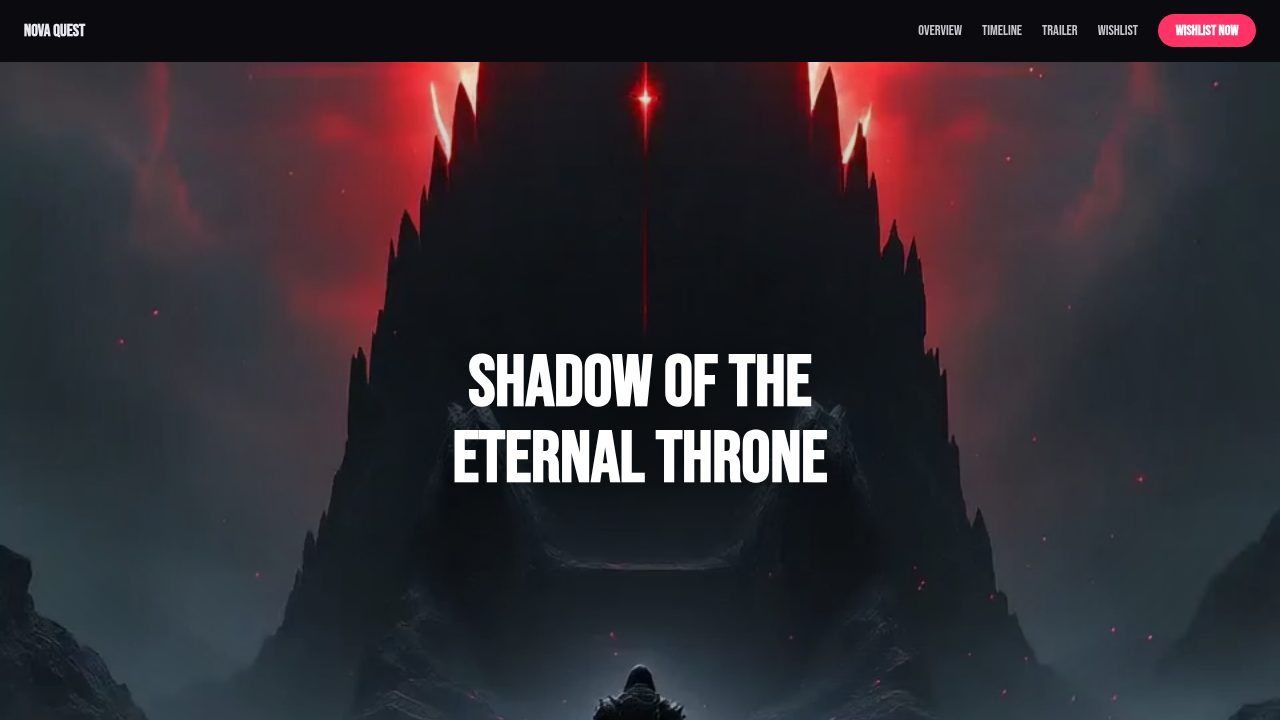
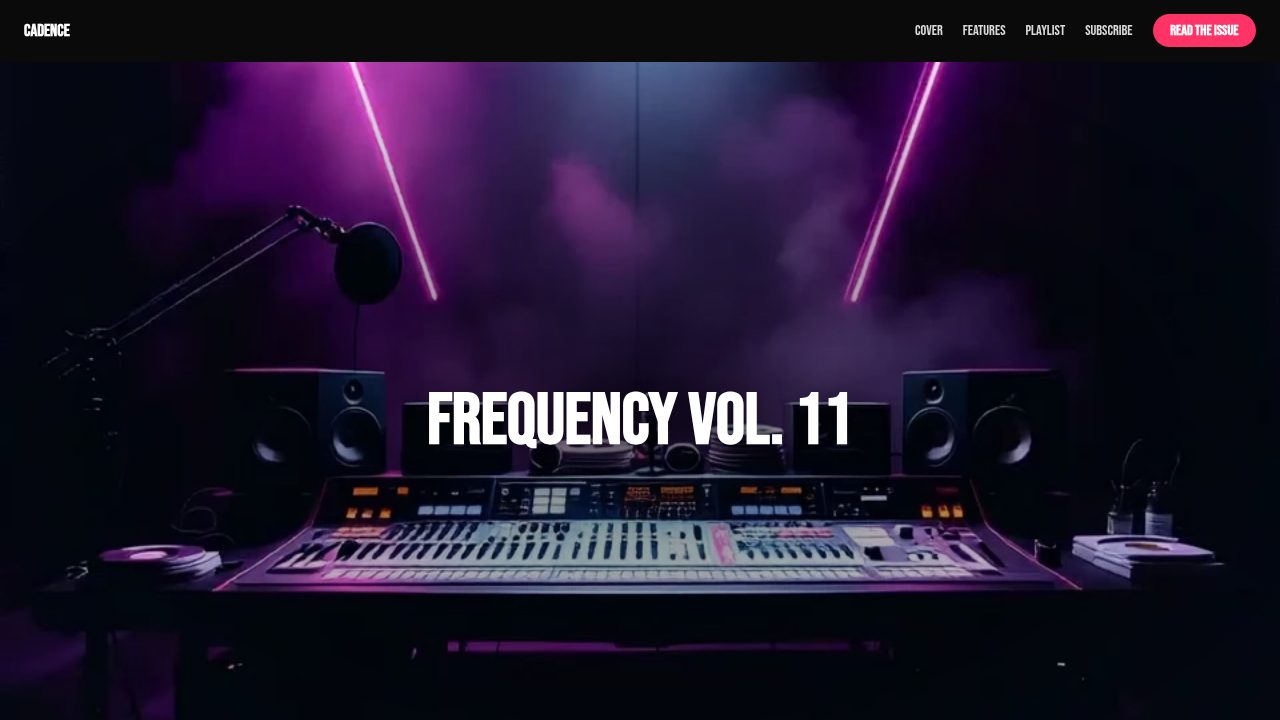
Want a head start? These ready-made, fully-editable templates put the focus text to work — customize one and publish in minutes.






Focus text — frequently asked questions
Is the focus text widget free?
Yes — customize and export it here with no account.
Does it work on phones?
Yes. The type scales down and the margins tighten; the focus still moves word by word as the reader scrolls.
Can I turn the frame off or use fade instead of blur?
Yes — the Frame control hides the corners, and the Effect control switches from blur to a plain fade of the other words.
How long is the scroll?
One screen plus the pace value per word — at the default 12, a twenty-word sentence takes about two and a half screens of scrolling.