What is scroll video?
Scroll video (scroll-scrubbed video) maps the reader's scroll position to a video's timeline. Instead of playing on its own, the footage moves only as fast as the reader scrolls — forward or back — creating a tactile, cinematic reveal that feels premium and in-control.
When to use scroll video
- Product heroes — rotate or assemble a product as people scroll.
- Big openings — a dramatic intro that earns attention.
- Process reveals — show a transformation step by step.
How it works
For buttery performance, Scrollytelling renders the clip to a sequence of image frames and scrubs them on a canvas tied to scroll — avoiding the stutter of seeking a real <video>. Because frames are pre-extracted and can run to dozens of megabytes, scroll video is built and hosted inside Scrollytelling rather than exported as a standalone snippet.
Best practices
- Use steady, high-contrast footage — locked-off shots scrub best.
- Keep the clip short (a few seconds); every frame counts.
- Pair it with a few words of overlay text, not paragraphs.
How to make a scroll video — free to start
Open the editor
Create a story and add a Scroll video section (or let AI generate a hero for you).Add your footage
Upload a clip or generate one with AI; we extract and optimize the frames.Publish
Ship it on your own domain or a shareable link.
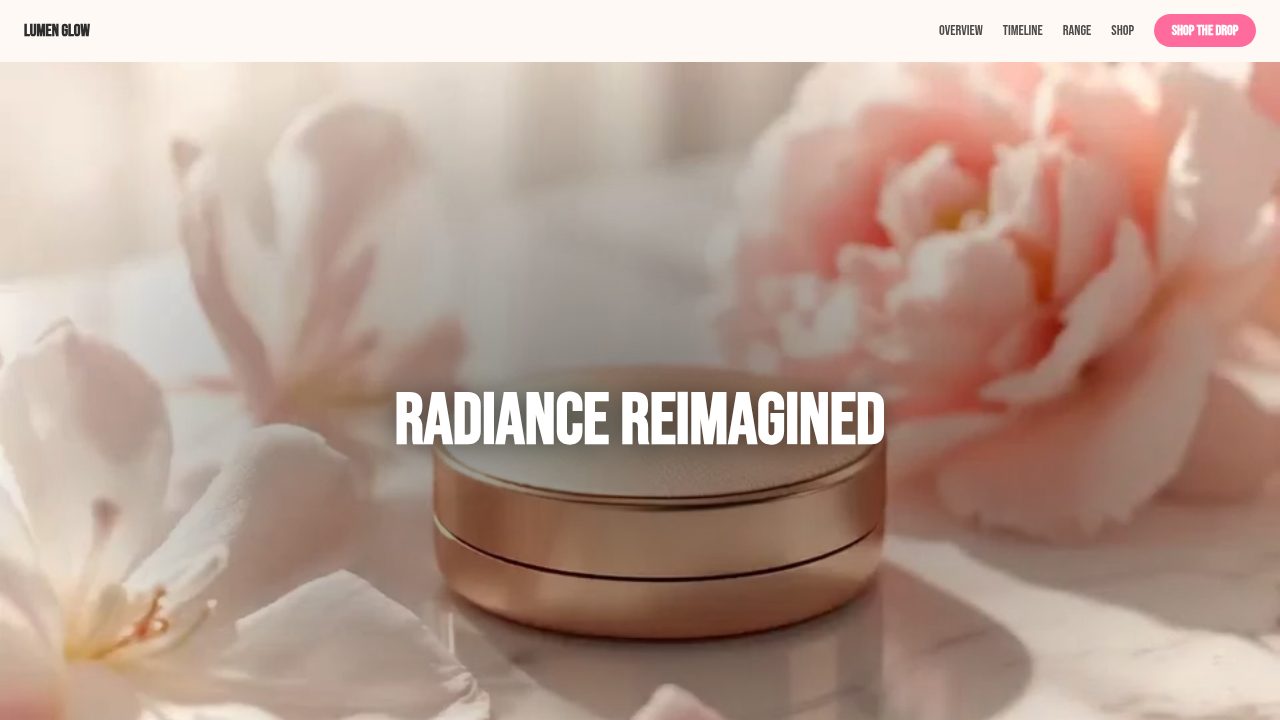
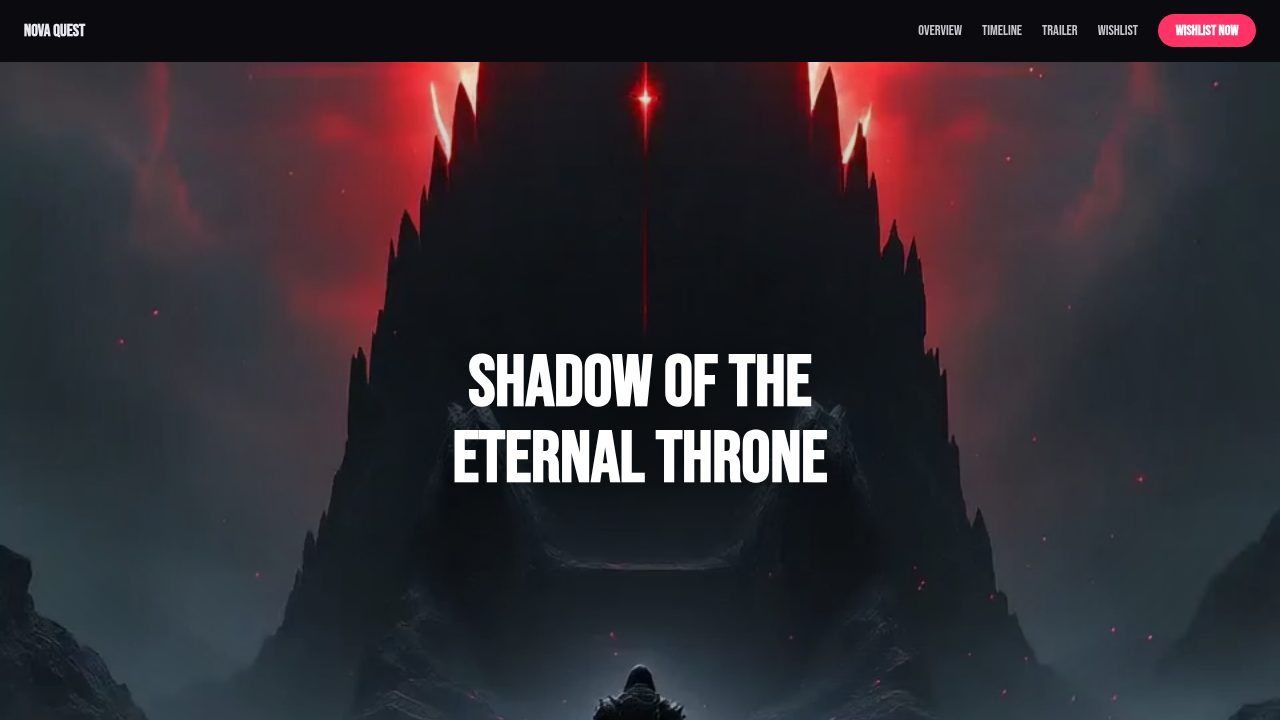
Templates that use a scroll video
Want a head start? These ready-made, fully-editable templates put the scroll video to work — customize one and publish in minutes.






Scroll video — frequently asked questions
Can I export a scroll video?
Yes — customize one above with your own video URL and copy the embed code or download it. Inside Scrollytelling, longer clips are additionally optimized into image frames for the very smoothest scrubbing.
Is it free?
Yes — customize and embed a scroll video free. Generating original video with AI inside the editor uses Pro credits.
Do I need my own video?
No — a demo clip is loaded so you can try it now. Swap in any video URL, or upload/generate one in the editor.
Will it work on mobile?
Yes — the scrub effect is tuned to stay smooth on phones.