What is the interactive map widget?
The interactive map is a real, pannable vector map (dark, light or street style) that holds in the viewport while a sequence of pins is revealed by scrolling. Every pin is a real place — latitude and longitude — with a label, an optional description and an optional image shown in a small card above the marker.
Instead of a static map image, readers get a map they recognise and a story that lands on it one point at a time.
When to use an interactive map
- Journeys and routes — a trip, an expedition, a supply chain.
- Where we are — offices, stores, partners, project sites.
- Event guides — venues, stages, meeting points.
- Data with a place — one pin per region, each with its number.
How it works
The map is rendered with MapLibre GL from open vector tiles, so it is sharp at any zoom and needs no API key. The widget pins the map while you scroll through it; each marker pops in with its card in order, so the reveal follows the reader's pace. You set the starting centre and zoom, the style, and the pins.
Best practices
- Three to eight pins read well; more than that becomes a list.
- Keep labels to a few words and descriptions to one sentence.
- Pick a centre and zoom that frames all pins on the first screen.
- Use the dark style on dark pages and the light or street style on light ones.
How to make an interactive map — free
Choose the style and framing
Dark, light or streets; set the centre and zoom.Add your pins
Label, note, coordinates and an optional photo for each stop.Embed or download
Copy the embed code or save the HTML file — or build the full story in Scrollytelling, free to start.
Templates that use a interactive map
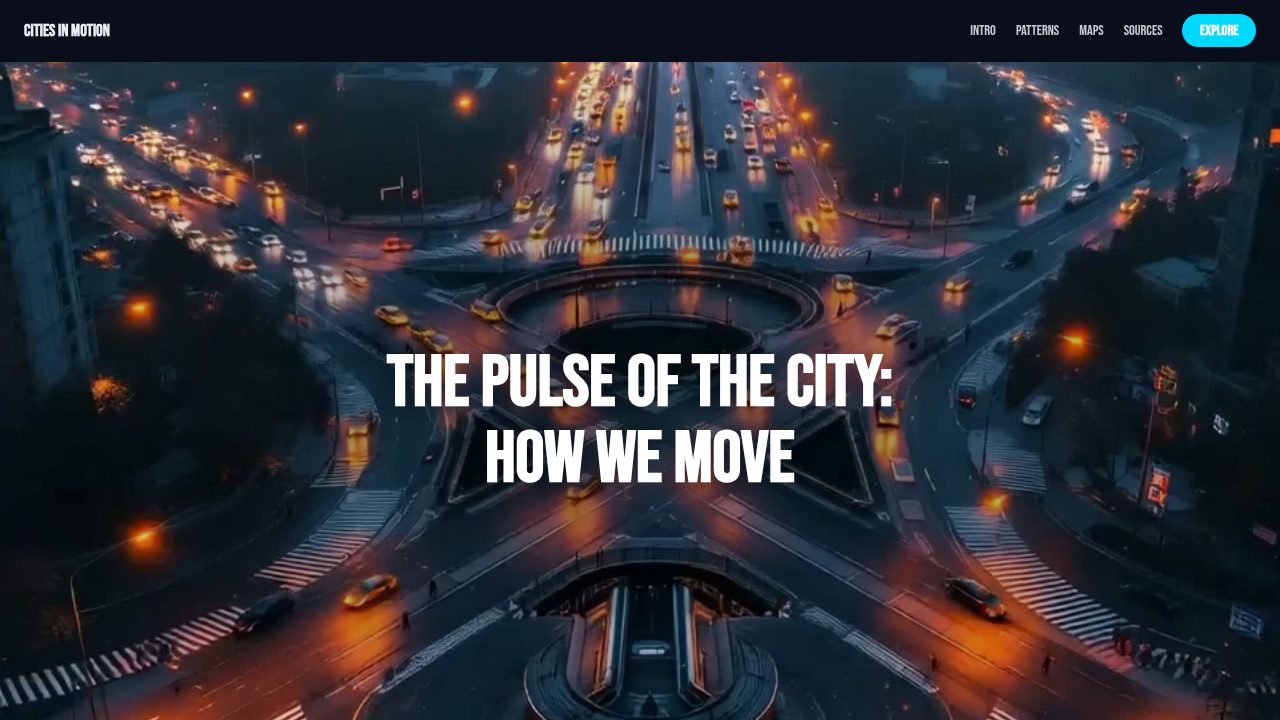
Want a head start? These ready-made, fully-editable templates put the interactive map to work — customize one and publish in minutes.







Interactive map — frequently asked questions
Is the interactive map free?
Yes — customize and export it here with no account, and the map tiles need no API key.
Do I need a Google Maps key?
No. The map uses open vector tiles (OpenFreeMap and CARTO styles), so nothing to sign up for.
Can pins have photos?
Yes — upload an image for any pin and it appears in the pin's card together with the label and note.
Is it responsive?
Yes — the map fills the viewport on phones too, and the pins still reveal as the reader scrolls.