What is a process widget?
A process widget (also called a step list or “how it works” section) pairs a numbered list of steps with one pinned image. The section pins to the screen while the reader scrolls; each step takes its turn at full strength and shifts forward, a thin hairline slides along the rail to mark where you are, and the image column shows that step's picture.
It turns a plain list into a guided walk-through — the reader controls the pace with the scrollbar, and nothing moves until they do.
When to use a process widget
- How it works — three to six steps from first contact to delivery.
- Onboarding — what happens after someone signs up.
- Method or craft — the stages of how something is made.
- Timeline beats — a short sequence where each stage has its own image.
How it works
Above 900px the section is tall and its stage sticks to the viewport. Scroll progress picks the active step: the first holds for the opening sixth of the scroll, the rest share the remainder evenly. The active step fades in and moves 48px to the right, the others rest at 40%, the image track slides one column per step, and the hairline's leading edge moves first with its tail following. Clicking a step scrolls straight to it. Below 900px it is a plain stacked list with each step's image under its text — no animation, nothing hidden.
Best practices
- Three to six steps; one clear action per step.
- Give every step an image — the column is the widget's visual anchor.
- Keep step text to one or two sentences (it is capped at 380px wide).
- Use portrait images (4:5) for the pinned column, or switch the ratio to match your photos.
How to make a process section — free
Edit the steps above
Set the title and each step's heading, text and image.Pick the layout
Image left or right, image ratio, numbering on or off, colours.Embed or download
Copy the embed code or save the self-contained HTML file — or build a whole story in Scrollytelling.
Templates that use a process
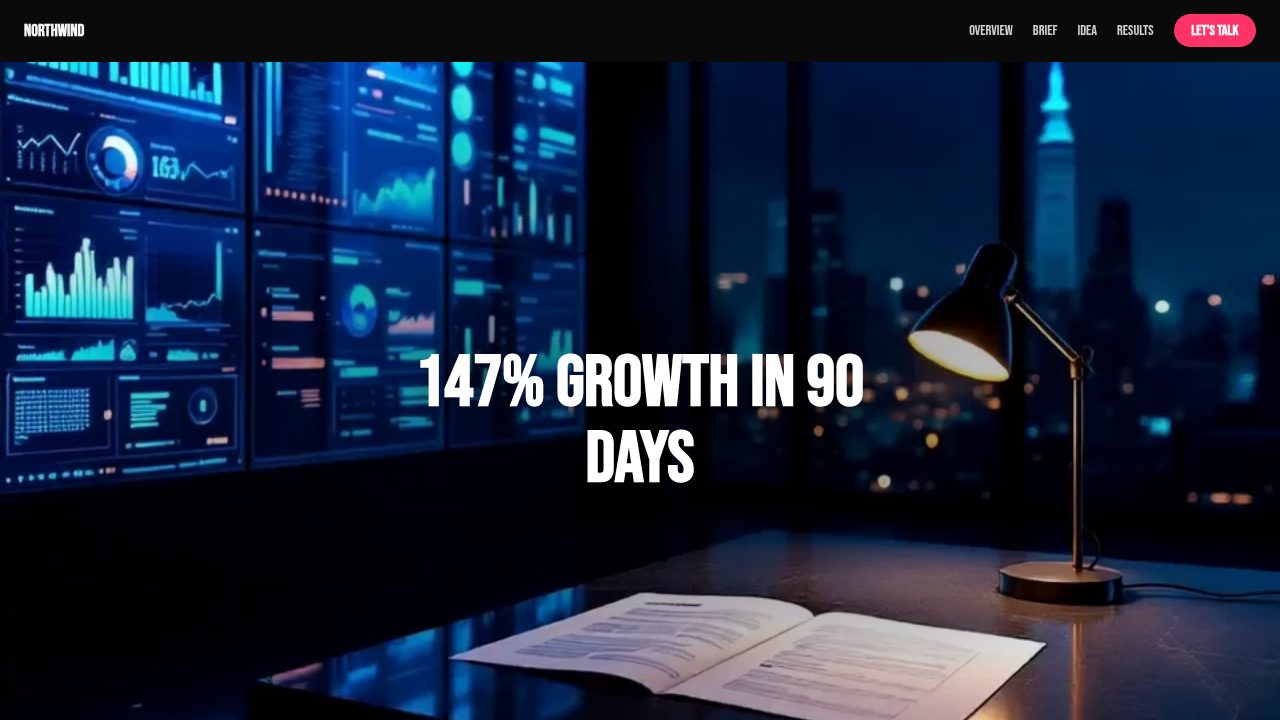
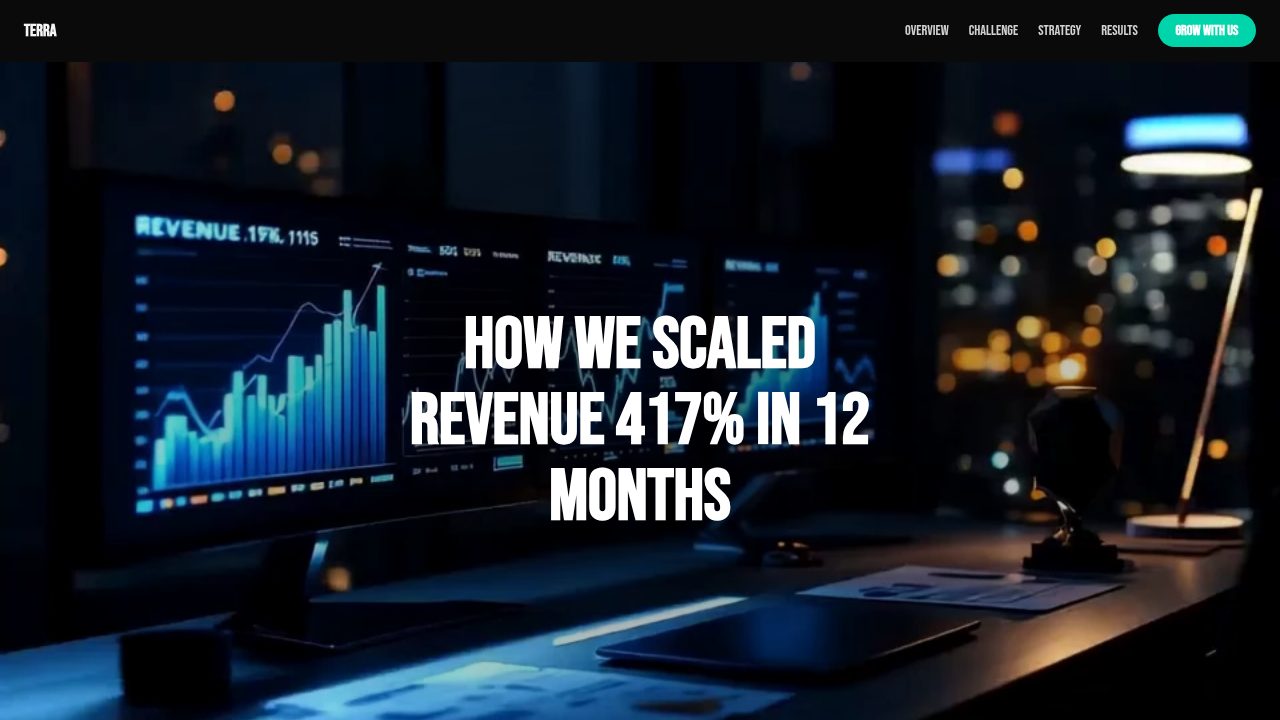
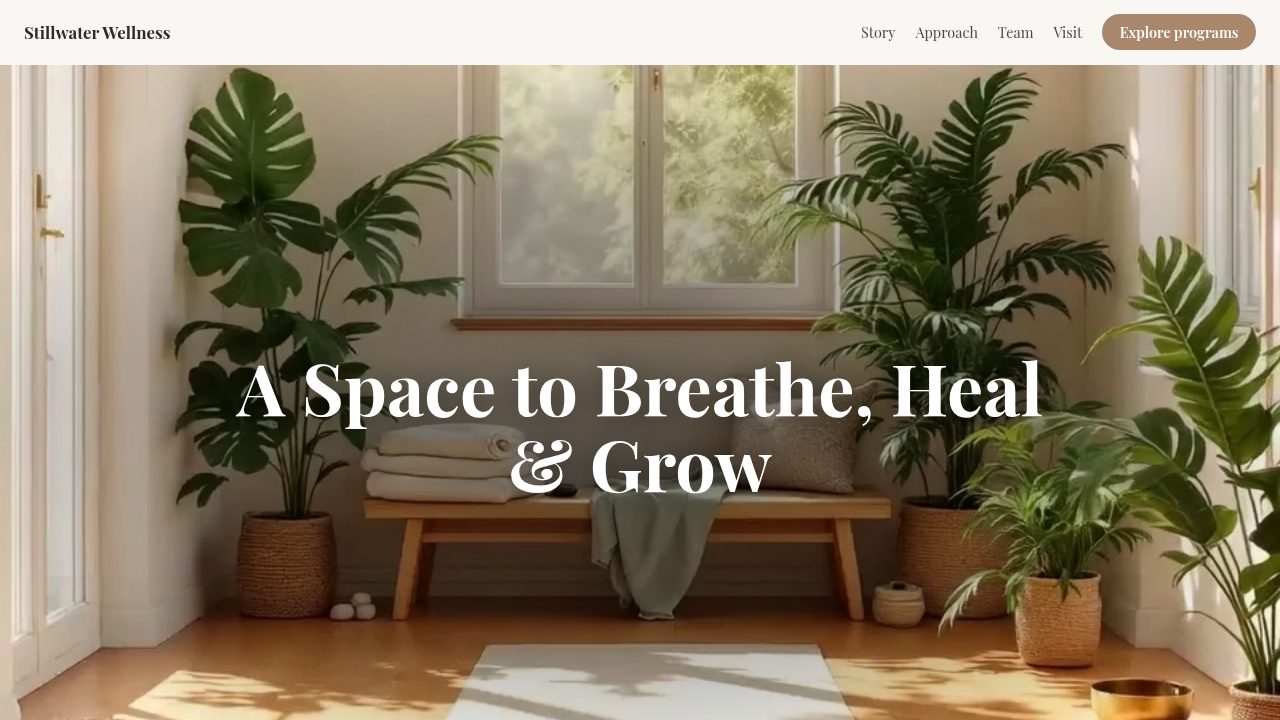
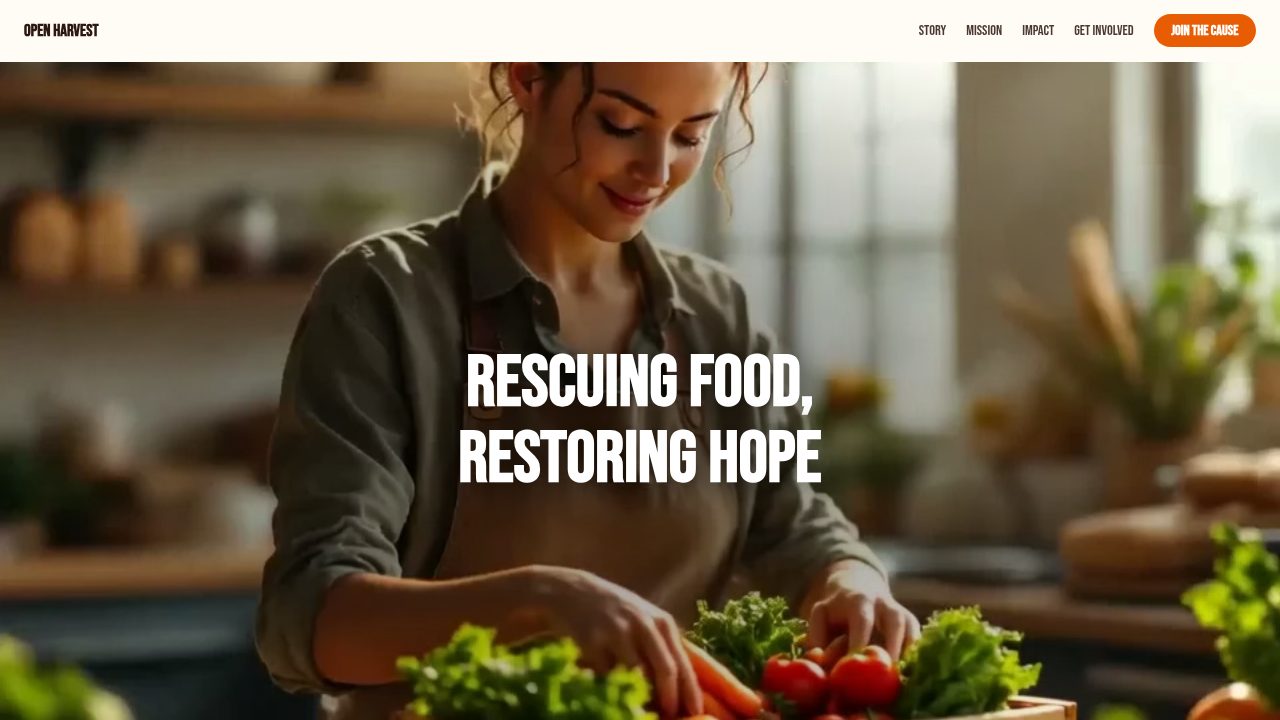
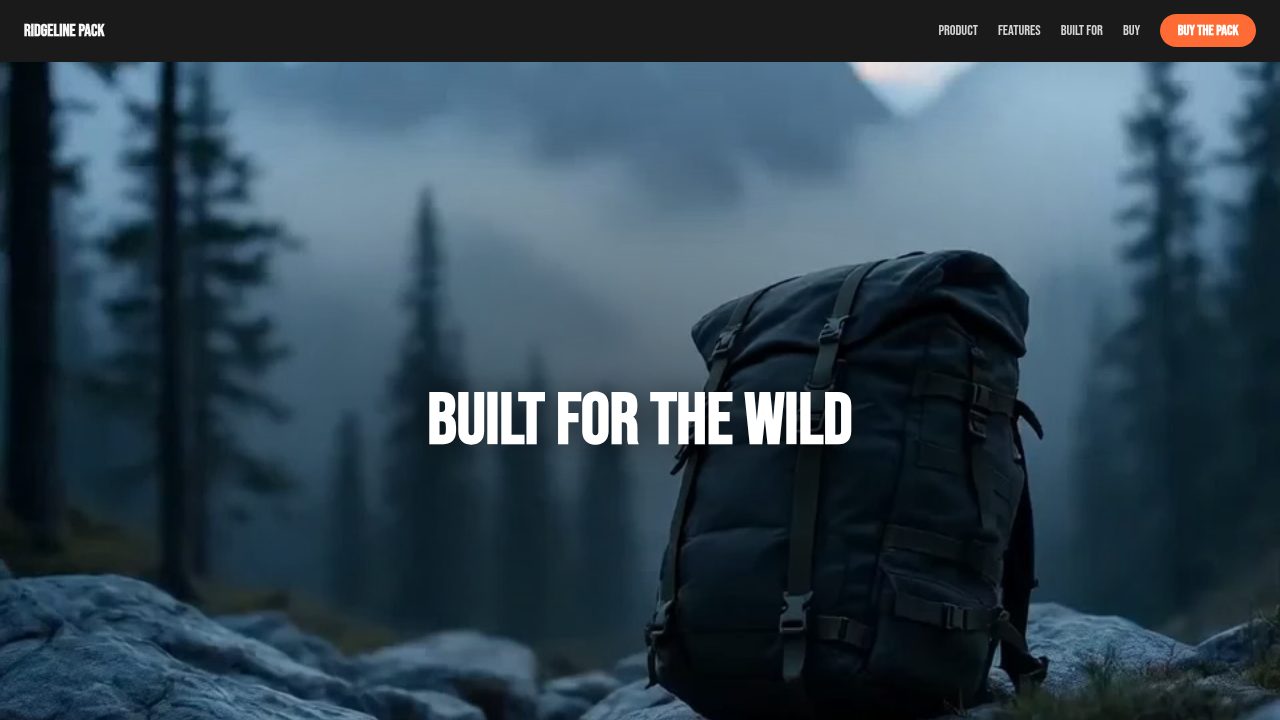
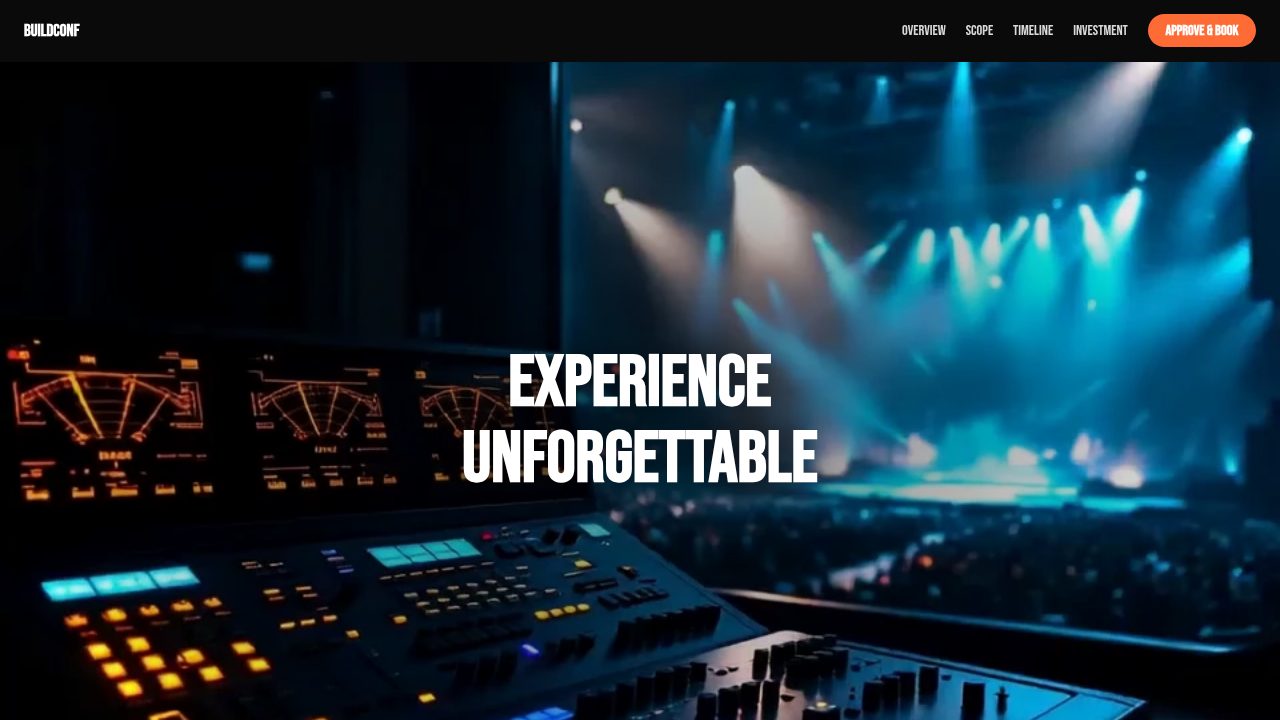
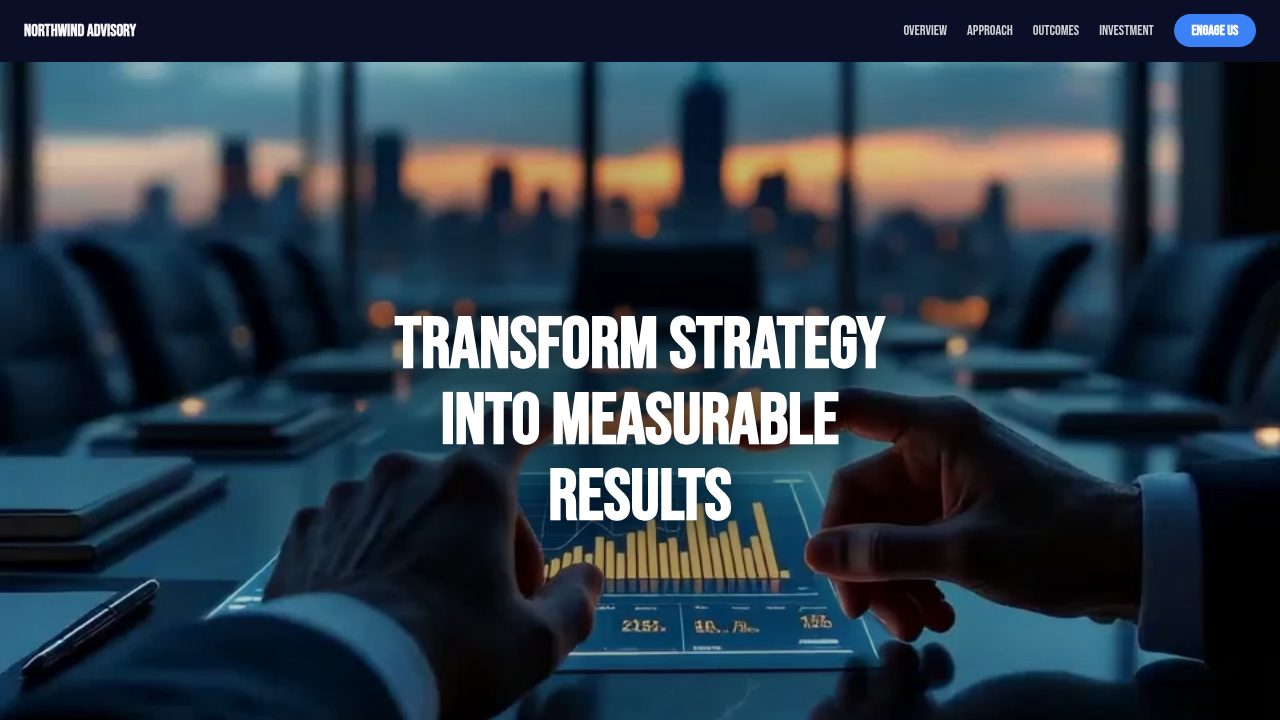
Want a head start? These ready-made, fully-editable templates put the process to work — customize one and publish in minutes.

Process — frequently asked questions
Is the process widget free?
Yes — customize and export it here with no account.
Does it animate on phones?
No. Below 900px it renders as a static stacked list with each step's image, which reads better on a small screen.
Can I change which side the image is on?
Yes — choose image left or right, and the image ratio (4:5, 1:1, 3:4 or 16:9).
How many steps can I add?
As many as you like; three to six keeps the scroll comfortable. The section grows by about half a screen per step.