Scroll points take the reader on a guided tour of one detailed picture. The picture stays pinned full-screen: it opens whole with small numbered markers, then pans and zooms from spot to spot as the reader scrolls, each spot with its own card of text, and zooms back out at the end. Aim the points on your own picture below and embed it free.
What are scroll points?
Scroll points turn one big picture into a guided tour. Instead of cutting between images, the widget keeps a single picture on screen and moves the camera: from the whole picture to the first spot, then the next, each close-up paired with a card that says what the reader is looking at and why it matters.
Each point is three things: a spot on the picture (how far across, how far down), a zoom from 1× (the whole picture) to 4× (a close-up), and a card of text. Small numbered markers show where the tour will go before it starts.
When to use them
- Maps — walk through a route, a neighbourhood or a battlefield one place at a time.
- Floor plans and venues — the entrance, the main hall, the terrace.
- Paintings and photographs — read a crowded scene detail by detail.
- Products — one hero shot, toured part by part.
- Rooms and interiors — what is on each wall and why it is there.
- Infographics and diagrams — explain a dense figure one region at a time.
Vertical or sideways
In the vertical version each card scrolls up over the picture in its own screen-tall step, and the camera glides to the card’s spot as it arrives. In the horizontal version the whole section pins and the cards travel in from the right, one after another, while the reader keeps scrolling down.
Either way a card sits on the side away from its spot, so it never covers what it talks about. At the end the camera zooms back out to the whole picture, or holds on the last point.
How it works
The picture sits on a sticky stage, and the reader’s position in the section becomes a camera: where the picture is centred and how large it is drawn. Between two points the camera holds for a beat, eases across on a smooth curve and scales evenly, so zooming in and out never lurches — and the picture is never pushed so far that it leaves an empty edge it could cover.
The spot lands in the middle of the space the card leaves free, not the middle of the screen. On phones every card spans the bottom of the screen and the spot sits above it. Readers who prefer reduced motion get the same tour as cuts from spot to spot instead of glides.
Best practices
- Use the largest picture you have — 3000 px wide or more — since a 3× zoom enlarges it three times.
- Three to five points; each one is about a screen of scroll.
- Order the points so the camera travels one way across the picture instead of zig-zagging.
- Keep each card to a short heading and one or two sentences.
- Darken the picture a little when the markers or cards get lost in a bright image.
How to make one — free
Upload your picture
Swap the sample workshop for your own map, plan, painting or product shot.Aim the points
For each point click its spot on the thumbnail, set the zoom and write the card — the preview scrolls to the point you are editing.Embed or download
Pick vertical or horizontal, copy the embed code or save the self-contained HTML file — or build a whole story in Scrollytelling.
Templates to add scroll points to
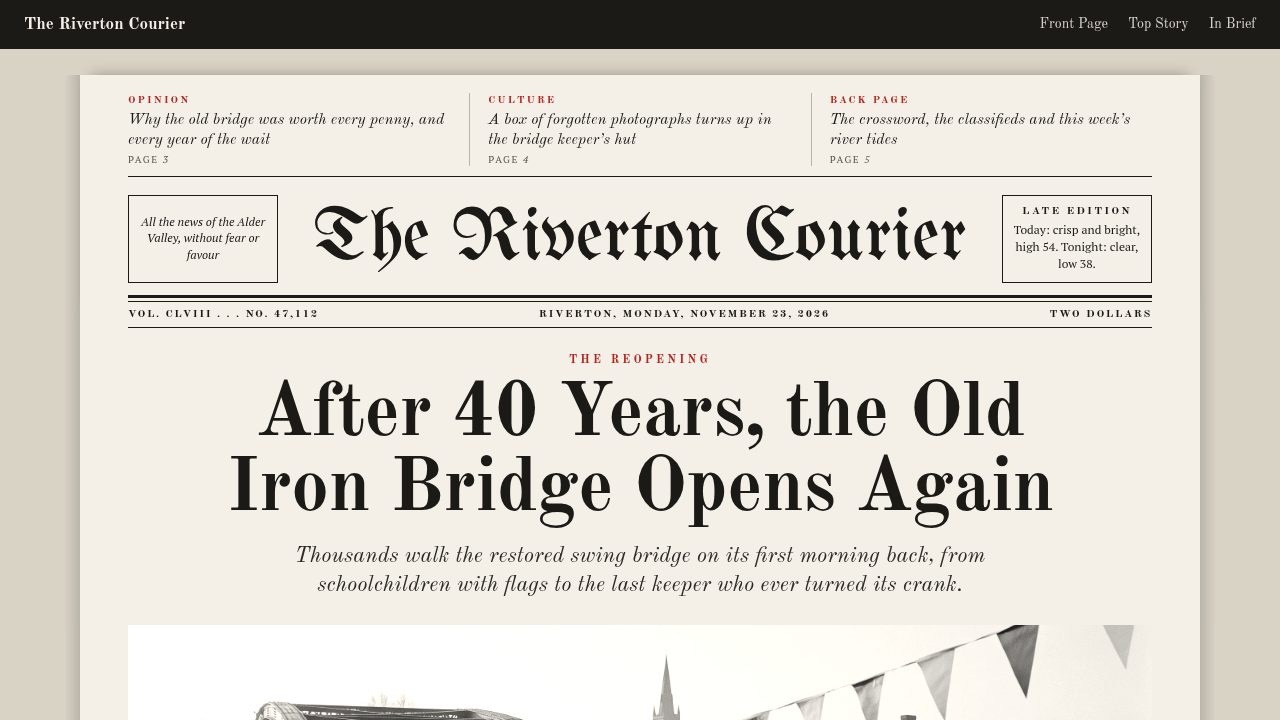
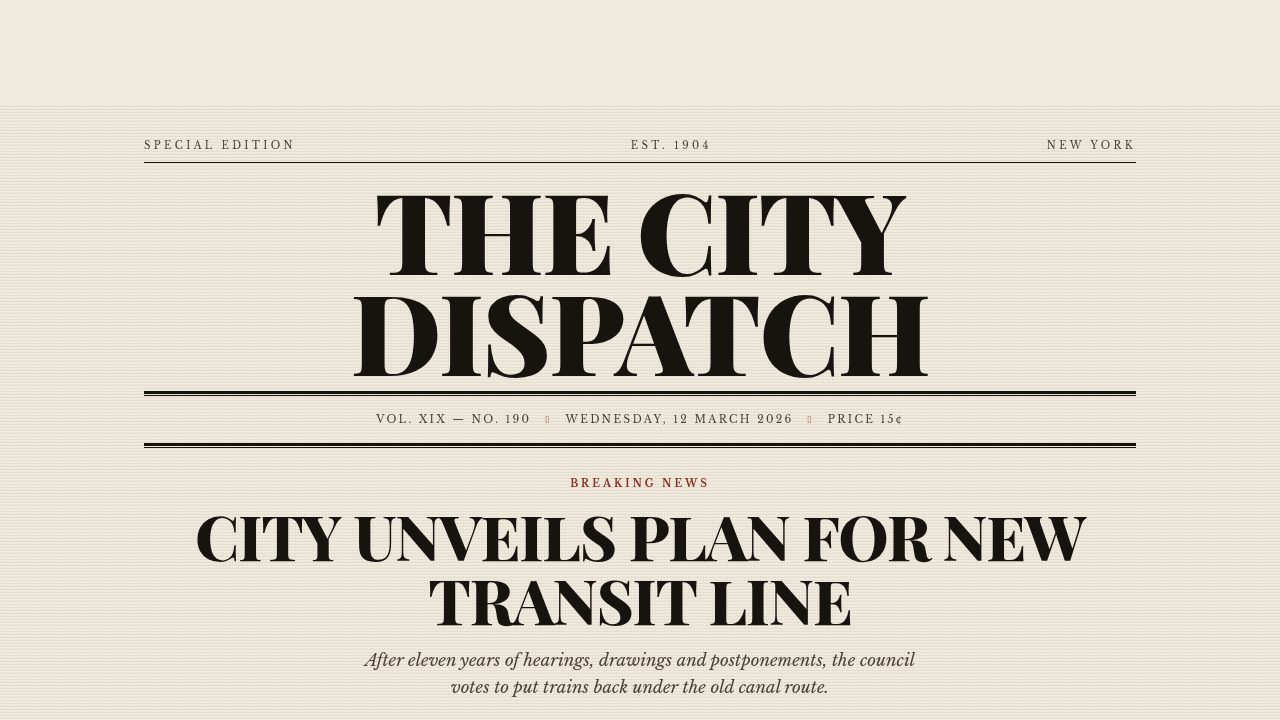
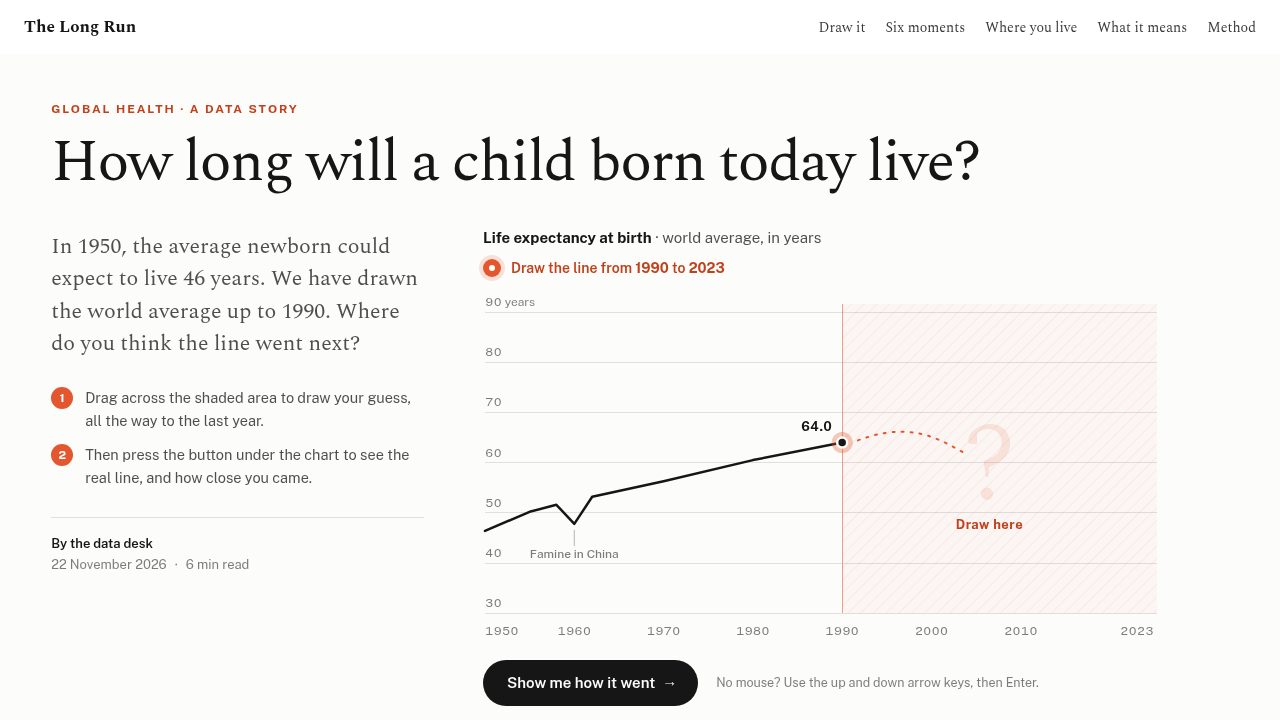
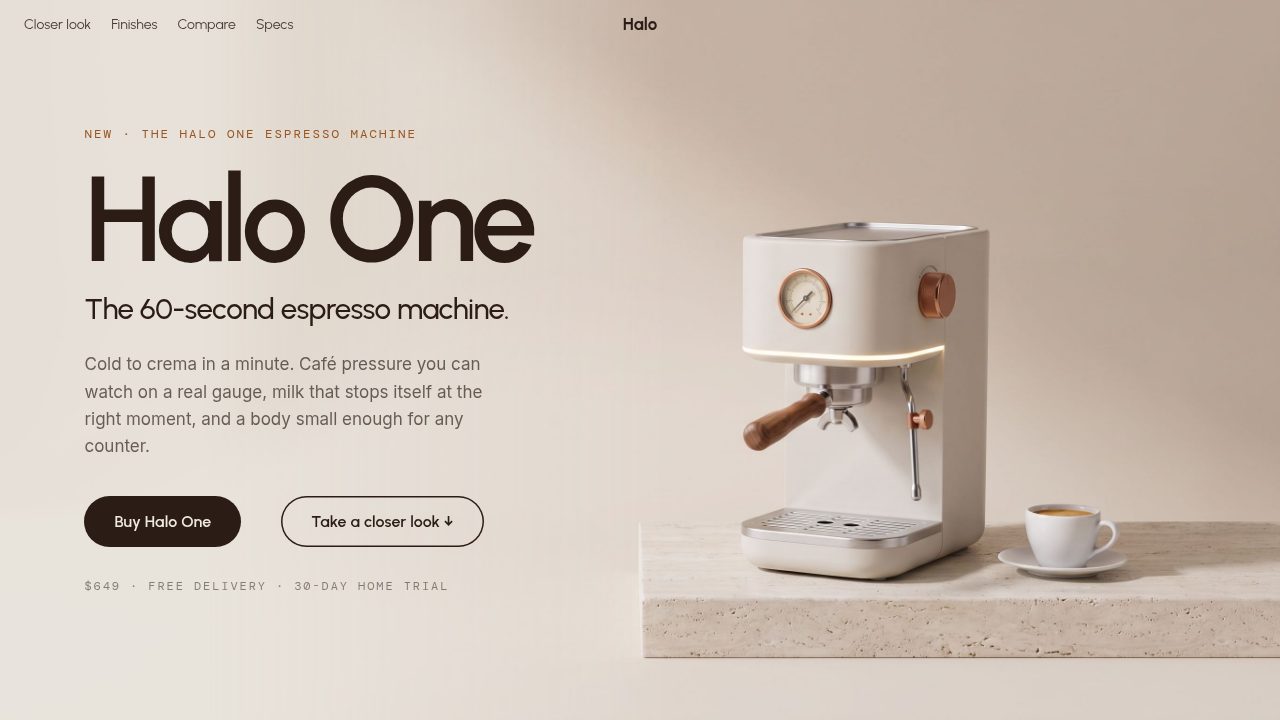
Start from a ready-made template, then add a scroll points section wherever one detailed picture tells the story — a front page, a data story, a product page or an event.




Scroll points — frequently asked questions
Are scroll points free?
Yes — upload a picture, aim the points and export the result here with no account.
How do I aim a point?
Open the point under Points and click its spot on the picture thumbnail (or move the across / down sliders), then set the zoom: 1× shows the whole picture, 4× a close-up. The preview scrolls to that point so you can check it.
What is the difference between vertical and horizontal?
Vertical: each card scrolls up over the picture in its own step. Horizontal: the section pins and the cards travel in from the right one by one while the reader keeps scrolling down.
Does it work on phones?
Yes. The tour works the same; every card spans the bottom of the screen and the spot sits in the space above it.
Why does my close-up look soft?
The zoom enlarges the picture itself, so a small file blurs at 3–4×. Use a picture 3000 px wide or more, or zoom in less.