What is a video background?
A video background is a muted, looping clip that sits behind your text and buttons, usually with a subtle dark overlay so the copy stays readable. It sets a mood in seconds and is a staple of modern hero sections.
When to use a video background
- Hero sections — make a strong first impression.
- Event & launch pages — convey energy and atmosphere.
- Brand stories — establish tone before a word is read.
How it works
The clip autoplays muted and loops (browsers require muted autoplay), with content layered on top and a gradient scrim for contrast. In Scrollytelling you can upload a clip or generate one with AI, and we handle posters and mobile fallbacks.
Best practices
- Keep the clip short and seamless so the loop isn't obvious.
- Use a darkening overlay so text stays legible.
- Provide a strong poster image for first paint and slow connections.
How to make a video background — free to start
Open the editor
Create a story and add a Video background section.Add your video
Upload a loop or generate one with AI.Publish
Share a link or publish to your domain.
Templates that use a video background
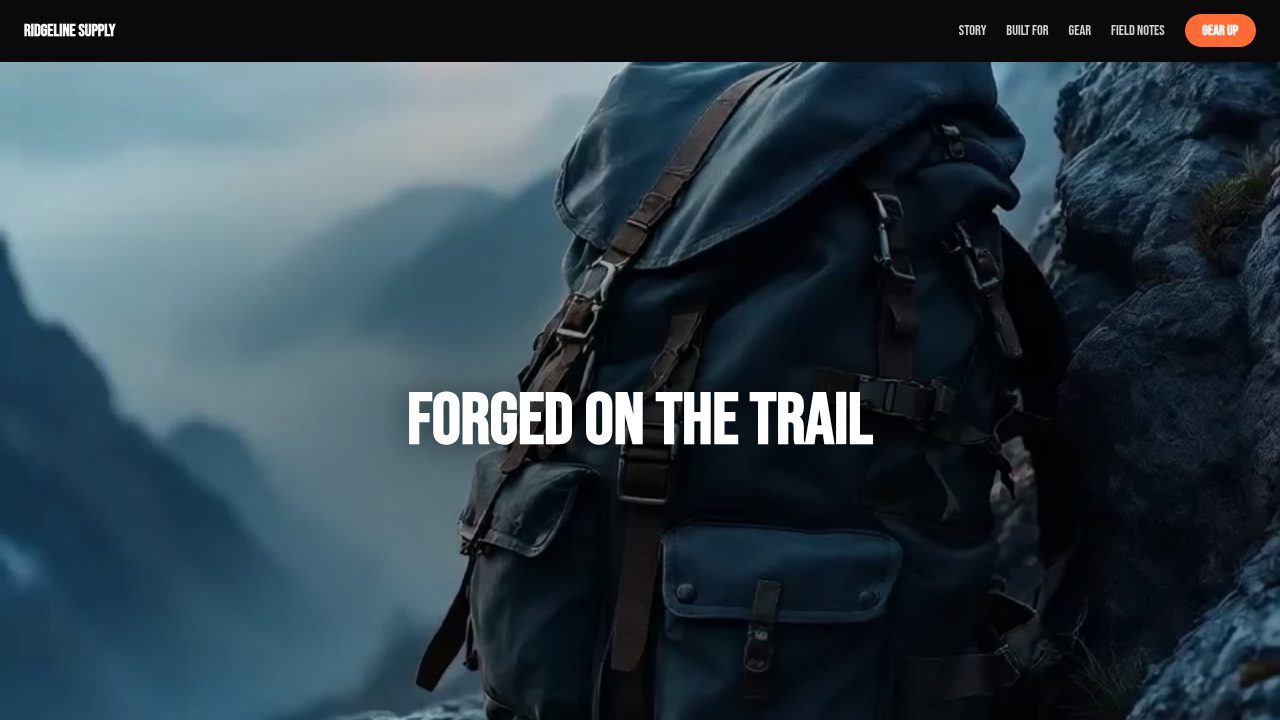
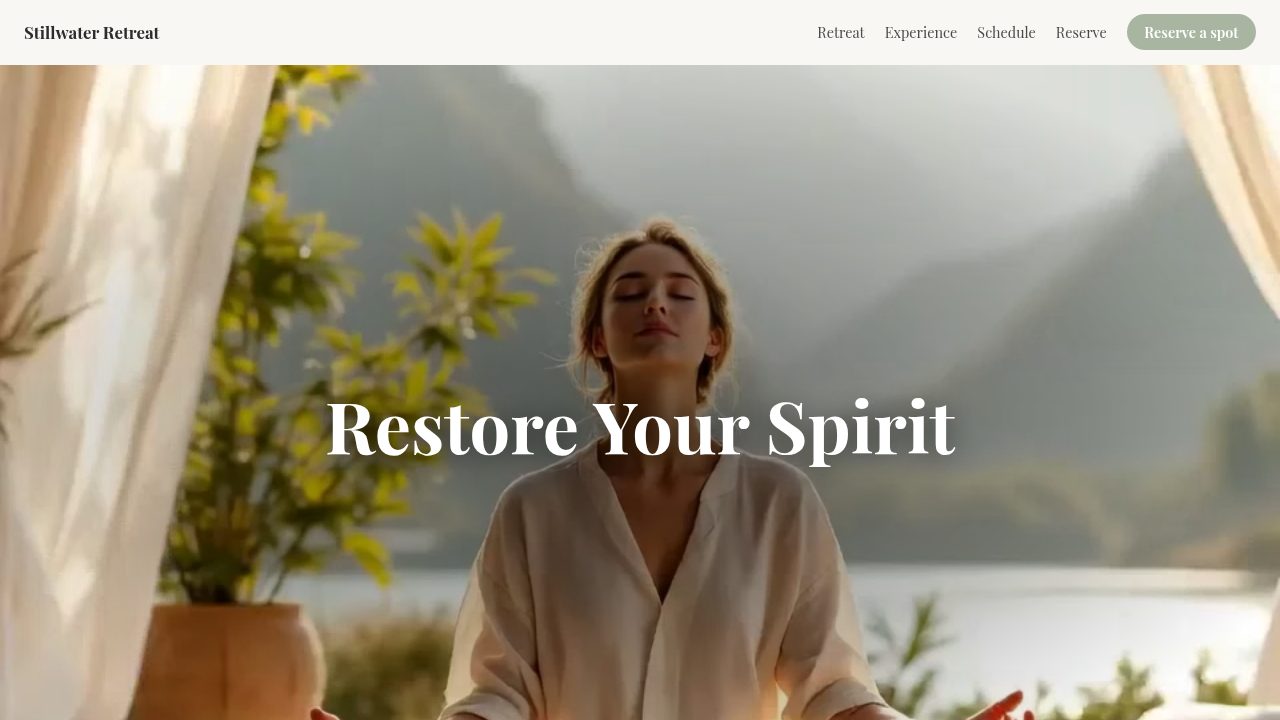
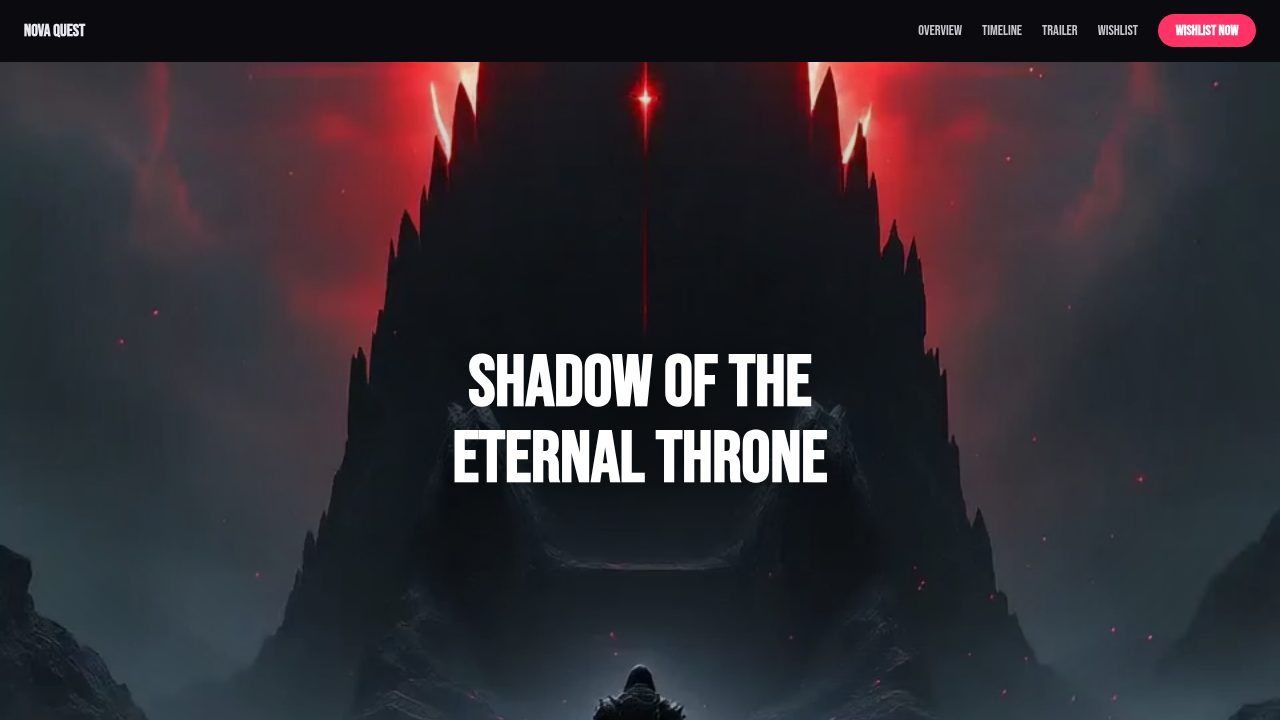
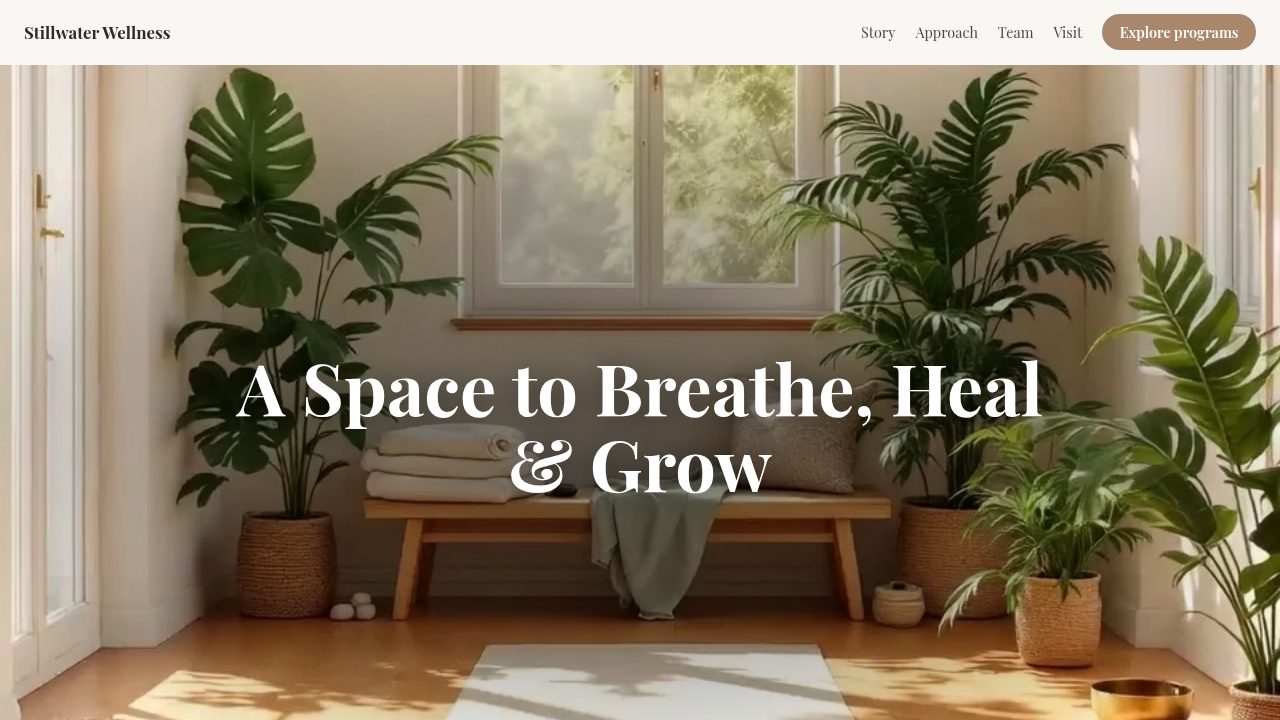
Want a head start? These ready-made, fully-editable templates put the video background to work — customize one and publish in minutes.




Video background — frequently asked questions
Is video background free?
Yes — customize one above and copy the embed code or download it, free. Generating original video with AI in the editor uses Pro credits.
Do I need my own video?
No — a demo clip is loaded so you can try it instantly. Paste any video URL, or upload/generate one in the editor.
Will it autoplay on mobile?
Yes — it autoplays muted and looping, which mobile browsers allow.
Can I put text over it?
Yes — your heading and subheading layer on top with an overlay so they stay readable.