Storydoc vs Scrollytelling
Last updated: November 22, 2026 · Storydoc prices checked the same day on storydoc.com/pricing · Interactive sales decks and documents vs scroll-driven story pages
Storydoc pricing in 2026
According to Storydoc's pricing page, checked November 22, 2026, there are two self-serve plans and three quoted team plans. The page opens on yearly prices; switch the toggle to monthly and Starter shows $33 a month and Pro $60 a month. Paying yearly saves 40%.
| Storydoc plan | Price | What you get |
|---|---|---|
| Starter "for professional individuals" | $33/month, or $19.80/month billed $237.60 a year | 5 active documents, 10 links and versions, 3 live deck templates of up to 20 slides, 20 AI image and 25 AI text credits a month, basic analytics, PDF export, embed on your website |
| Pro "for businesses & teams" | $60/month, or $36/month billed $432 a year | 30 active documents, unlimited links and versions, 50 AI image and 125 AI text credits a month, deck analytics and alerts, personalization with variables, collaboration, embeds such as Calendly, Loom and Typeform, analytics integrations (Google Tag Manager, GA4, HubSpot), document approval |
| Business, Premium, Enterprise team plans, "for 5+ users" | No published price ("Let's talk") | Unlimited documents, roles and permissions, onboarding and live chat support. Premium adds CRM integrations, a branded yourcompany.storydoc.com subdomain, SAML SSO, e-signature and online payments. Enterprise adds API automation, custom CRM work and a white-label domain |
Is Storydoc free? There is no free plan. Storydoc offers a 14-day free trial with no credit card, with what the Starter plan includes, and its FAQ says subscriptions are non-refundable but can be canceled any time. The pricing page does not say whether Starter and Pro are priced per user. Prices and plan contents checked on November 22, 2026 on storydoc.com/pricing and storydoc.com/pricing-teams; trial terms from Storydoc's homepage and case study creator page.
Scrollytelling.ai pricing, for comparison
| Scrollytelling.ai plan | Price | What you get |
|---|---|---|
| Free | $0, no card, no time limit | Build stories with AI and publish 1 on a scrollytelling.ai link with a small badge; download any story as a ZIP |
| Pro | $12/month with 250 credits, $29 with 1,000 credits, or $59 with 3,000 credits | Every feature at every credit level: unlimited published stories, custom domain, no badge, forms, AI Spotlight, unlimited users and workspaces. Cancel any time; yearly billing costs less |
Credits pay for the AI work: writing, images and video. Prices from scrollytelling.ai, November 22, 2026.
What each is best at
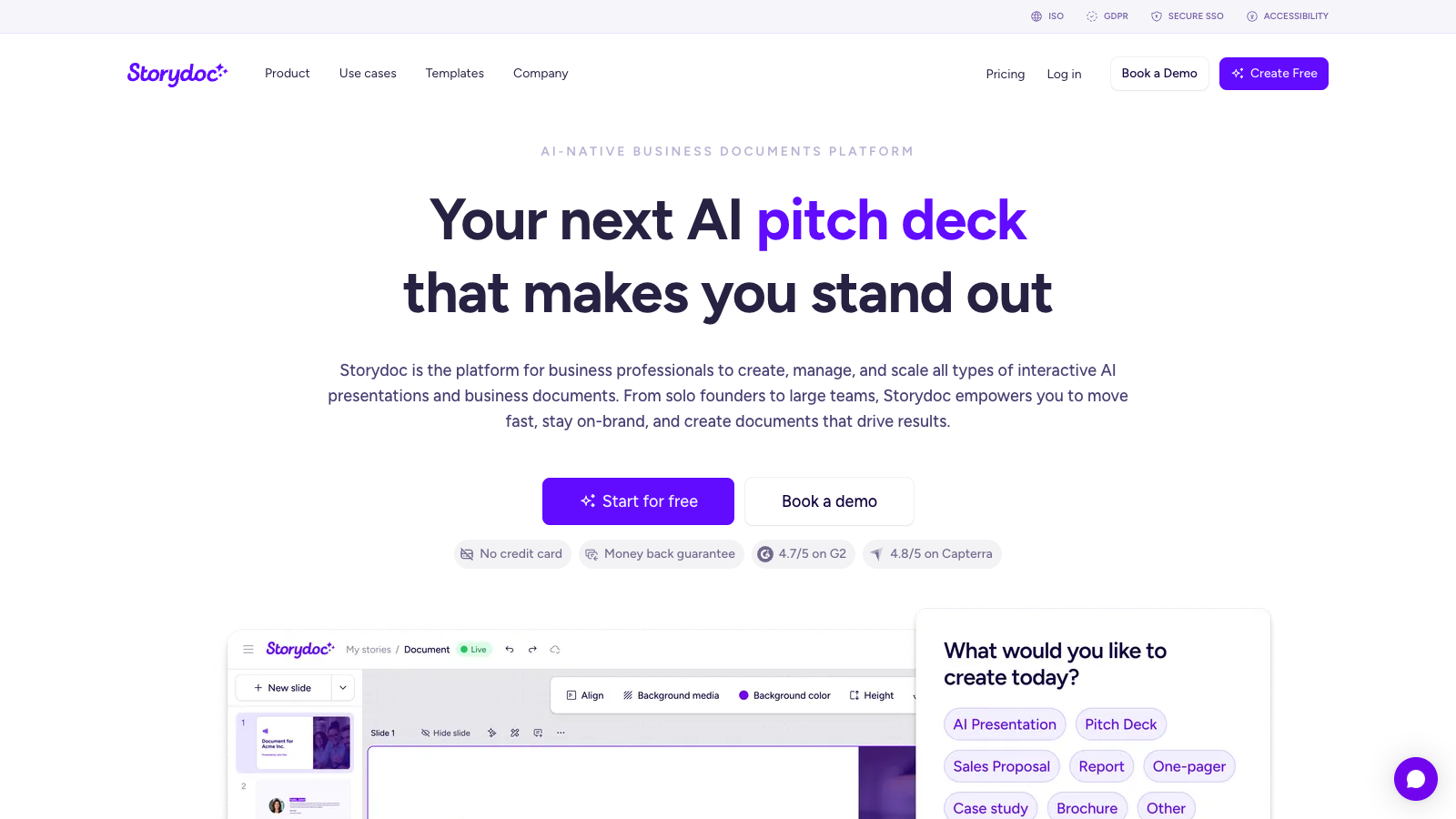
Both tools turn business content into an interactive web page with AI, and both publish it as a link. They are built for different jobs. Storydoc's maker pages for case studies, reports, brochures and one-pagers are among the first results buyers meet when they search for those formats, so it is the comparison most people make.
Storydoc: decks you send to a prospect and track
Storydoc calls itself an AI presentation and business documents platform. A Storydoc is a set of interactive slides that reads as one scrolling page on a phone or a desktop. Its tools cover sales decks, proposals, pitch decks, one-pagers, case studies, reports, brochures and white papers. You start from a template, a prompt, your website or an uploaded document.
Where Storydoc is stronger:
- Personalized versions. One master deck, a version per prospect with its own link, and dynamic fields such as the prospect's name and logo. Pro creates versions in bulk, with a limit; with the CRM integrations on the Premium team plan the fields fill from your CRM.
- Reader tracking. Storydoc says each link shows who viewed it, how long they stayed and where they dropped off, with real-time engagement alerts so a salesperson can follow up.
- The sales stack. HubSpot, Salesforce, Gong, Pipedrive, Salesloft, Outreach, Zoho, Marketo and Zapier, plus e-signature and online payments inside the deck, from the Premium team plan. Document approval comes with Pro.
- PDF export on every plan, for the reader who wants an attachment.
- Enterprise needs. Storydoc says it is ISO 27001 certified and offers SAML SSO, and its design studio builds master templates for teams that pay for it.
Scrollytelling.ai: story pages people read on your site
Scrollytelling.ai makes scroll-driven story pages. Paste your text or a URL, or upload a PDF, DOCX, TXT, MD, CSV, JSON or HTML file, and the AI writes and designs the whole page. Everything stays editable afterwards. The page is built from scroll widgets rather than slides.
Where Scrollytelling.ai fits better:
- The scroll itself. A video that plays frame by frame as the reader scrolls, video backgrounds, stacking cards, split scroll, sticky split, step wipe and focus text, plus bar, line and pie charts, interactive maps, timelines, process steps and FAQs.
- Reports and articles turned into pages. An annual report PDF, a white paper or a long article becomes a page with chapters that someone reads from top to bottom, not a deck.
- Volume for the price. Pro publishes unlimited stories from $12 a month. Storydoc Starter allows 5 active documents and Pro allows 30.
- Your domain and your site. A custom domain on Pro, the WordPress plugin or the embed code on any site, and a self-contained ZIP of the page on every plan.
- The whole team on one plan. Pro includes unlimited users and workspaces.
Feature table
| Feature | Scrollytelling.ai | Storydoc |
|---|---|---|
| Price, billed monthly | Free plan; Pro $12/mo (250 credits), $29 (1,000) or $59 (3,000), every feature at each level | Starter $33/mo, Pro $60/mo; team plans quoted |
| Price, billed yearly | Yearly billing available at a lower monthly price | Starter $237.60/yr, Pro $432/yr (40% off monthly) |
| Try before paying | Free plan with no time limit: build stories, publish 1 | 14-day free trial, no credit card |
| What you make | Scroll-driven story pages: case studies, reports, articles, product pages | Interactive slide decks and documents: sales decks, proposals, one-pagers, case studies, reports |
| AI creation | The whole page from a prompt, a URL or an uploaded PDF, DOCX, TXT, MD, CSV, JSON or HTML file, with images and video | Whole decks from a prompt, a website or uploaded documents (unlimited on every plan); AI image and text credits per month |
| Limits | Free: 1 published story. Pro: unlimited published stories | Starter: 5 active documents. Pro: 30. Team plans: unlimited |
| Scroll effects | Scroll video, video background, stacking cards, split scroll, sticky split, step wipe, expanding strip, focus text | Animated, interactive slides with embedded media, charts and timelines |
| Personalization | None per reader: one page for everyone | Dynamic variables per prospect from Pro; bulk versions (limited on Pro); CRM auto-fill on the Premium team plan |
| Analytics | Per-story totals: visitors, scroll depth, time, clicks, devices, countries, referrers. No individual readers | Basic on Starter; deck analytics and alerts on Pro, including who viewed and where they dropped off |
| CRM and sales tools | No CRM integration. Forms on Pro: submissions in Analytics and by email | HubSpot, Salesforce, Gong and others, e-signature and payments on the Premium team plan; analytics integrations on Pro |
| Domain | scrollytelling.ai link; custom domain on Pro | storydoc.com links; yourcompany.storydoc.com on Premium; white-label domain on Enterprise |
| On your website | WordPress plugin and embed code | Iframe embed on every plan |
| Export | Self-contained ZIP of the page on every plan, Free included. No PDF | PDF export on every plan |
| Team | Unlimited users and workspaces on Pro | Collaboration from Pro; roles, permissions and SSO on team plans; seats per plan not stated |
| Services | Self-serve | Design studio, onboarding and a designated expert on team plans |
Storydoc details from storydoc.com/pricing, storydoc.com/pricing-teams and Storydoc's case study creator page, checked November 22, 2026.
Publishing client results as a case study page
Agencies, consultancies and SaaS marketers publish the same kind of page again and again: a client, a problem, what you did, the numbers. This is how it works in Scrollytelling.ai.
- Give it the material. Paste the client's results, paste the URL of an existing case study or blog post, or upload the results document as a PDF or DOCX.
- Let the AI build the page. It writes the story and lays it out with scroll widgets: for example the results as a chart, the project as a timeline, the approach as process steps.
- Edit. Change any text, image or widget in the editor. Nothing is locked.
- Publish where your clients look. On your own domain with Pro, or inside your site with the WordPress plugin or the embed code. The next client is a new story; Pro has no cap on published stories.
Storydoc's case study creator starts the same way, from a prompt, a webpage or a success document. What it adds is the sales layer: a personalized version for each prospect, CRM data in the fields, and a record of who read it. If your case studies go out one by one as tracked links in a sales sequence, that layer is worth paying for. If they live on your website for anyone to read, it is not.
Who should pick which
Choose Storydoc if your team sends decks, proposals and one-pagers to named prospects and wants to know who opened them. Personalized versions, engagement alerts, CRM sync, e-signature and PDF export are what you pay for. Budget $33 to $60 a month for the self-serve plans, or a quote for the team plans where the CRM integrations live.
Choose Scrollytelling.ai if you publish case studies, reports and articles on your own site for anyone to read, want the page to move as people scroll, and publish often. Pro covers unlimited stories, a custom domain and the whole team from $12 a month, and the free plan lets you publish one story before you pay.
Some teams use both: Storydoc for tracked sales follow-ups, Scrollytelling.ai for the public case study and report pages those follow-ups link to.
Frequently asked questions
How much does Storydoc cost?
According to Storydoc's pricing page, checked November 22, 2026, Starter is $33 a month, or $19.80 a month billed $237.60 a year, and Pro is $60 a month, or $36 a month billed $432 a year. The team plans (Business, Premium and Enterprise, for 5 or more users) have no published price. The page does not say whether Starter and Pro are priced per user.
Does Storydoc have a free plan?
No free plan is listed. Storydoc offers a 14-day free trial with no credit card that includes what the Starter plan has, and its FAQ says subscriptions are non-refundable but can be canceled any time. Scrollytelling.ai has a free plan with no time limit that builds stories and publishes one.
What is a good Storydoc alternative for case studies?
It depends on who reads them. For case studies published on your own website for anyone to read, Scrollytelling.ai builds a scroll-driven page from the client's results or a URL, with unlimited published stories on Pro from $12 a month. For case studies sent to named prospects as tracked, personalized links, Storydoc is built for exactly that.
Does Scrollytelling.ai track who read a page or connect to a CRM?
It shows analytics per story: visitors, pageviews, average scroll depth, time on page, clicks, devices, countries and referrers. It does not identify individual readers, send engagement alerts or connect to a CRM. On Pro, a form widget collects submissions, which appear under Analytics and can be emailed to you.
Can I host the page on my own domain or website?
With Scrollytelling.ai, yes: a custom domain on Pro, the WordPress plugin or the embed code on your site, and a self-contained ZIP of the page on every plan. Storydoc hosts links on storydoc.com on every plan and lets you embed them with an iframe; a branded yourcompany.storydoc.com subdomain comes with the Premium team plan, and a white-label domain is an Enterprise option.
Can Scrollytelling.ai export a PDF like Storydoc?
Not for case studies, reports or other story pages: they download as a self-contained ZIP of the web page. If your readers expect a PDF attachment, Storydoc's PDF export on every plan is the better fit.
Can Scrollytelling.ai make an annual report or a brochure, as Storydoc does?
Yes. Upload the report as a PDF or DOCX, or start from the annual report maker, and the AI builds a scroll story from it, using widgets such as charts and timelines, that you then edit. The brochure maker works the same way. For a wider look at report tools, see the interactive annual report software comparison.
Paste your client's results or a URL and get a case study page
The AI writes and designs the page; you edit it and publish it. One story is free. Pro adds your own domain, unlimited stories and the whole team, from $12 a month.
Compare Scrollytelling.ai with other tools
Exploring your options? The alternatives page puts the tools in one table with prices. The detailed comparisons: